
A website redesign checklist is the difference between a new site that brings more calls and a new site that goes quiet for months. Many business owners in Khatima, Rudrapur, Haldwani and beyond have seen it happen: the new design looks beautiful, but Google traffic drops, old links show "page not found" and the enquiry form sends emails to nobody.
The good news is that almost every one of these problems can be avoided. You do not need to be technical. You only need to ask the right questions, in the right order, and make sure your designer follows them. Use this guide as your list, tick each item, and keep it next to you during the project.
First Question: Do You Really Need a Redesign?
Not every old website needs to be thrown away. Sometimes a few fixes give you most of the benefit for a fraction of the effort. A redesign usually makes sense when:
- The site does not work properly on a phone, and most of your visitors use phones.
- It is very slow, even after basic fixes like compressing images.
- It looks outdated next to competitors, so visitors do not trust it.
- You cannot update anything yourself, or the old developer holds every login.
- Your business has changed: new services, new branches, a new brand name.
- It was built on a platform that is no longer supported, or it was hacked.
If your site is mostly fine but has one or two weak spots, start with our post on 10 signs your website is losing customers. It may show you that a refresh, not a full rebuild, is enough.
Here is what usually changes when an old, slow site is replaced with a focused, mobile-first one:
Without a website
is not here
- ✕Customers can’t find you on Google
- ✕Only a social page — or nothing
- ✕Missed calls, no follow-up
- ✕Competitors look more trusted
With a Skill Making website
- ✓Shows up when people search on Google
- ✓Photos, prices and reviews build trust
- ✓WhatsApp and call buttons on every screen
- ✓Every enquiry tracked and followed up
The Golden Rule: A Redesign Is Not a Fresh Start for Google
This is the most important idea in any website redesign checklist. Google has spent months or years learning what your old pages are about. Each page has an address (URL), a title, text and links from other websites pointing to it. When you redesign, you are asking Google to learn everything again.
If the new site keeps the same addresses and the same useful content, Google adjusts quickly. If the addresses change, pages disappear and the text is replaced with short slogans, Google may treat your site almost like a new one. That is when rankings and calls drop.
So the goal is simple: change the look, keep what Google already trusts.
Website Redesign Checklist, Part 1: Before You Start
Do these things before your designer touches anything. They take a few hours but can save months of lost enquiries.
- Take a full backup of the old website: files, database and media. Keep a copy on your own computer or Google Drive, not only with the hosting company.
- Collect every login in your own name: domain, hosting, website admin, Google Search Console, Google Analytics, Google Business Profile. If the old vendor holds them, ask for them now, politely and in writing.
- List every page on the current site. Your sitemap (usually yoursite.com/sitemap.xml) or a simple crawl gives you the full list. Put it in a spreadsheet.
- Find your best pages. In Google Search Console, open the Performance report and note the pages and searches that bring the most clicks. These are the pages you must protect.
- Note pages with outside links. If a newspaper, directory or partner links to a certain page, that address matters.
- Write down what works today: forms, call buttons, WhatsApp links, payment links, Google Maps, tracking codes. Each one must work on the new site too.
- Save screenshots of the old site, so you can compare later.
If you do not have Search Console set up yet, our Google Search Console guide explains how to add it in a few minutes.
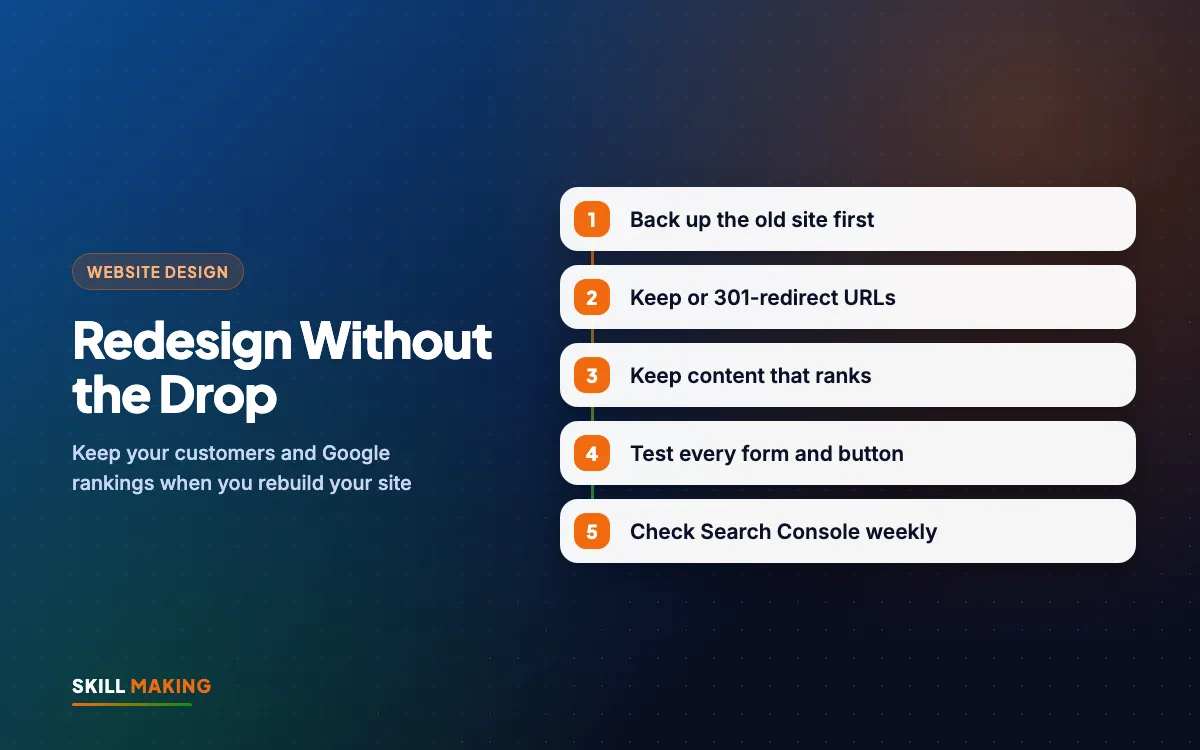
Keep Your URLs or 301-Redirect Them
Your spreadsheet of old pages now becomes your URL map. For each old address, write down one of three things:
- Same URL: the page stays at exactly the same address. This is the safest choice and the best one whenever possible.
- New URL, 301 redirect: the page moves, for example from /services.php?id=3 to /plumbing-repair/. A 301 redirect is a permanent forwarding instruction. It sends visitors and Google from the old address to the new one, and passes on most of the trust the old page had earned.
- Removed, redirect to the closest page: if a service no longer exists, redirect its old page to the most relevant live page, not just to the home page.
A few rules to follow:
- Redirect each old page to one matching new page. Avoid chains where page A goes to B, which goes to C.
- Do not redirect everything to the home page. Visitors who wanted a specific service get confused, and Google often treats it like a missing page.
- Keep your domain name the same unless there is a strong reason. Changing domain and design at the same time adds risk. If you must change domain, see how to choose a domain name first and plan the redirects very carefully.
- Keep the redirects in place for the long term. Removing them a few months later can undo the work.
Keep the Content That Ranks
Designers often want short, clean pages with very little text. Clean design is good, but cutting the words that Google ranked you for is risky.
For each of your best pages from Search Console:
- Keep the main topic and keywords. If the page ranked for "AC repair in Haldwani", the new page should still clearly talk about AC repair in Haldwani.
- Keep useful sections like prices, service areas, process and FAQs. You can rewrite them more clearly, but do not delete them.
- Keep page titles and descriptions close to the old ones, or improve them carefully. Our on-page SEO checklist shows what a good title looks like.
- Keep blog posts that still bring visitors, even if they are old. Update them instead of deleting them.
- Keep internal links between related pages.
You can add better content, of course. The redesign is a great moment to improve weak pages. Our guide on how to write website content helps you write text that is clear for people and for Google.
Design and Build: Speed and Mobile First
While the new site is being built, check that it is not only prettier but also faster and easier to use on a phone. A heavy new design can be slower than the old one, which hurts both visitors and rankings.
Speed checks
- Images compressed and in modern formats, not huge photos straight from a camera.
- No auto-playing video or heavy sliders on the home page.
- Only the plugins and scripts that are really needed.
- Good hosting. Cheap, crowded hosting can make any design slow.
Test the new site with Google PageSpeed Insights before launch, and compare it with the old site. Our post on website speed and enquiries explains how to read the results.
Mobile checks
- Phone number and WhatsApp button easy to tap with a thumb.
- Text readable without zooming.
- Menus that open and close smoothly.
- Forms that are short and easy to fill on a small screen.
Read our mobile-first website design guide for more detail. Build and test on a staging (test) copy of the site, not on the live site, so customers never see a half-finished page.
Test Every Form, Button and Link Before Launch
This is the step most often skipped, and the one that hurts most. A broken form does not show an error to you. It simply stops bringing enquiries, and you may not notice for weeks.
Before launch, test on your own phone and a computer:
- Fill in every form and check that the email or WhatsApp message actually arrives.
- Tap every call button and WhatsApp button.
- Open the Google Map and check it shows the right location.
- Click every menu item and footer link.
- Test any payment or booking link with a small test.
- Check the "thank you" message after each form.
- Confirm tracking codes for Google Analytics or ads are installed, so you can still measure results. Our guide on cost per lead shows why this matters if you run ads.
Then, using your URL map, open a handful of old addresses in the browser and check that each one redirects to the right new page.
Want a team to handle this whole process for you?
Launch Day: A Short, Calm Checklist
Pick a quiet day for launch, not the start of your busiest season. On the day:
- Make one last backup of the old site.
- Switch the new site live.
- Check that the site loads with SSL (the padlock) on both www and non-www versions.
- Make sure the new site is not blocked from Google. Test sites are often set to "do not index", and this setting is sometimes forgotten at launch. It is one of the most common causes of a sudden drop.
- Submit the new sitemap in Google Search Console.
- Test the main form and call button again on the live site.
- Update the website link on your Google Business Profile, Facebook page, Instagram bio and WhatsApp Business profile if anything changed.
Website Redesign Checklist for After Launch: Search Console
A small dip in traffic for a short time after a redesign can be normal while Google re-reads the site. What matters is that things recover and then improve. Watch these closely:
- Search Console, Pages report: look for new "not found" (404) errors. Each one usually means a missing redirect. Fix them quickly.
- Search Console, Performance report: compare clicks and searches with the weeks before launch. If one important page drops sharply, compare its old and new content.
- Enquiries: count calls, WhatsApp chats and form fills each week. This is the real test of success.
- Google Business Profile: check that the website button still works.
- Speed: run PageSpeed Insights again on the live site.
Check weekly for the first month, then monthly. After that, our website maintenance checklist keeps the new site healthy, and website security for small business helps protect it.
Here is the kind of steady improvement a careful redesign, combined with ongoing SEO and an active Google profile, is meant to support. The chart is illustrative, not a promise:
Illustration only, not a promise. Real results depend on your town, competition, offer and how quickly you reply to enquiries.
Common Redesign Mistakes to Avoid
These are the problems a good website redesign checklist is designed to catch:
- Changing every URL without redirects.
- Deleting old blog posts and service pages because they "look old".
- Launching with the test-site "noindex" setting still switched on.
- Forgetting the enquiry form email settings.
- Losing access to the domain or hosting because the old vendor held the logins.
- Launching in your busiest month.
- Judging the redesign only by looks, not by enquiries.
If you are choosing a new designer for the job, ask them how they handle redirects and Search Console. Our post on how to choose a website designer lists more questions to ask before you pay.
Cost of a Redesign
For most small businesses in India, a redesign costs about the same as a new website, because the design and build work is similar. At Skill Making, the Starter package is ₹14,999 (up to 5 pages) and the Business package is ₹29,999 (up to 12 pages, custom design, lead tracking, on-page SEO and Google Business Profile setup). Prices are one-time and exclude GST. For a redesign, we move your existing content and plan the redirects together with you. Compare the packages or see the full pricing page.
For businesses in the USA, websites start from $300. The Miami website design page has a cost calculator.
What to Do Next
Open Google Search Console and write down your top ten pages by clicks. Those are the pages your redesign must protect. Then take a full backup and collect every login in your own name.
If you would like a second opinion before you start, ask for a free website audit and we will tell you whether you need a full redesign or just a few fixes. Or get a free website plan for your new site, built with our website design process and followed up with SEO so your rankings carry over safely.