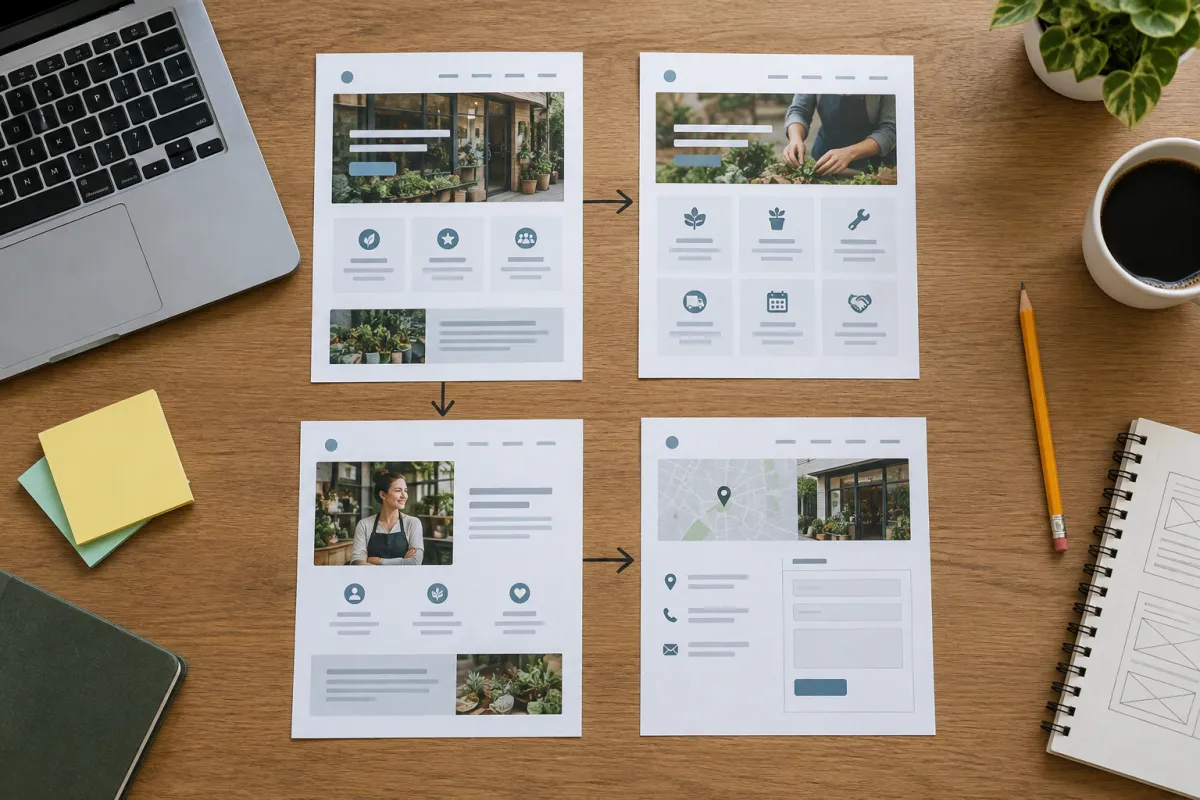
A slow website is one of the most common reasons small businesses get visitors but very few enquiries. The owner sees people in the analytics, but the phone does not ring. In many cases the visitor tapped the link, stared at a white screen on mobile data, and left before the page even appeared.
The good news: speed is one of the easiest website problems to measure and fix. You do not need to be technical. This guide walks you through a free test you can run in five minutes, explains the results in plain words, and lists the fixes in the order that usually matters most.
Why a Slow Website Loses Customers
Think about how your customers actually find you. A parent searching for a coaching centre in Haldwani, a homeowner in Tampa looking for a plumber at 9 pm, a family deciding where to eat tonight. They are on a phone, often on a patchy 4G connection, often in a hurry.
When they tap your result on Google, three things can happen:
- The page opens quickly. They see your name, your service and a WhatsApp button. Good chance they contact you.
- The page opens slowly but they wait. They are already a little annoyed. Any small doubt and they leave.
- The page takes too long. They press back and tap your competitor. You never knew they existed.
That third group is invisible. They do not complain, they do not leave a review, they simply become someone else's customer. That is why a slow website is so costly: the loss happens silently.
Speed also affects how Google treats you. Google has said for years that page experience, including loading speed on mobile, is one of the things it considers. A fast site will not rank on speed alone, but a very slow one makes every other effort, like SEO and Google Ads, work harder for less.
Signs You Have a Slow Website
Before you run any test, look for these everyday signs:
- When you open your own site on your phone (not on office Wi-Fi), you notice a delay before anything appears.
- Images load in pieces, or the page jumps around while loading, so you tap the wrong thing.
- The WhatsApp or call button appears last, after a big slider or video.
- People tell you "your site was not opening" or "it was loading only".
- Your ads get clicks but very few calls or forms.
- Your site was built years ago and nobody has touched it since.
If two or more of these sound familiar, it is worth checking properly. Our post on signs your website is losing customers covers other warning signs too.
How to Check Your Website Speed for Free
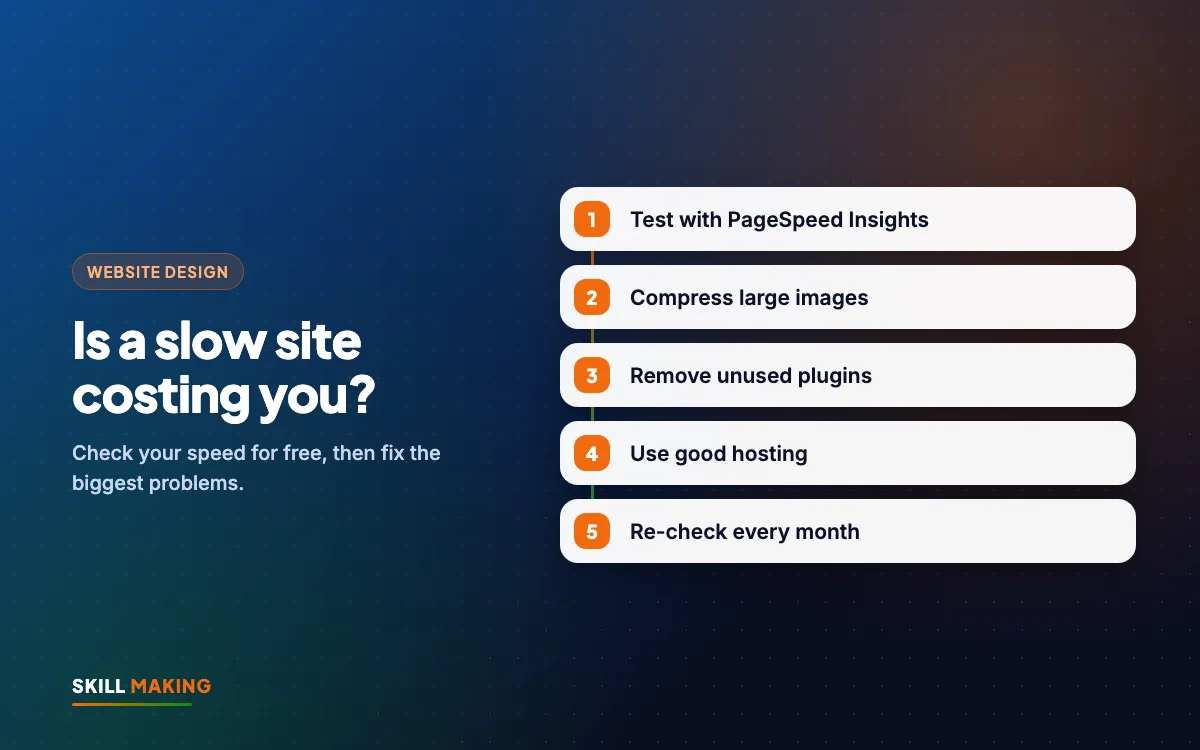
You can test your site with free tools from Google. Here is the simple method we use with clients.
- Open Google PageSpeed Insights. Search for "PageSpeed Insights" and open the tool from Google.
- Paste your home page address and press Analyse.
- Look at the Mobile tab first. Most of your visitors are on phones, so this is the score that matters most. Desktop scores are usually higher and can give false comfort.
- Note the performance score (0 to 100) and the colour: red, orange or green.
- Scroll to the section about real-user data if it appears. This shows how real visitors experienced your site over recent weeks. Small sites with little traffic may not have this, which is normal.
- Repeat the test for your most important pages: the services page, the contact page, and any page you send ads to.
- Test on your own phone too. Turn off Wi-Fi, open your site in a private tab, and count how long it takes before you could tap the WhatsApp button.
Write the scores down with today's date. After you fix things, you can test again and see the change.
What the Speed Results Mean in Plain Words
The report uses technical terms. Here is what the main ones mean:
- Largest Contentful Paint (LCP): how long until the biggest thing on screen, usually the main photo or heading, appears. If this is slow, the visitor feels the page is not opening.
- Interaction to Next Paint (INP): how quickly the page reacts when someone taps a button or menu. If this is slow, the site feels stuck.
- Cumulative Layout Shift (CLS): how much the page jumps around while loading. If this is bad, people tap the wrong link and get frustrated.
- Performance score: an overall lab score. Green is good, orange needs work, red means visitors are probably struggling.
Do not panic over one number. A score is a guide, not an exam result. What matters is that real people on real phones can see your offer and contact you quickly.
The Most Common Causes of a Slow Website
In our experience, almost every slow website we review for a small business have the same handful of problems.
Huge images
A photo straight from a phone camera can be several megabytes. Put ten of those on a home page and a visitor on mobile data is downloading far more than they need. This is the number one cause we see.
Too many plugins and add-ons
On WordPress especially, every plugin adds code. Sliders, popups, chat widgets, social feeds, animation packs. Each one feels small, but together they slow the site badly.
Heavy themes and page builders
Some ready-made themes load fonts, icons and scripts for dozens of features you never use. The page is carrying luggage for a trip it is not taking.
Cheap or overloaded hosting
Very cheap shared hosting can be slow to respond, especially at busy times. If your server takes a long time just to start sending the page, nothing else can fix that fully.
Autoplay videos and big sliders
A full-screen video or a five-image slider at the top of the page looks impressive on office Wi-Fi. On a phone it often means a long wait before the visitor sees anything useful.
Too many third-party scripts
Tracking codes, chat tools, review widgets, old ad pixels you no longer use. Each one asks the browser to fetch something from another server.
Here is how a typical small-business site changes when these problems are fixed:
Without a website
is not here
- ✕Customers can’t find you on Google
- ✕Only a social page — or nothing
- ✕Missed calls, no follow-up
- ✕Competitors look more trusted
With a Skill Making website
- ✓Shows up when people search on Google
- ✓Photos, prices and reviews build trust
- ✓WhatsApp and call buttons on every screen
- ✓Every enquiry tracked and followed up
How to Fix a Slow Website: Step by Step
Work through these in order. The early steps usually give the biggest improvement for the least effort.
- Compress and resize every image. Photos should be sized for the screen they appear on, and saved in a modern format like WebP. A hero photo rarely needs to be more than a few hundred kilobytes.
- Turn on lazy loading so images further down the page only load when the visitor scrolls to them.
- Remove what you do not use. Delete inactive plugins, old tracking codes, and widgets nobody clicks. Be ruthless.
- Replace the slider or autoplay video at the top with one strong photo, a clear headline, and a WhatsApp button.
- Use caching. Caching saves a ready-made copy of each page so the server does not build it from scratch for every visitor. Most good hosts and many WordPress plugins offer this.
- Use a CDN (content delivery network) if your visitors are spread across cities or countries. It serves your files from a location closer to the visitor.
- Limit fonts. Use one or two font families, and only the weights you need.
- Upgrade hosting if the server itself is slow. If the report says the server response time is high even on a simple page, better hosting is often the fix.
- Test again on PageSpeed Insights and on your own phone with mobile data. Compare with the numbers you wrote down.
If your site is built on an old, heavy theme, sometimes the honest answer is that a rebuild costs less time and money than patching. A lightweight, modern site built mobile-first from the start is usually faster than any amount of tuning on a heavy one.
Speed Fixes You Should Not Do Yourself
Some changes can break your site if done wrongly. Get help, or at least take a full backup, before you:
- Change hosting or move the domain.
- Edit theme files or code.
- Install "minify" or "combine files" settings in caching plugins. These sometimes break menus, forms or the WhatsApp button.
- Delete plugins that your contact form or booking system depends on.
After any change, test the important things by hand: open the contact form and send a test enquiry, tap the WhatsApp button, tap the phone number. A fast site that does not deliver enquiries is worse than a slow website that does.
What a Fast Small-Business Website Looks Like
A fast site is not a plain or boring site. It is a focused one. Here is what we build into every site at Skill Making:
- Mobile-first layout, designed for a phone screen before a laptop. Read more in our guide to mobile-first website design.
- One clear hero section with your service, your town, and a WhatsApp or call button visible without scrolling.
- Compressed, correctly sized images in modern formats.
- Minimal plugins and no unnecessary scripts.
- Free SSL and good hosting bought in your own name.
- A PageSpeed 90+ target on the Business package, so speed is part of the plan, not an afterthought.
If you are thinking about a rebuild, the website design service page explains what is included, and the packages show the prices. Starter is ₹14,999 and Business is ₹29,999 (one-time, plus GST), and for USA businesses websites start from $300. See the Miami website design page for a cost calculator.
Want us to look at your site's speed for you? It takes us a few minutes.
Keep Your Website Fast After Launch
Websites get slower over time. Someone uploads a 6 MB banner for Diwali. A new plugin gets added for a festival offer and is never removed. A chat widget goes in and stays forever.
A simple monthly habit keeps a fast site fast:
- Run PageSpeed Insights on your home page and your top service page once a month.
- Check every new image before uploading. If it is larger than about 300 KB, compress it first.
- Remove festival banners, popups and offers once they are over.
- Keep WordPress, the theme and plugins updated, or use a simple site that needs fewer updates.
- Review any new tracking code or widget before adding it. Ask "will this bring enquiries?"
If you run ads, speed matters even more, because you pay for every click. A slow website after an ad click is money spent on someone who never saw your offer. Our guide on landing page vs website explains how to build a fast page just for ads.
How Speed Connects to the Rest of Your Marketing
Speed is not a separate project. It supports everything else you do online:
- SEO: a faster site gives Google one less reason to hold you back. See our local SEO checklist for the rest of the list.
- Google Business Profile: many people tap "Website" from your profile. If the site is slow, that tap is wasted. Our Google Business Profile guide helps you get the profile right.
- Ads: faster pages usually mean more enquiries from the same budget. That is why we check speed before starting Facebook ads or Google Ads for any client.
- Trust: a site that opens quickly feels professional. A slow one feels neglected, even if your work is excellent.
What to Do Next
Run the free test today. Open PageSpeed Insights, test your home page on mobile, and write down the score. Then open your site on your own phone with Wi-Fi off and count the seconds until you could tap the WhatsApp button.
If the result worries you, you do not have to fix it alone. Ask us for a free website audit and we will tell you, in simple words, what is slowing your site and what it would take to fix it. If you are ready for a new, fast site, get a free website plan and we will show you what we would build.