
Learning how to write website content is one of the most useful things a small-business owner can do, because words, not design, are what make a visitor pick up the phone. A beautiful website with vague text gets admired and closed. A simple website with clear, honest words gets calls and WhatsApp messages.
You do not need to be a writer to learn how to write website content well. You already explain your business to customers every day at the counter, on the phone and on WhatsApp. Good website content is simply that same conversation, written down and arranged so a stranger can follow it in under a minute.
Start With One Question: What Does the Visitor Want?
Before you write a single line, picture one real customer arriving on your site from Google. Not "everyone". One person.
- A mother in Haldwani searching for a coaching centre near her home.
- A shopkeeper in Rudrapur whose AC stopped working in May.
- A homeowner in Tampa who found a roof leak after a storm.
- A student in Khatima looking for a hotel management course.
Each of them arrives with three silent questions:
- Am I in the right place? Do you offer what I need, where I am?
- Can I trust you? Are you real, experienced and reliable?
- What do I do now? How do I contact you, quickly?
Good website content answers these three questions, in this order, on every important page. Everything else is extra.
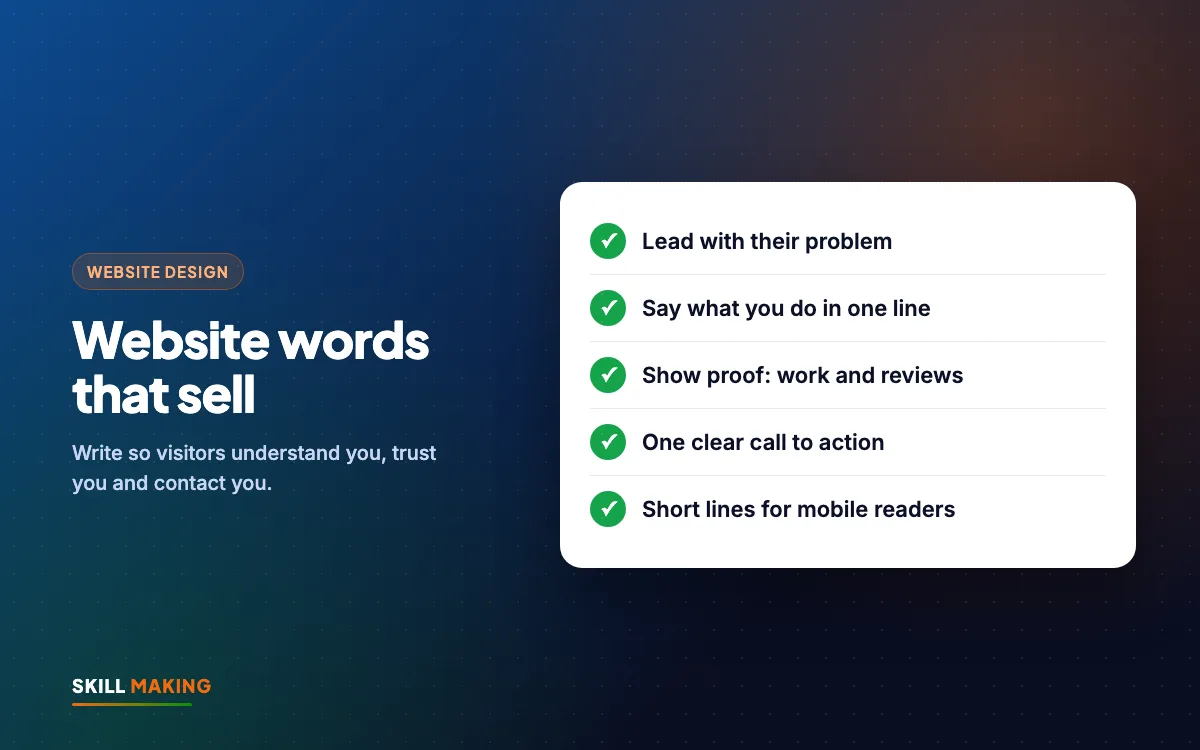
The Headline Formula That Works for Most Small Businesses
Your main headline is the first thing people read, and often the only thing. It should not be "Welcome to our website" or your company name alone. It should say what you do, for whom, and where.
A simple formula:
[Service] in [Town] for [Who] + [Main benefit]
Examples:
- "Dental Clinic in Khatima, Gentle Treatment for the Whole Family"
- "AC Repair in Rudrapur, Same-Day Visits for Homes and Shops"
- "Roof Repair in Tampa, Fast Help After Storm Damage"
- "Hotel Management Course in Khatima, Hands-On Kitchen Training"
Under the headline, add one short line that removes a worry or adds a reason to act, and then a clear button. For example: "Book on WhatsApp, we reply within working hours." Only promise what you actually do.
Test your headline: show it to someone for five seconds, then hide it. Ask them what you do and where. If they cannot answer, rewrite it.
Speak to the Customer's Problem, Not Your History
The most common mistake in small-business websites is starting with the owner's story. "Established in 2005, we are a leading company committed to quality and customer satisfaction." The visitor does not care yet. They care about their problem.
Flip the order:
- First, name the problem in the customer's words. "Water leaking from the ceiling every monsoon?"
- Then, show the solution. "We find the source, fix it properly and give you a written warranty."
- Then, give the proof. Photos of past work, reviews, years of experience.
- Then, ask for action. "Send a photo on WhatsApp for a free estimate."
Your history still belongs on the About page, and it does build trust. It just should not be the first thing a stressed customer has to read.
Use "you" more than "we"
Count how many times your home page says "we" and how many times it says "you". If "we" wins by a lot, rewrite. "We provide best quality services" becomes "You get a clean, finished job and a fixed price before we start."
How to Write Website Content Page by Page
Different pages have different jobs. Here is what each main page should do. For the full list of pages, see the pages every small business website needs.
Home page
- Headline using the formula above, plus one supporting line.
- WhatsApp and call buttons visible without scrolling on a phone.
- A short list of your main services, each linking to its own page.
- Two or three reasons to choose you, written as customer benefits.
- Proof: reviews, photos of real work, logos of organisations you have worked with (only with permission).
- Areas you serve, and your address if customers visit you.
- A final call to action at the bottom.
Services pages
Give each main service its own page. A plumbing company should have separate pages for leak repair, bathroom fitting and water heater installation, not one page that lists everything in a line. Separate pages help customers and help Google understand you, which supports your SEO.
Each services page should cover:
- What the service is, in plain words.
- Who it is for and the problems it solves.
- What happens step by step, from first call to finished job.
- What it usually costs, or what the price depends on.
- Common questions, answered honestly.
- Photos of this exact type of work.
- A clear button to enquire about this service.
About page
Here your story belongs. Who you are, why you started, your experience, your team, your values. Real photos of your team and premises build far more trust than stock photos.
Contact page
Keep it simple: phone, WhatsApp, email, address, a Google map, working hours and a short form. Tell people what happens after they contact you: "We reply within working hours and give you a clear quote."
Proof: The Part Most Websites Forget
Customers are careful. They have been let down before. Your words become believable when you back them with proof.
Types of proof you can use:
- Google reviews. Show a few real ones, word for word, with first names. Our guide on how to get more Google reviews explains how to collect them the right way.
- Before and after photos of real jobs, especially for contractors, salons, clinics and interiors.
- Project galleries with a line about each job: what the problem was and what you did.
- Years in business and the number of jobs or students, but only if the number is true and you can stand behind it.
- Certifications, registrations and affiliations that customers recognise.
- Your real face and team. People prefer to call a person, not a logo.
Never invent reviews, numbers or results. One honest review is worth more than ten made-up ones, and customers can usually tell the difference.
Here is the difference clear, proof-backed content makes compared with a typical vague website:
Without a website
is not here
- ✕Customers can’t find you on Google
- ✕Only a social page — or nothing
- ✕Missed calls, no follow-up
- ✕Competitors look more trusted
With a Skill Making website
- ✓Shows up when people search on Google
- ✓Photos, prices and reviews build trust
- ✓WhatsApp and call buttons on every screen
- ✓Every enquiry tracked and followed up
Simple Calls to Action That Get Clicked
A call to action (CTA) is the button or line that tells the visitor what to do next. Many websites either have none, or have six different ones competing.
Rules for good CTAs:
- One main action per page. Usually WhatsApp or call for local businesses, and a form for bigger enquiries.
- Use action words that describe the result. "Get a free quote on WhatsApp" beats "Submit". "Book a visit" beats "Click here".
- Repeat it. Top of the page, middle, and end. People decide at different points.
- Make it easy on a phone. Big enough to tap with a thumb, and tapping it should open WhatsApp or the dialler directly.
- Remove fear. Add a small line under the button: "No obligation", "Reply within working hours" or "Free site visit in Khatima and nearby".
If you get many WhatsApp enquiries, set up quick replies and a greeting message. Our guide to WhatsApp Business for small business shows how.
Hindi, Hinglish or English? Write the Way Your Customers Speak
In much of India, customers search in English but think and talk in Hindi or a mix of both. Your website content should feel natural to them.
Some practical options:
- English with simple words works for most service businesses and for customers searching on Google.
- Hinglish lines in key places can feel warm and local. For example, a headline in English with a supporting line like "Aapke ghar tak service, same day" can connect better with local families.
- A fully bilingual site (English and Hindi pages) makes sense for schools, clinics, government-facing services and businesses whose customers mostly read Hindi.
- English only usually suits US customers, export businesses and B2B services.
Whatever you choose, be consistent and keep the words simple. Avoid heavy, formal Hindi that customers do not actually use, and avoid fancy English that sounds like a brochure. Read every line out loud. If it sounds like how you speak to customers, it is right.
How to Write Website Content in 8 Steps
If you are still unsure how to write website content for your own business, here is a simple process anyone can follow, even with no writing experience.
- List your services and pick the three that bring the most business. These get the most attention.
- Write down the questions customers ask on the phone and WhatsApp. Ask your staff too. These become your page content and FAQs.
- Note the words customers use. If they say "AC service", do not write "HVAC maintenance solutions". Our guide to keyword research for small business shows how to find these words for free.
- Write the headline and one supporting line for each page using the formula.
- Write the body in short paragraphs, two to four sentences each, with bullet points for lists.
- Add proof to every important page: photos, reviews or examples.
- Add your CTA at the top, middle and end.
- Edit hard. Cut every sentence that does not help the customer decide. Then ask a friend who does not know your business to read it on a phone and tell you what is unclear.
Once the content is written, check each page against our on-page SEO checklist so Google can understand it too.
If writing is not your thing, that is completely normal. When we build a website at Skill Making, we write the content for you, after a short conversation about your business and customers.
Write for Mobile Readers
Most of your visitors will read on a phone, often while doing something else. Content that looks fine on a laptop can feel like a wall of text on a small screen.
- Keep paragraphs short. Three lines on a laptop can be eight lines on a phone.
- Use headings so people can scroll and find their section.
- Put the important thing first in every section, not at the end.
- Use bullet points for features, areas served and what is included.
- Avoid long blocks of text in images. They are hard to read on phones and Google cannot read them well.
- Check every page on your own phone before you call it finished.
Website Content Mistakes to Avoid
These are the mistakes we see most often when we review small-business websites:
- "Welcome to our website" as the headline. It wastes the most valuable space on the page.
- Copying text from a competitor or another website. It is unfair, it can cause legal problems, and it never sounds like you.
- Using big words to sound professional. "Comprehensive solutions" and "world-class services" say nothing.
- No prices or price guidance at all. Even "starting from" or "what the price depends on" helps people decide to call.
- Hiding the phone number at the very bottom of the contact page.
- Old content. Last year's festival offer, staff who left, or a phone number that no longer works.
- One page for everything. Every service squeezed into one long list.
- Spelling mistakes in the headline. Small errors make visitors doubt the quality of your work.
- No proof anywhere. Claims without photos, reviews or examples.
If your current site has several of these, our post on signs your website is losing customers will help you decide whether to fix or rebuild.
Real Examples From Different Industries
How to write website content changes a little by industry. A few quick ideas:
- Schools and institutes: parents want admissions dates, fees guidance, facilities, results only if true, and a clear admission enquiry button. See website design for schools and institutes.
- Clinics: patients want doctor qualifications, timings, location, and how to book. See our clinic website design guide.
- Contractors and builders: project photos, the areas you work in, and how quotes work matter most. See website design for contractors and builders.
- Restaurants and cafes: menu, timings, location, and how to order or book.
We have written content for many kinds of businesses, from a hospitality and culinary institute in Khatima to a construction estimating firm in Florida and an immigration consultancy in Sitarganj. You can see some of these sites below.

 6X PropertiesReal estate portal · Rudrapur, Uttarakhand
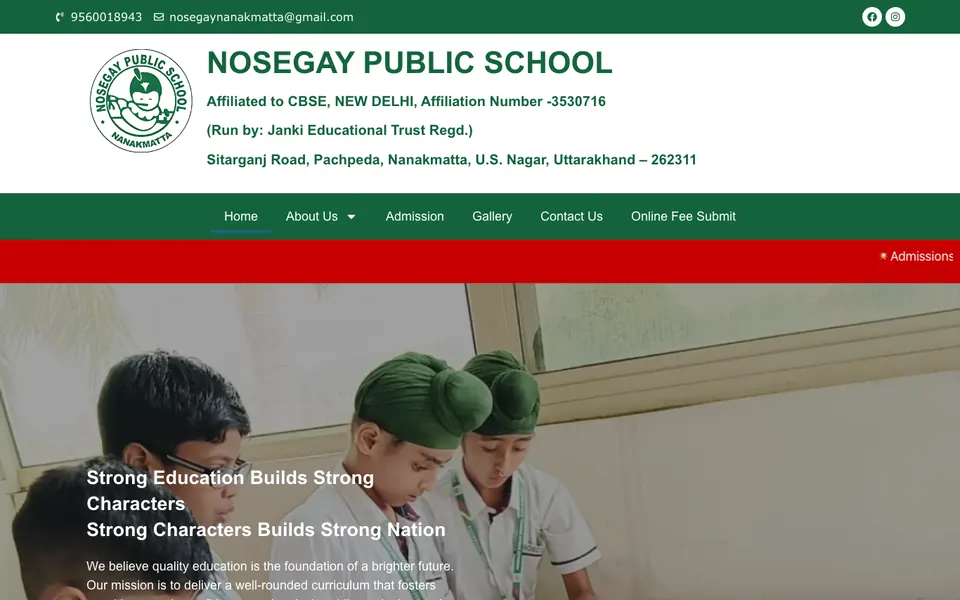
 Nosegay Public SchoolSchool · Nanakmatta, Uttarakhand

 KD Immigration ConsultantsIELTS, PTE & visa consultancy · Sitarganj, Uttarakhand
What to Do Next
Start small. Today, rewrite just your home page headline using the formula, add a WhatsApp button at the top, and replace one vague sentence with a real customer problem and your solution. Those three changes alone often make a site feel clearer.
If you want a second opinion on your current website content, ask us for a free website audit and we will tell you, in simple words, what to change first. If you would rather have a new site with the content written for you, see our website design service and packages, or get a free website plan. For businesses in the USA, websites start from $300, with a cost calculator on our Miami website design page.