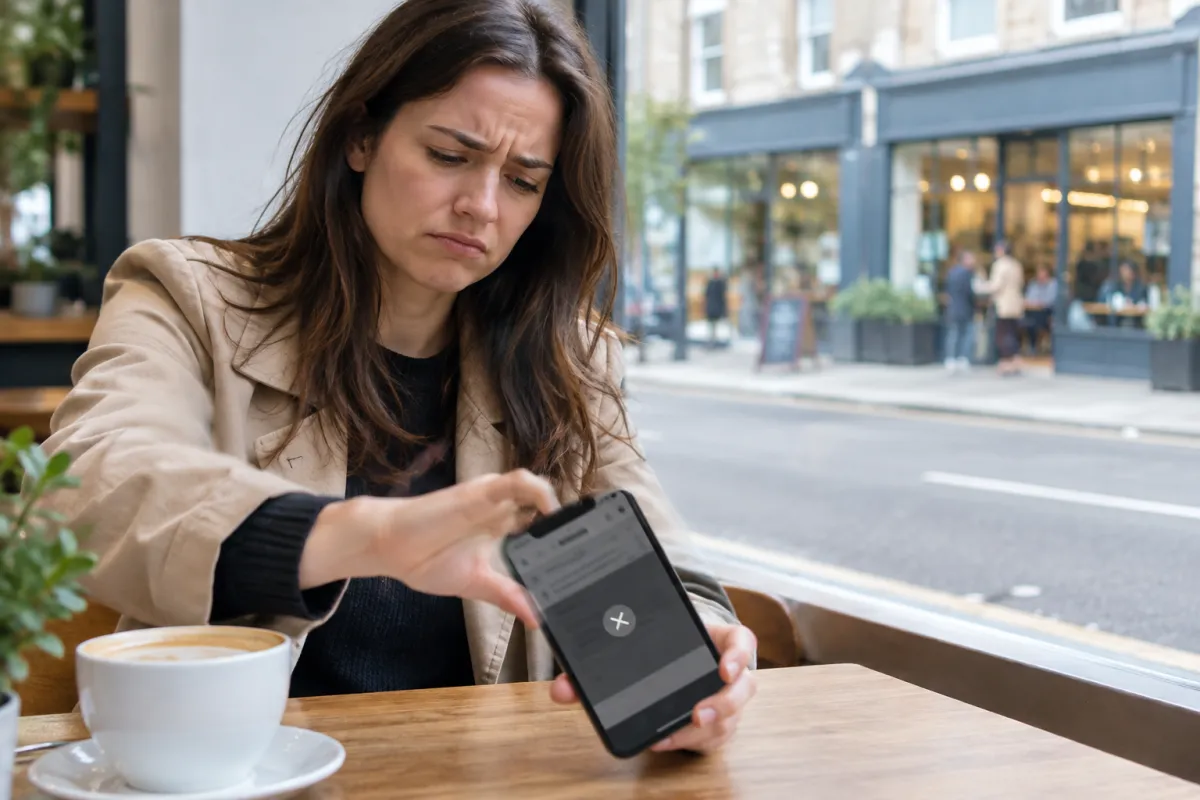
Most business owners never find out that their website is losing customers. Nobody calls to say "I left your site because I could not find your phone number". They simply press the back button and call the next shop on Google. The loss is silent, which is exactly why it is so expensive.
The good news is that the reasons are usually simple and fixable. In this guide we go through ten clear signs, a quick test you can do yourself, and what to fix first. You do not need to be technical to use any of it.
Why a website is losing customers quietly
Think of your website as a shop on a busy road. People walk past, glance inside, and decide in a few seconds whether to step in. Online, that decision is even faster, because the next option is one tap away.
A customer who searches "dentist near me" or "plumber in Tampa" usually opens two or three results. They are not reading carefully. They are looking for three things:
- Do you do what I need?
- Can I trust you?
- How do I contact you right now?
If your page does not answer these quickly on a phone screen, the customer moves on. You never see them in your records, so it feels like "the website is not working" when in fact it is working against you.
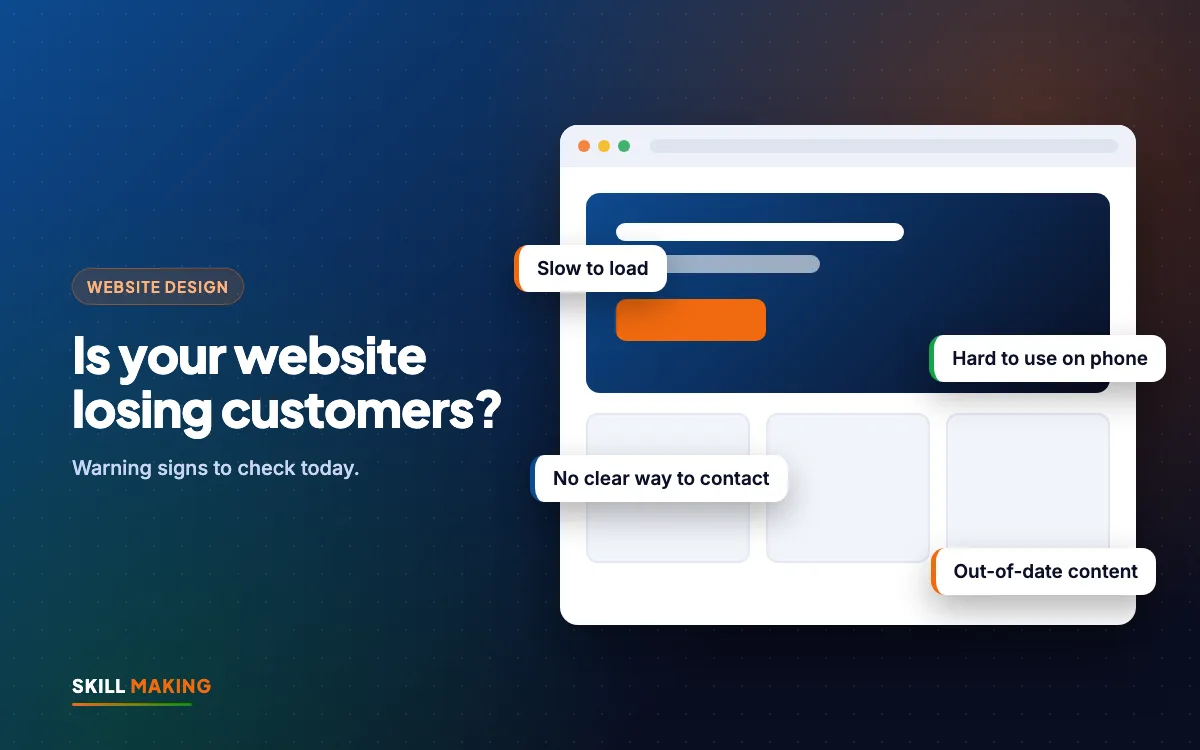
Sign 1: Your website is slow to open on mobile
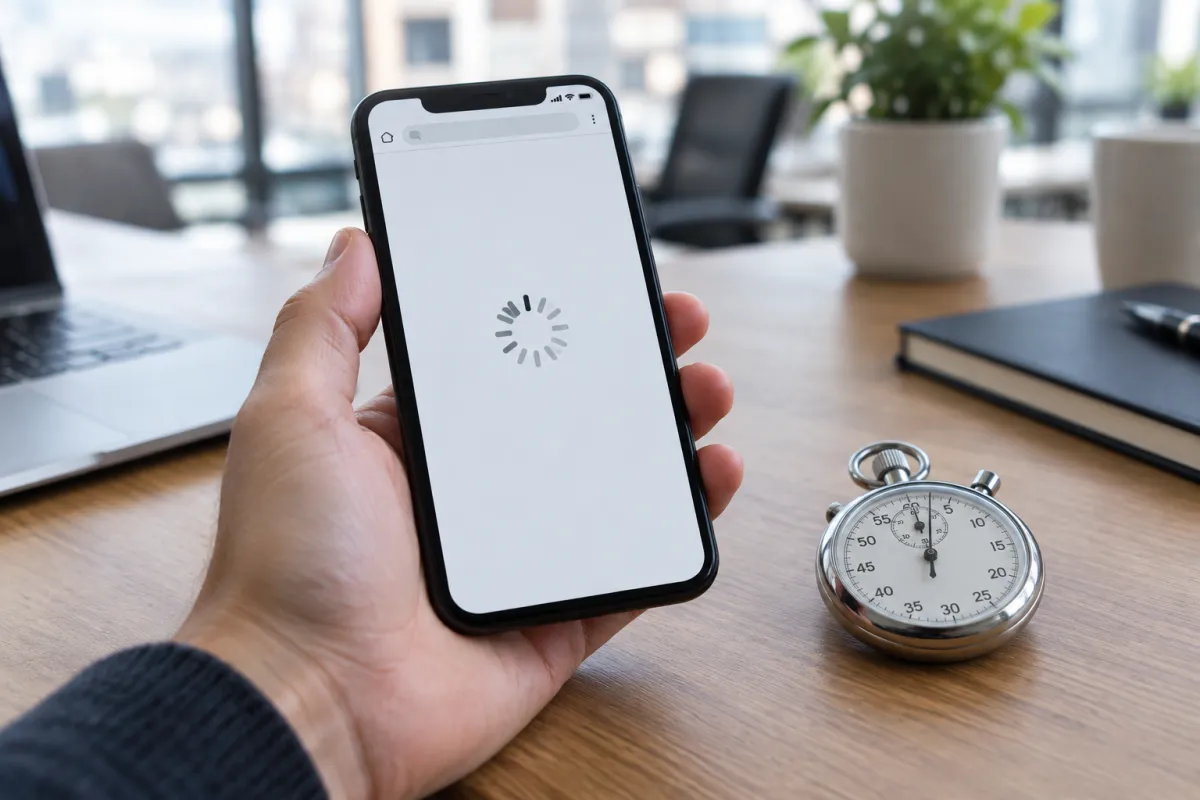
If your home page takes a long time to show anything on a normal mobile connection, many visitors will leave before they see a single word. This is the most common problem we see on older sites.
Common causes:
- Huge photos uploaded straight from a camera or phone
- Too many plugins, sliders and pop-ups
- Cheap, overloaded hosting
- Auto-playing videos on the first screen
Open your site on your own phone using mobile data, not office Wi-Fi. If you find yourself waiting, your customers are waiting too. Our guide on website speed and enquiries explains how to check and fix this step by step.
Sign 2: The site looks broken or tiny on a phone
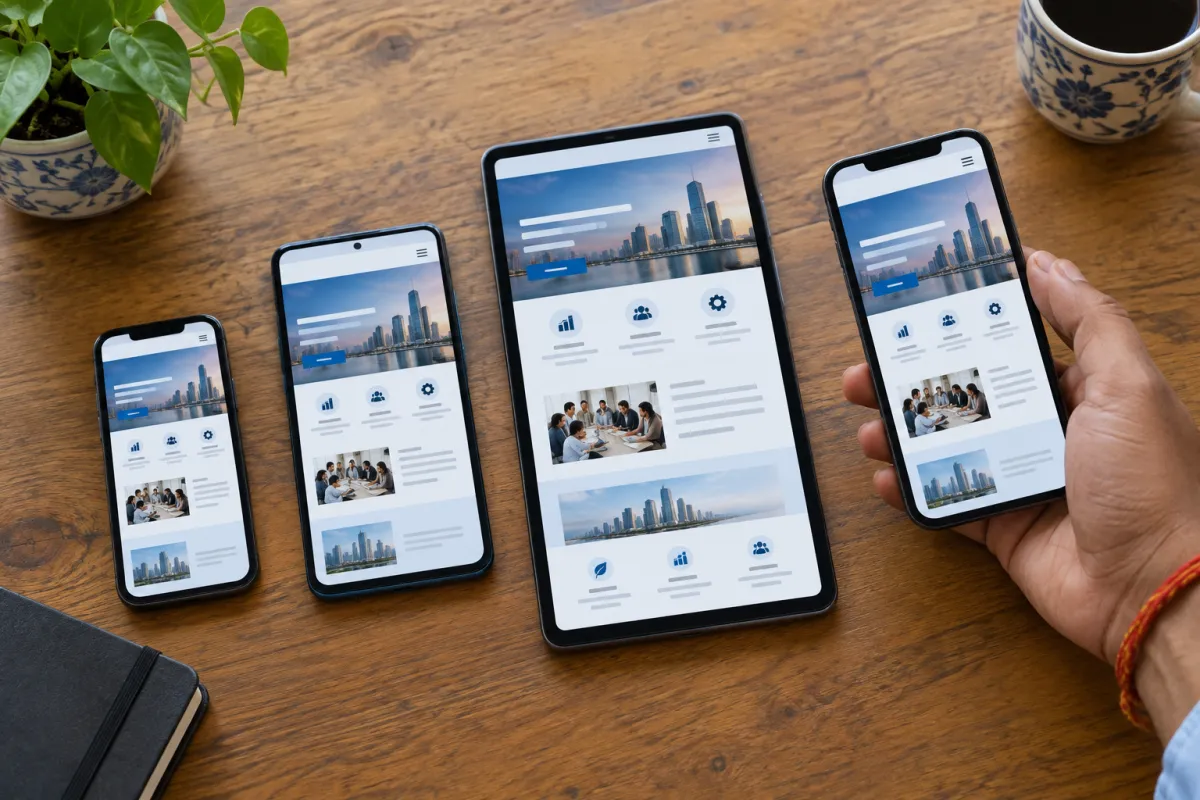
Most local searches now happen on phones. If visitors have to pinch and zoom, scroll sideways, or tap tiny links, your website is losing customers on every visit.
Look out for:
- Text too small to read without zooming
- Buttons so close together that people tap the wrong one
- Menus that do not open, or cover the whole screen and will not close
- Images cut off at the sides
A modern site should be built mobile-first, meaning it is designed for the phone screen before the laptop. We explain this in detail in mobile-first website design.
Sign 3: Customers cannot find your phone number or WhatsApp
This one sounds obvious, yet it is everywhere. The phone number is hidden at the bottom of the contact page, or written as an image that cannot be tapped, or WhatsApp is missing completely.
A good small-business website has:
- A tap-to-call button visible on the first screen
- A WhatsApp button that opens a chat with a ready message
- Your number in the header or a sticky bar on mobile
- A short enquiry form for people who prefer to write
If a customer has to search for how to reach you, many simply will not bother.
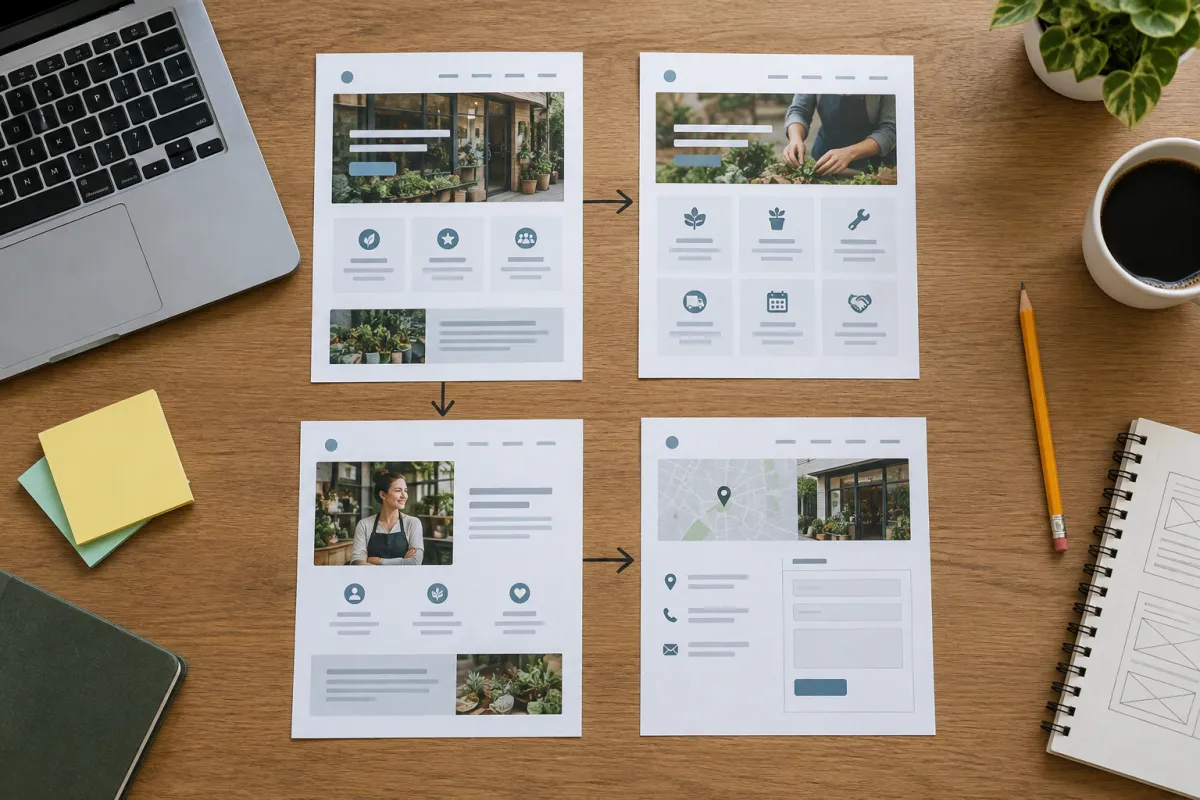
Sign 4: Your visitors do not know what you do in five seconds
Many home pages open with a big slider that says "Welcome to Our Website" or "Quality Is Our Motto". That tells the visitor nothing.
Your first screen should say, in plain words:
- What you do (for example, "Roof repair and new roofs")
- Where you do it ("in Rudrapur and nearby towns")
- What the visitor should do next ("Call for a free inspection")
A clinic, a coaching centre or a contractor should pass this "five-second test". Show the page to a friend for five seconds, then ask what the business does. If they cannot answer, rewrite the top section.
Sign 5: There is no proof that real people trust you
People are nervous about choosing a new business. They want to see that others have used you and were happy. A website with no reviews, no photos of real work and no names looks risky.
Add proof such as:
- Your Google reviews (shown or linked)
- Photos of real projects, your shop, your team at work
- Certificates, registrations or affiliations you genuinely hold
- Short case examples, like "Kitchen renovation in Haldwani, done in 10 days"
- A page of past work, like our own work page
Stock photos of smiling models in suits do not build trust. Real photos from your own business usually do far better, even if they are taken on a phone.
Sign 6: Your website is out of date
An old year in the footer, a "Diwali offer" still showing in March, a closed branch still listed, or prices from three years ago all send the same message: nobody is looking after this business.
Out-of-date details also cause real problems. A customer drives to an old address, or calls a number nobody answers, and they will not try again.
Set a simple reminder every three months to check:
- Address, phone, timings and map
- Prices and packages
- Offers and banners
- Staff or doctor names
Sign 7: You do not show up on Google for your own services
Search for your main service plus your town, for example "physiotherapy clinic in Dehradun" or "painting contractor in Miami". If your website does not appear anywhere on the first page, and neither does your Google Business Profile, customers are finding your competitors instead.
This often happens because:
- Pages do not mention the service and the town clearly
- Every service is crammed onto one page
- There is no Google Business Profile, or it is incomplete
- The site was never connected to Google Search Console
Basic SEO fixes a lot of this. You can read our local SEO checklist or look at how our SEO service works.
Sign 8: Your enquiry form is long, broken or goes nowhere
Ask yourself: when did you last receive an enquiry from your website form? If the answer is "never" or "I do not know", test it today.
Common problems:
- The form asks for too much, such as full address, budget and date of birth
- It shows an error on mobile
- Messages go to an old email address nobody checks
- There is no thank-you message, so people are unsure if it worked
Keep forms short: name, phone, what they need. Send every enquiry to both email and WhatsApp so it is never missed.
Sign 9: You have no idea how many leads the website brings
If you cannot answer "how many calls, WhatsApp chats and form enquiries did the website bring last month?", you cannot know whether it is helping or hurting.
Basic tracking is not expensive or complicated. A well-built site can count:
- Clicks on the call button
- Clicks on the WhatsApp button
- Form submissions
- Which pages people visited before contacting you
Once you can see these numbers, you can make better decisions about where to spend on ads and content. Our post on measuring marketing ROI shows a simple way to do this.
Sign 10: Your competitors' websites simply look better
Open the websites of three competitors in your area on your phone. Compare them honestly with yours. Which one would you call if you were a customer?
If theirs look cleaner, load faster, show real photos and make contact easy, many customers will choose them even if your actual service is better. Online, people judge the business by the website first.
Here is what that difference often looks like:
Without a website
is not here
- ✕Customers can’t find you on Google
- ✕Only a social page — or nothing
- ✕Missed calls, no follow-up
- ✕Competitors look more trusted
With a Skill Making website
- ✓Shows up when people search on Google
- ✓Photos, prices and reviews build trust
- ✓WhatsApp and call buttons on every screen
- ✓Every enquiry tracked and followed up
A 15-minute test to see if your website is losing customers
You do not need any tools for this. Take your phone, switch off Wi-Fi, and follow these steps:
- Search Google for your main service plus your town. Note where you appear.
- Open your website. Count how long it takes before you can read the main heading.
- Without scrolling, check: can you see what you do, where, and a call or WhatsApp button?
- Tap the call button. Does it dial your correct number?
- Tap the WhatsApp button. Does it open a chat with your business?
- Fill in the enquiry form with a test message. Check that it reaches you.
- Open every page from the menu. Look for broken links, old offers and wrong details.
- Ask a friend or family member to find your prices or address. Watch where they get stuck.
Write down every problem you find. Each one is a place where your website is losing customers today. Most owners discover at least three or four issues the first time they do this.
What to fix first when your website is losing customers
You do not have to fix everything at once. Start with the problems that block contact, because those cost you customers directly.
Fix this week:
- Wrong or hidden phone number
- Missing WhatsApp button
- Broken enquiry form
- Wrong address, timings or map
Fix this month:
- Slow loading and large images
- Mobile layout problems
- Unclear first screen
- Missing reviews and real photos
Fix over the next few months:
- Separate pages for each main service
- Local SEO and Google Business Profile
- Lead tracking
- Regular updates and fresh content
If your site has most of these problems, a rebuild is often cheaper and faster than patching an old one. A clean small-business site is not as costly as many people think. You can see typical prices in our guide to website design cost in India.
If you would like a second pair of eyes, we are happy to look at your site for you:
Avoid these mistakes when you fix your website
When owners finally decide to fix things, a few mistakes come up again and again:
- Adding more instead of making it clearer. More sliders, more pop-ups and more animations usually make things worse.
- Copying a big brand's design. Large brands can afford heavy pages. A local business needs speed and clear contact options.
- Letting someone else own your domain. Always buy your domain and hosting in your own name, and keep every login.
- Ignoring the phone view. Always approve designs on a phone first, not only on a laptop.
- Launching and forgetting. A website needs small updates through the year to stay useful.
What to do next
Run the 15-minute test above today. Even if you fix only the phone number, WhatsApp button and enquiry form, you will stop some of the silent losses.
If you want help, Skill Making builds fast, mobile-first websites for small businesses in India and the USA. Our India packages start at ₹14,999 (see all packages), and in the USA websites start from $300 (see our Miami website design page for a cost calculator). You can ask for a free website audit and we will tell you honestly what is working, what is not, and what to fix first.