
Good CA firm website design is less about flashy graphics and more about one simple job: helping a worried business owner or salaried person feel confident enough to send you their documents. Chartered accountants, tax consultants and company secretaries win most work through referrals. But almost every referred client still searches your name on Google before calling. What they find there decides whether the referral turns into a client.
This guide is for CA firms, tax practitioners and similar professional offices in small towns and big cities. It explains what to put on each page, what to avoid, and how to turn your website into a quiet assistant that answers routine questions and collects enquiries even during the busy filing season.
A Note Before You Start: Professional Guidelines
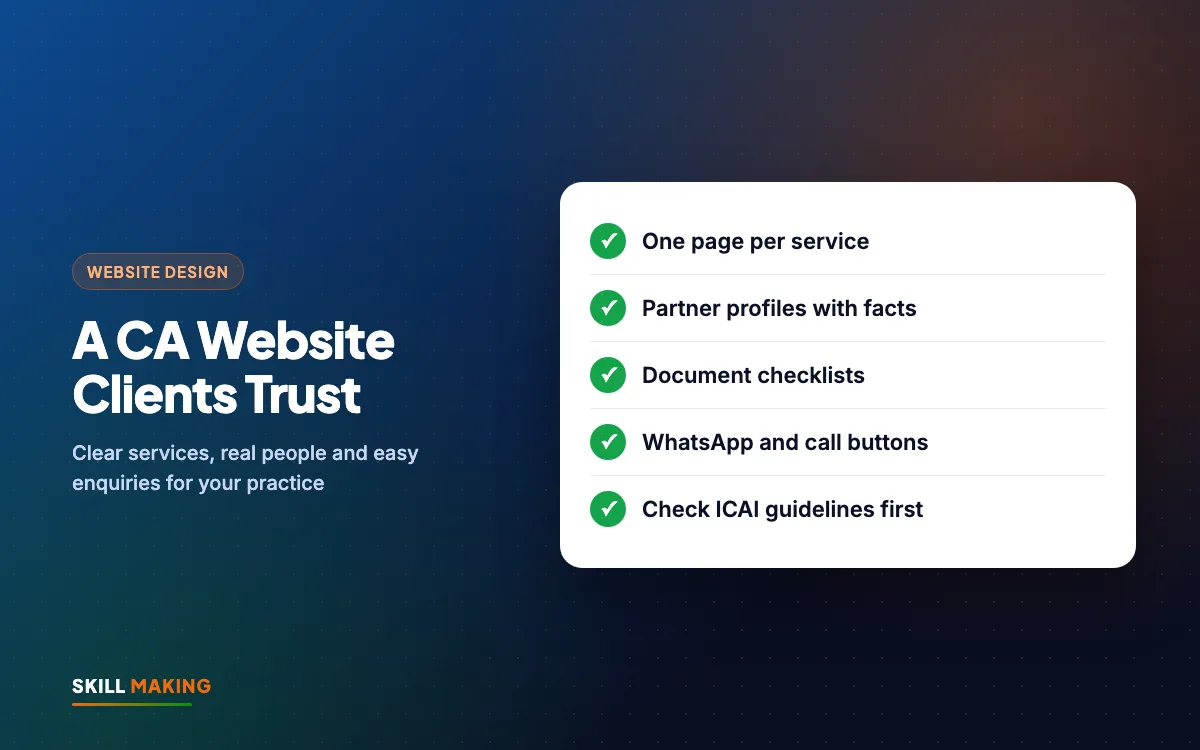
Chartered accountants in India are members of a professional body, and ICAI has guidelines on how members may present themselves online, including on websites and advertising. These guidelines can change over time.
So before you publish anything, check the current ICAI guidelines on websites and advertising and make sure your content follows them. In practice, many firms choose a calm, factual approach:
- Describe the services you offer, without boasting.
- Share qualifications and experience as facts.
- Avoid comparisons with other firms.
- Avoid promises about outcomes, refunds or savings.
- Keep the design professional and the language simple.
Everything in this guide is written with that factual tone in mind. If you are a tax consultant or another professional who is not a CA, your own body or regulator may have rules too, so check those as well.
What Clients Look For in CA Firm Website Design
Think about who visits. A shopkeeper who just got a GST notice. A young professional filing their first ITR. A startup founder who needs a private limited company registered. An NRI who needs help with property sale tax. They are usually anxious, short on time and not sure which questions to ask.
They want quick answers to a few questions:
- Do you handle my kind of work? GST, ITR, audit, registration, TDS, notices.
- Who will actually handle my file? Names, qualifications, experience.
- Where are you, and can I work with you remotely?
- What documents do I need?
- How do I contact you right now? Call, WhatsApp or a simple form.
Strong CA firm website design answers all five within a minute on a phone screen. Here is the path most clients follow from search to first call:
- Searches on Google“best clinic in your town”
- Opens your websiteFast and clear on mobile
- Sees photos & reviewsTrusts you in seconds
- Taps WhatsApp or CallThe enquiry reaches you instantly
- Visits and buysAnd comes back again
The Pages Every CA Firm Website Needs
You do not need fifty pages. You need the right ten or twelve, each doing one job well. Our full list of pages every small business website needs covers the basics; here is how they apply to a CA practice.
Home page
- One clear line about who you serve and where, for example "Chartered accountants in Khatima for GST, income tax, audit and company registration".
- Quick links to your main services.
- Call and WhatsApp buttons at the top.
- Office address, hours and a map.
Services pages (one page per main service)
Give each major service its own page instead of one long list. Typical pages:
- GST: registration, monthly and quarterly returns, annual returns, notices and replies.
- Income tax (ITR): salaried individuals, business owners, capital gains, NRIs, notices.
- Audit and assurance: statutory audit, tax audit, internal audit, as applicable.
- Company and LLP registration: private limited, LLP, partnership, proprietorship, plus annual ROC filings.
- TDS and payroll compliance.
- Accounting and bookkeeping.
Each page should explain who the service is for, what you do, what the client needs to provide, and roughly how long it takes. Separate pages also help Google show the right page when someone searches "GST registration in Rudrapur" or "ITR filing for NRI".
About and partner profiles
This page builds the most trust. For each partner or senior team member, add:
- Name, a professional photo and qualifications.
- Years in practice and areas of focus, stated as facts.
- Membership details as allowed by your professional body.
- A short, plain description of how they work with clients.
Contact and enquiry page
- A short form: name, phone, city, service needed, a message box.
- WhatsApp and call buttons.
- Office address with Google Maps, parking or landmark notes.
- Working hours, including any change in hours during filing season.
Make Your Service Pages Clear, Not Clever
The biggest mistake on many professional websites is jargon. Your client does not know the difference between every type of return, and that is why they need you. Write for them, not for other accountants.
A simple structure works well for every service page:
- Who this is for. "If you run a shop or business registered under GST..."
- What we do. A short bullet list of tasks.
- What you need to send us. Link to the document checklist.
- How it works. Three or four steps from first call to filing.
- How to start. WhatsApp, call or form.
Keep sentences short. Explain any term the first time you use it. Our guide on how to write website content has more tips on writing in plain words.
Document Checklist Pages: Your Secret Time-Saver
Ask any CA office what takes the most time in July or during GST deadlines, and the answer is often chasing documents. A clear checklist page on your website can reduce a lot of that back-and-forth.
Create one simple checklist per common service:
- ITR for salaried people: PAN, Aadhaar, Form 16, bank interest certificates, investment proofs, rent receipts if relevant.
- GST registration: PAN, Aadhaar, business address proof, bank details, photos, as applicable to the business type.
- Company registration: directors' identity and address proofs, office address proof, proposed names.
Tips for checklist pages:
- Make them printable and easy to read on a phone.
- Add a "Send these on WhatsApp" button.
- Keep them updated when requirements change, and add a "last reviewed" date.
- Add a line asking clients to confirm the exact list with your office, because every case is different.
Clients can share these pages with family members, which saves them a call too.
Compliance Calendar Content
Clients often ask "when is the last date?" A compliance calendar page or a short monthly post answers this and gives people a reason to come back to your site.
Ideas that work well:
- A monthly page listing common due dates for GST, TDS and income tax.
- Short posts when a deadline is extended or a new rule is announced.
- Simple explainers such as "What to do if you get a GST notice".
A few cautions:
- Always link to or check the official government source, because dates are sometimes extended.
- Add a date to every update so readers know it is current.
- Keep the tone informative. You are educating, not selling.
This kind of content also helps your SEO, since people often search for due dates and basic tax questions. If you are new to search, our local SEO checklist explains the basics.
CA Firm Website Design for Phones and WhatsApp
Most of your clients will open your website on a phone, often while standing in their shop or office. Good CA firm website design is built for that moment.
- Mobile-first layout: big text, short paragraphs, tap-friendly buttons. See our guide on mobile-first website design.
- Sticky WhatsApp and call buttons so contact is one tap away on every page.
- Pre-filled WhatsApp messages such as "Hello, I need help with ITR filing", so the client does not have to think about what to type.
- Fast loading, even on a weak signal. Heavy sliders and auto-play videos slow things down.
For clients who send documents, be careful. Encourage secure sharing methods your office already uses, and avoid asking people to upload sensitive documents through a basic website form unless it has been set up securely. The WhatsApp Business guide covers quick replies and labels that help during busy months.
Here is how a basic online presence compares with a well-planned professional website:
Store locators with address, map and timings for every outlet
Brands like Domino’s and TanishqA page for your town + Google Business Profile with map and timings
Click-to-call and chat on their pages
Brands like TanishqWhatsApp and call buttons on every screen
Doctor profiles and online appointment requests
Brands like Apollo HospitalsAn enquiry or booking form that lands on your WhatsApp
Ratings and reviews right where people decide
Brands like AmazonYour best Google reviews shown on your website
Brand names belong to their owners and are used only as examples of common website features. Skill Making is not connected with them.
Google Business Profile for CA Firms
When someone searches "CA near me" or "tax consultant in Haldwani", Google often shows a map with a few local offices. That listing comes from your Google Business Profile, and it works hand in hand with your website.
- Claim and verify your profile with the exact firm name and office address.
- Choose the most accurate category for your practice.
- Add working hours, phone number and website link.
- Add real photos of the office and team.
- List your main services.
- Ask satisfied clients for honest reviews, and reply politely to every one, without sharing any client details.
Check whether your professional guidelines say anything about reviews and testimonials before you ask for them or display them on your website. Our Google Business Profile guide walks through each setting.
Common Mistakes on Professional Firm Websites
We see the same CA firm website design problems again and again on accountant and consultant websites:
- One page that lists every service with no detail, so Google and clients cannot tell what you really focus on.
- No names or faces. A firm with no visible people feels anonymous.
- Out-of-date due dates from two years ago, which quietly signal that nobody looks after the site.
- Contact details only in the footer.
- Broken contact forms that send enquiries nowhere. Test yours every month.
- Over-promotional language that does not suit a professional practice and may not fit your guidelines.
- Old WordPress plugins that leave the site open to hacking. Our website security guide explains the basics.
If you want an outside view of your current site, we are happy to take a look.
How Skill Making Approaches CA Firm Website Design
We build calm, fast, mobile-first websites for professional offices, with the content written in plain language and kept factual. A typical project includes:
- Home, about, partner profiles, contact and separate service pages.
- Document checklist pages and an optional blog for compliance updates.
- WhatsApp and call buttons, an enquiry form to email or WhatsApp, and Google Maps.
- Basic SEO, a sitemap and Google Search Console setup.
- Hindi, English or both.
The Starter package (₹14,999) suits a small practice with up to 5 pages. The Business package (₹29,999), our most popular, suits firms that want up to 12 pages, a blog for compliance updates, lead tracking and Google Business Profile setup. Prices are one-time and exclude GST. Domain and hosting are bought in your own name, and you own every login. See all packages or the website design service.
We usually have a site live in about 14 days. We work in person around Khatima, Rudrapur and Udham Singh Nagar, and remotely everywhere else. For practices in the USA, websites start from $300, and our Miami website design page has a cost calculator.
What to Do Next
Open your website on your phone and imagine you are a client with a GST notice in hand. Can you tell, within a minute, whether this firm handles notices, who would help you and how to contact them? If not, start by fixing those three things.
When you are ready for a fresh, professional site, ask for a free website plan. We will suggest the pages, the structure and the content your practice needs, and remind you to check the current ICAI guidelines before anything goes live. If you already have a website, request a free audit and we will tell you what to improve.