
Keyword research for small business owners sounds technical, but the idea is simple: find the exact words your customers type into Google, then make sure your website has a clear page for each of those searches.
Big agencies use paid tools that cost a lot every month. Those tools are useful, but a local shop, clinic, school or contractor can get most of the value for free. You already have two powerful sources: Google itself, and the customers who call you every day.
This guide walks you through a practical method you can finish in one or two evenings with a notebook or spreadsheet.
What a keyword really is
A keyword is not one word. It is the full phrase a person types or speaks into Google. For example:
- "dentist near me open sunday"
- "best coaching for NEET in Haldwani"
- "bathroom waterproofing cost"
- "AC not cooling what to do"
- "roof repair Tampa"
Each of these tells you two things: what the person wants and how close they are to buying. Good keyword research for small business is mostly about understanding that second part.
The three types of searches that matter to you
Not every search is worth chasing. Sort keywords into three simple groups.
1. Ready-to-buy searches
These include words like "near me", a town name, "price", "cost", "book", "best", or a specific service. Example: "painting contractor in Rudrapur". The person wants to hire someone soon. These are your most valuable keywords and should get their own service or location pages.
2. Comparing searches
Example: "wooden vs aluminium windows" or "CBSE vs state board which is better". The person is still deciding. These are great for blog posts that build trust and then point to your service.
3. Problem searches
Example: "water leaking from ceiling" or "why is my website slow". The person has a problem but may not know a business can solve it. Helpful answers here bring new people to you.
Most small businesses should start with group 1, then add group 2 and 3 over time.
Step-by-step: free keyword research for small business
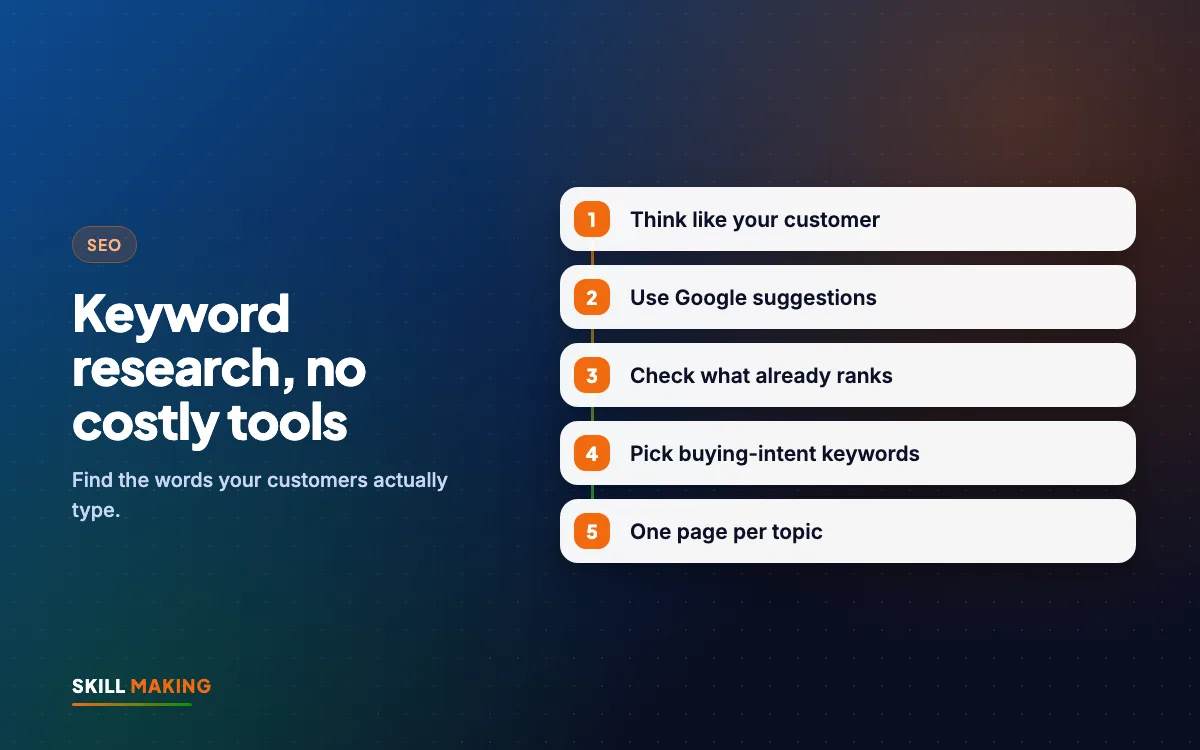
Here is the full method. Keep a spreadsheet open with columns for Keyword, Type, Page it belongs to and Notes.
- List your services and areas. Write every service you offer and every town or area you serve. A plumber in Haldwani might list "tap repair", "pipe leakage", "geyser installation", and areas like "Haldwani", "Kathgodam", "Lalkuan".
- Ask your customers. Think about the last twenty calls or WhatsApp messages. What words did people use? Customers often say "seepage" when you would say "waterproofing". Their words are your keywords.
- Use Google autocomplete. Open Google in a private window, type your main service slowly and note every suggestion. Then try adding letters: "geyser repair a", "geyser repair b" and so on. Each suggestion is a real search people make.
- Check "People also ask". Search your service and look for the box of questions. Click a few and more appear. These are perfect blog and FAQ topics.
- Scroll to "Related searches". At the bottom of the results page, Google shows more phrases people use. Add the useful ones.
- Look at Google Maps. Search your service on Maps. See which categories competitors use and which words appear in their names and reviews.
- Use Google Search Console if you have a website. The Performance report shows the exact searches where your site already appears. These are often your quickest wins.
- Try the free Google Keyword Planner. It lives inside a Google Ads account. You do not need to run ads to see keyword ideas, though the numbers you see without spending are broad ranges, not exact.
- Group and assign. Put similar keywords together and give each group one page on your website.
How to judge which keywords are worth it
Without paid tools you will not see exact search numbers. That is fine. Use these common-sense checks instead.
- Does it match a service you actually sell? If not, skip it.
- Is the person close to buying? Ready-to-buy searches beat general ones.
- Who ranks now? Search the keyword. If the first page is full of huge national websites, it will be hard. If you see small local businesses with weak pages, you have a real chance.
- Does Google show a map? If the map pack appears, your Google Business Profile matters as much as your website. Our Google Business Profile guide explains how to strengthen it.
- Is it specific? "Kitchen modular work in Khatima" is easier to win than "kitchen".
Long, specific keywords are a small business superpower
Big brands chase short, busy keywords. You do not have to. Longer phrases have fewer searches, but the people searching them know exactly what they want.
Compare these:
- "school" — far too broad, nobody can tell what the person needs.
- "CBSE school with hostel in Udham Singh Nagar" — a parent with a clear need and a location.
A page that answers the second search well can bring a steady flow of serious enquiries. This is why location pages and detailed service pages work so well for local businesses. See how we approach it on our CBSE school website design page.
Turning keywords into pages
Keyword research is useless if it stays in a spreadsheet. Here is how to put it to work.
- One main topic per page. Your "Geyser Repair" page targets geyser repair keywords. Your "Pipe Leakage" page targets leakage keywords. Do not mix them.
- Use the keyword in the page title, main heading and first paragraph. Then write naturally. Our on-page SEO checklist covers every spot that matters.
- Answer the questions from "People also ask" in a short FAQ on the page.
- Create location pages only if you can say something genuinely useful about each area, such as projects done there, travel time or local landmarks.
- Use comparing and problem searches as blog posts, and link each post to the matching service page.
If your current website does not have room for separate service pages, that is often the biggest thing holding your SEO back. Our pages every small business website needs checklist can help you plan.
Here is the difference clear, keyword-focused pages can make:
Without a website
is not here
- ✕Customers can’t find you on Google
- ✕Only a social page — or nothing
- ✕Missed calls, no follow-up
- ✕Competitors look more trusted
With a Skill Making website
- ✓Shows up when people search on Google
- ✓Photos, prices and reviews build trust
- ✓WhatsApp and call buttons on every screen
- ✓Every enquiry tracked and followed up
Common keyword mistakes small businesses make
Avoid these and you will be ahead of many competitors.
- Using your own jargon. You say "RCC work", customers search "slab casting". Use both.
- Chasing one big keyword. Ranking for "builder" in a big city is very hard. Ranking for "duplex construction in Rudrapur" is realistic.
- Stuffing the keyword. Repeating "best dentist in Lucknow" twenty times makes the page awkward and can hurt you. Write for people first.
- Forgetting Hindi and Hinglish. In many Indian towns people type "sasta", "kitna kharcha" or mix Hindi and English. Check autocomplete in both.
- Ignoring voice search. People speak longer questions into their phones, such as "who repairs AC near me today". Question-style headings help.
- Copying a competitor's keyword list. Their services and areas may not match yours.
Keyword research for small business types: what changes
The same method works everywhere, but the focus changes.
- Contractors and builders: service plus area plus project type, for example "home renovation in Dehradun" or "commercial roofing Miami". Project galleries support these pages. See website design for contractors and builders.
- Restaurants and cafes: cuisine plus area, "family restaurant", "birthday party venue", "home delivery". Your menu page and map listing matter most.
- Clinics and hospitals: treatment names, doctor specialities and "near me" searches. Patients also search symptoms, so careful helpful articles can work well.
- Schools and coaching: board, class, exam name and town, plus "admission", "fees" and "hostel".
- Florida home-service businesses: service plus city, plus urgent words like "emergency" or "same day".
A simple monthly keyword routine
Keyword research is not one-time. Spend thirty minutes a month on this:
- Open Search Console and note new searches where you appear.
- Pick one search that sits on page two and improve the page that targets it.
- Add one new FAQ or blog post from the questions customers asked this month.
- Check autocomplete for your top two services to spot new phrases.
- Update your spreadsheet.
Small, steady changes add up. Our article on how long SEO takes explains why patience pays off.
If you would rather have experts handle this, we are happy to help:
What to do next
Good keyword research for small business owners does not need expensive software. It needs curiosity, your customers' own words and Google's free features. Start with ready-to-buy searches, give each one a strong page, then grow into helpful blog content.
If you want a second pair of eyes, request a free SEO audit and we will show you the keywords you are missing and the pages that could win them. Or see how our SEO service builds this into a monthly plan.