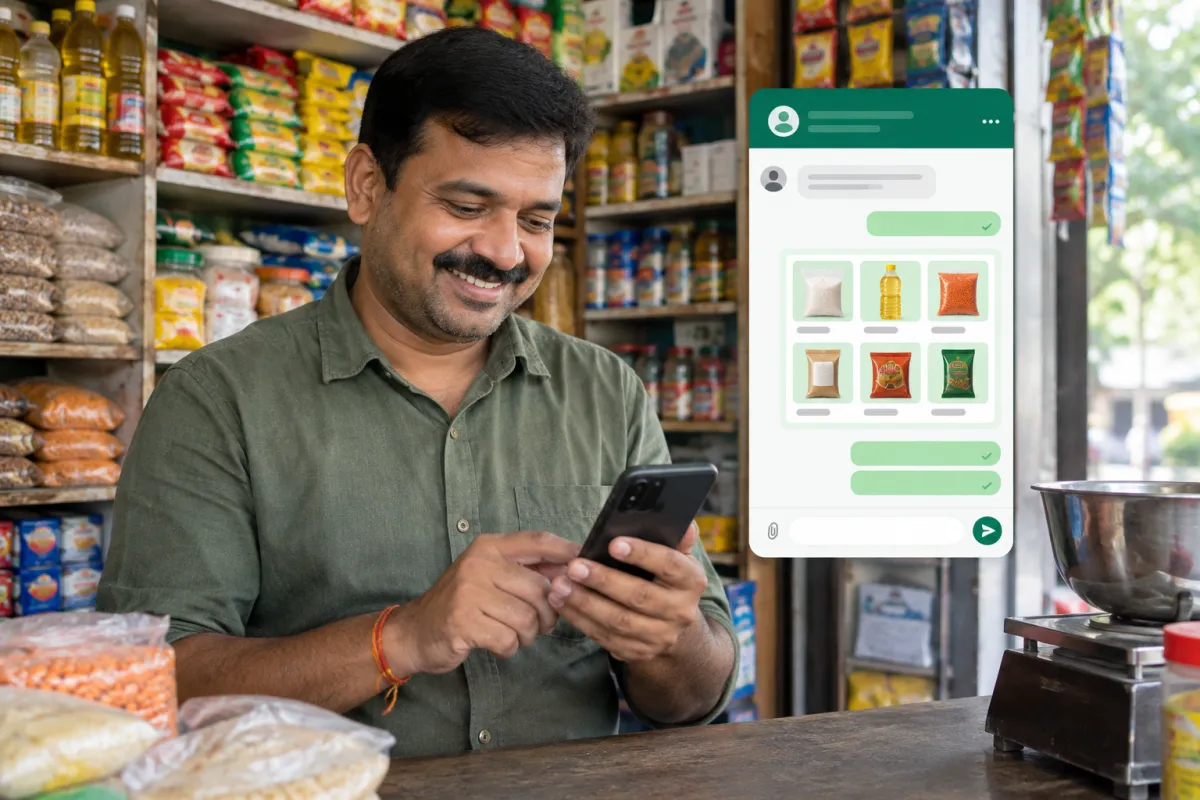
Using WhatsApp Business for small business is one of the simplest upgrades you can make. Your customers already message friends and family on WhatsApp all day. When they can message you just as easily, more of them actually get in touch, ask their question and book.
But many owners still run their business from a personal WhatsApp number, with no profile, no catalogue and no system. Messages get lost between family chats, replies take hours, and customers drift to a competitor who answered first. This guide fixes that, step by step.
Why WhatsApp Matters So Much for Local Businesses
For most small businesses in India, WhatsApp has quietly become the main sales counter. A parent asks about tuition fees. A homeowner sends a photo of a leaking pipe. A customer asks if a cake can be ready by Sunday. These are all sales conversations.
WhatsApp works well because:
- Customers do not need to download anything new
- It feels personal and informal, so people ask questions they might not ask on a call
- Photos, voice notes, locations and documents can be shared instantly
- The conversation stays saved, so both sides can look back at prices and details
In the USA, many customers prefer text messages, but WhatsApp is still common with many communities and for international clients. The same habits in this guide apply to texting too.
WhatsApp vs WhatsApp Business vs the WhatsApp Business Platform
There are three different things, and owners often mix them up.
- WhatsApp (personal): The normal app. Fine for family, not built for business.
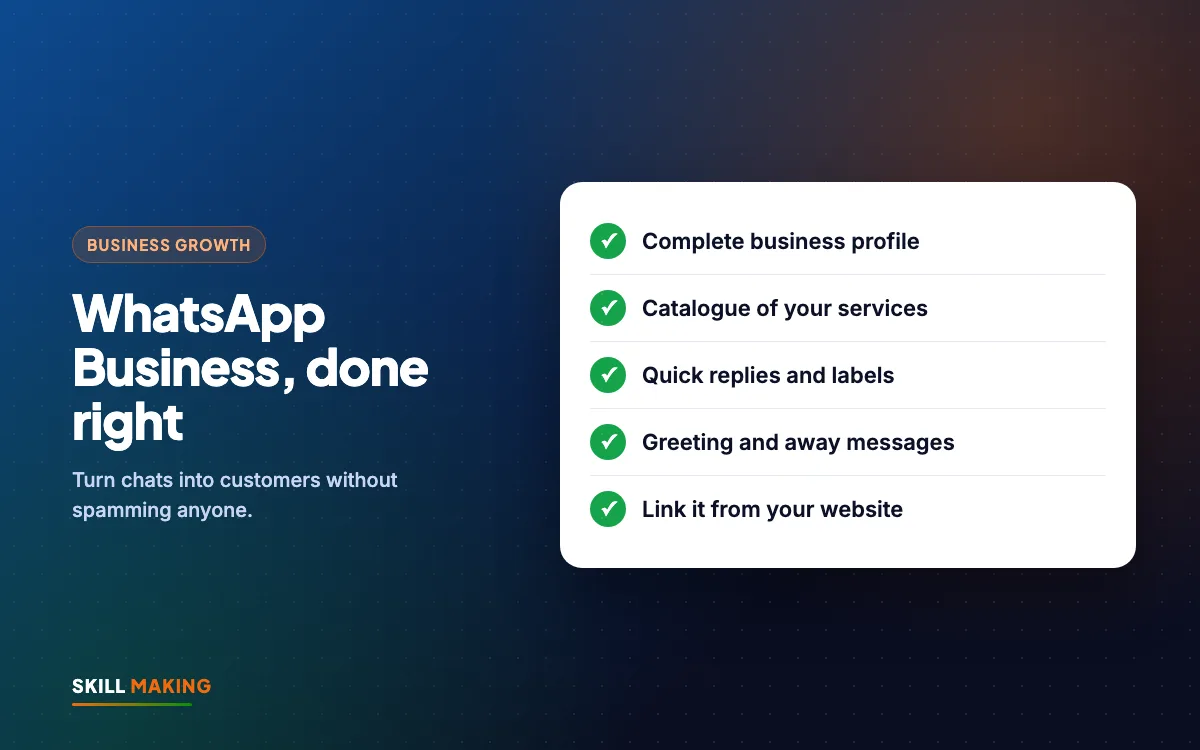
- WhatsApp Business app: A free app for small businesses. It adds a business profile, catalogue, quick replies, labels, greeting and away messages. It runs on one phone, with linked devices for computer use.
- WhatsApp Business Platform (API): For businesses that need automation, chatbots, multiple team members on one number or connection with a CRM. It is set up through an approved provider and usually has per-conversation charges.
For most small shops, clinics and service businesses, the free WhatsApp Business app is the right starting point. You can move to the platform later, when message volume grows.
How to Set Up WhatsApp Business Properly
Setting it up takes about an hour. Doing it carefully makes every future conversation smoother.
- Choose the number. Ideally use a separate number just for the business, so personal and work chats never mix. If you move an existing number, back up your chats first.
- Install the WhatsApp Business app from the Play Store or App Store and verify the number.
- Use your real business name exactly as it appears on your board and Google profile.
- Add a clear profile photo, usually your logo, readable even at a small size.
- Fill in the business profile: category, short description, address, opening hours, email and website link.
- Write a description that sells: what you do, for whom, and where. For example: "Home painting and waterproofing in Rudrapur and nearby. Free site visit. Call or message for a quote."
- Link your website and Google profile so customers can check you out with one tap.
The Features That Actually Bring Customers
The app has many settings, but when it comes to WhatsApp Business for small business owners, a handful of features do most of the work.
Catalogue
The catalogue lets you show products or services with photos, descriptions and prices inside WhatsApp. A coaching centre can list each course, a bakery can list cakes, a contractor can list services such as "bathroom waterproofing" with a starting price.
- Use real photos, not stock images where possible
- Keep descriptions short and practical
- Add a "starting from" price if exact prices vary
- Update it when prices or offers change
Quick Replies
Quick replies are saved messages you send with a short shortcut. They save a lot of typing for questions you answer every day.
Good quick replies to create:
- Fees or price list
- Timings and address with a Google Maps link
- How to book or what documents to bring
- Payment options such as UPI
- A thank-you message with your review link
Greeting and Away Messages
A greeting message is sent automatically when someone messages you for the first time. An away message goes out when you are closed. Both reassure the customer that they reached the right place and will get an answer.
Keep them short and human: "Namaste, thank you for messaging Sharma Dental Clinic. Please share your question and a good time to call. We usually reply within an hour during clinic hours."
Labels
Labels let you tag chats so nothing gets lost. A simple set works for most businesses:
- New enquiry
- Quote or fees sent
- Follow up
- Booked or paid
- Regular customer
At the end of each day, open the "Follow up" label and reply to everyone in it. This one habit can win back many enquiries that would otherwise go cold.
Short Link and QR Code
WhatsApp Business gives you a short link and QR code that opens a chat with you directly. Put them on your website, Instagram bio, visiting card, shop counter, bills and flyers. Every place a customer sees your business should make it one tap to message you.
WhatsApp Business for Small Business: Best Practices for Replies
Features help, but how you reply decides whether the customer books. Follow these habits:
- Reply fast. Speed matters more than a perfect message. A quick "Yes, we can help. Can I call you in 10 minutes?" keeps the customer with you.
- Ask one question at a time. Instead of a long list, ask the most important question first.
- Use voice notes carefully. Some customers love them, others cannot listen at work. Ask which they prefer.
- Share proof. Send a photo of similar work, a short video or a link to your reviews.
- Always end with a next step. "Shall I book you for 5 pm tomorrow?" works better than "Let me know."
- Be polite with price shoppers. Explain what is included before sending a number.
Broadcasts and Promotions Without Spamming
Broadcast lists let you send one message to many contacts, and each person receives it as a private message. In the free app, broadcasts are only delivered to people who have saved your number, which is one more reason to ask customers to save it.
Rules for sending promotions:
- Only message people who have bought from you or asked to receive updates.
- Send useful updates, not daily ads. Once or twice a month is plenty for most businesses.
- Make every message relevant: a new batch, a festival offer, a seasonal service reminder.
- Respect people who ask to stop. Remove them immediately.
If many people block or report your number, WhatsApp may restrict it. Treat every customer's inbox with respect. For regular newsletters, email marketing is often better suited.
Connecting WhatsApp to Your Website and Ads
WhatsApp works best when it sits at the end of your marketing. Every customer journey should finish with an easy way to message you:
- Searches on Google“best clinic in your town”
- Opens your websiteFast and clear on mobile
- Sees photos & reviewsTrusts you in seconds
- Taps WhatsApp or CallThe enquiry reaches you instantly
- Visits and buysAnd comes back again
- Website: A floating WhatsApp button on every page, especially on mobile. Every site we build through our website design service includes WhatsApp and call buttons.
- Google Business Profile: Add your website and keep your phone number correct, so searchers can reach you quickly.
- Facebook and Instagram ads: Click-to-WhatsApp ads open a chat directly. They can work well for local services. Our Facebook ads service sets these up.
- Google Ads: Send traffic to a landing page with a clear WhatsApp button. See our Google Ads service.
If you do not yet have a website with proper WhatsApp buttons, the Starter package at ₹14,999 and the Business package at ₹29,999 (prices exclude GST) both include them. For Florida businesses, sites start from $300. See all packages.
When to Move Beyond the Free App
For most owners, the free app is all the WhatsApp Business for small business setup they need, until one of these happens:
- More than one or two people need to answer customer messages
- You get so many enquiries that replies are slow
- You want automatic replies with menus, booking or reminders
- You want every lead saved automatically in a CRM
At that stage, the WhatsApp Business Platform with a simple CRM makes sense. We explain how in automate lead follow-up with WhatsApp and a CRM. Our AI automation service can set it up so your team gets organised without losing the personal touch.
If you would like help setting up WhatsApp, your website and follow-up together:
Common Mistakes With WhatsApp Business for Small Business
- Running the business from a personal number mixed with family chats
- Leaving the profile empty, with no address, hours or description
- Sending a price with no explanation and then going silent
- Forwarding long promotional messages to everyone in your contacts
- Not saving customer details, so you cannot follow up later
- Replying only at night when the customer has already chosen someone else
- Never asking for a review after a happy conversation
A Simple Daily WhatsApp Routine
- Morning: Reply to every message that came in overnight.
- Midday: Check the "New enquiry" label and make sure everyone got a proper answer.
- Evening: Go through the "Follow up" label and send a short, helpful message to each person.
- After each completed job or sale: Send a thank-you with your Google review link.
Fifteen to twenty minutes a day is usually enough. That small, steady habit is what makes WhatsApp Business for small business teams pay off.
What to Do Next
Today, install WhatsApp Business on a dedicated number, complete the profile, and create five quick replies. This week, add your catalogue and start using labels. Then make sure your website, Google profile and Instagram all point to your WhatsApp.
Want a second opinion on your setup? Ask for a free audit of your online presence, including your WhatsApp, Google profile and website. Or request a free website plan for a site built around WhatsApp enquiries.