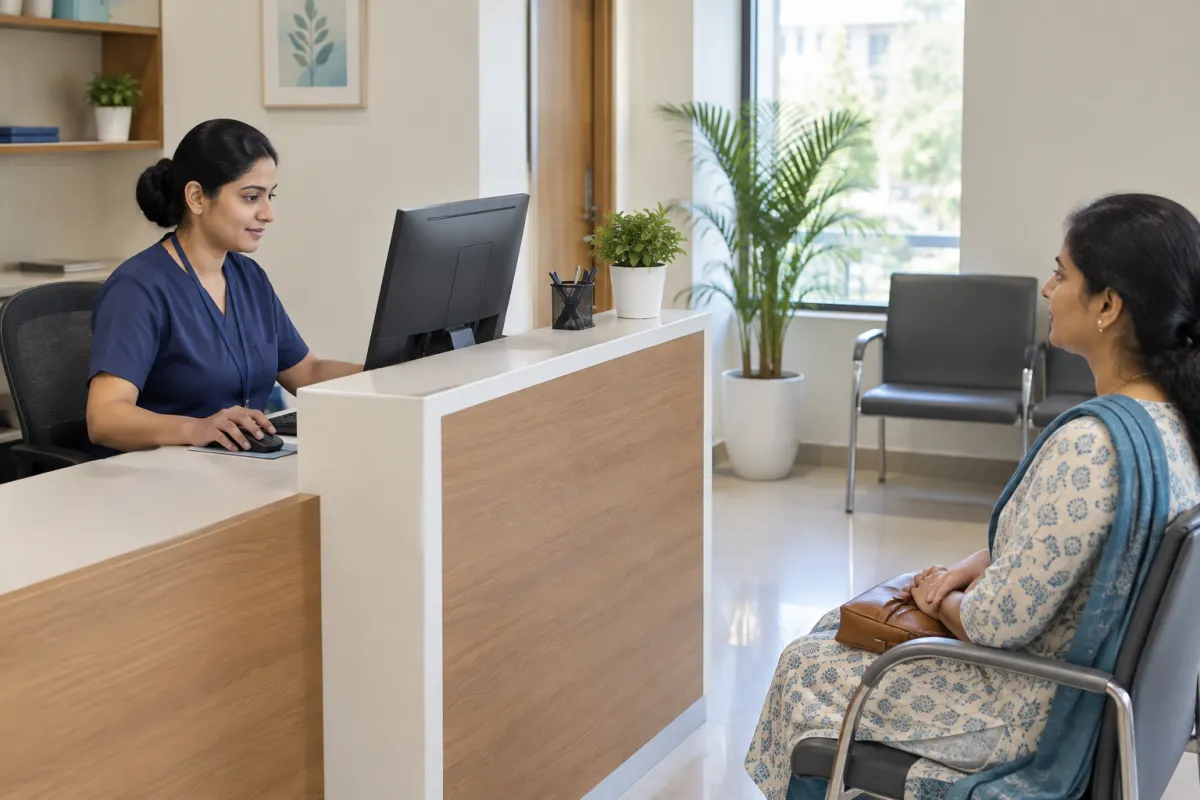
Good clinic website design is less about fancy graphics and more about answering a worried patient's questions in a few seconds. Someone with a sick child at 8 pm, or an elderly parent who needs a check-up, wants to know three things: is this the right doctor, is the clinic open, and how do I get an appointment? If your website answers that clearly on a phone, it does its job.
This guide is for doctors, dentists, physiotherapists, eye clinics, diagnostic centres and small nursing homes, whether you practise in Khatima, Haldwani, Dehradun or a busy city. It is practical, not technical. One important note before we start: medical advertising in India is governed by rules and professional codes of conduct, and they can change. Every clinic should review its own website content, and take advice where needed, before it goes live.
Start With the Patient's Questions, Not Your Logo
Most clinic websites are built from the doctor's point of view: a big logo, a long welcome message, a list of every degree. Patients come with a different list in their head:
- Which doctor will I see, and what is their specialty?
- Is the clinic open today? What are the OPD timings?
- Where exactly is it, and is there parking?
- How do I book or request an appointment?
- What number do I call in an emergency?
- What do other patients say?
Build your home page around these questions. Put the doctor's name and specialty, today's timings, a call button and a WhatsApp button near the top. Everything else can come further down.
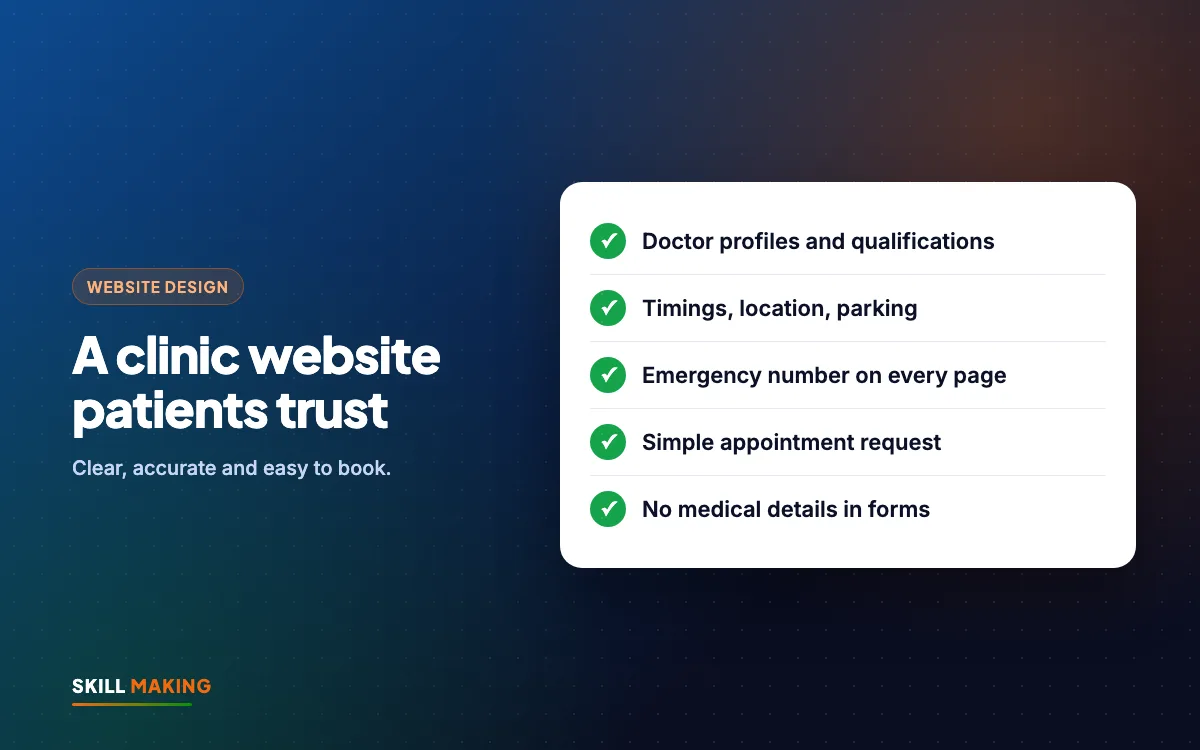
The Core Pages of Good Clinic Website Design
You do not need dozens of pages. A focused site with these sections works well for most clinics:
- Home: who you are, specialty, timings, location and the main contact buttons.
- Doctors: one profile for each doctor (more on this below).
- Services or treatments: plain-language descriptions of what the clinic offers.
- Timings and appointments: OPD days and hours, holiday notes, and the appointment request form.
- Location and contact: address, Google Map, landmarks, parking notes, phone and WhatsApp.
- Patient information: what to bring, how billing works, which documents or old reports are useful.
- Reviews: a link to your Google reviews, and a way to leave one.
Our checklist of pages every small business website needs has more detail on general pages like About and Contact.
Doctor Profiles That Build Trust
Patients choose a doctor before they choose a clinic. A good profile is simple and factual:
- Full name and a clear, professional photo (with the doctor's consent).
- Qualifications exactly as registered, with the institutions.
- Registration details if you choose to show them, and only if they are accurate.
- Specialty and areas of practice, in words patients understand.
- Languages spoken, for example Hindi, English, Kumaoni or Punjabi.
- Consultation days and timings for that doctor.
What to avoid:
- Words like "best", "number one" or "guaranteed cure".
- Before-and-after claims or promises about results.
- Patient testimonials that describe treatments or outcomes, unless you are certain they meet the applicable rules. Many clinics simply link to their Google reviews instead.
- Copying another doctor's text or photos.
Calm, factual profiles usually build more trust than bold claims. They also keep you on safer ground with professional guidelines.
Timings, Location and the Emergency Number
These are small details, but they are the ones patients use most.
Timings
Show OPD timings on the home page and the contact page. If different doctors have different days, show a simple table. Update it for festivals and holidays. A patient who travels from a village to find the clinic closed will not trust your website again.
Location
Embed a Google Map, write the full address, and add landmarks local people use, such as "opposite the bus stand" or "next to the State Bank branch". Mention parking and whether there is a ramp or lift for elderly patients.
Emergency information
If your clinic handles emergencies, show the emergency number clearly on every page, separate from the appointment number. If you do not handle emergencies, say so politely and suggest that patients call the nearest hospital or the national emergency number. Never let a patient in an emergency fill in a form and wait.
A Safe Appointment Request Form
An online form is one of the most useful parts of clinic website design, but it must be designed carefully. Keep it short and collect the minimum:
- Patient name
- Phone number
- Preferred day and time
- Which doctor (optional)
That is all. Do not ask for symptoms, diagnoses, reports or any medical details in a website form. Medical information is sensitive. It should be discussed with the doctor, not sent through an email inbox or a WhatsApp group that several staff can see.
Also make it clear that this is a request, not a confirmed booking. Add a line such as "Our staff will call you to confirm your appointment." Then make sure someone actually does, the same day. Our guide on why leads go cold explains how a simple follow-up routine stops enquiries slipping away, and WhatsApp Business for small businesses shows how to set up quick replies for appointment requests.
Here is how a typical clinic changes when it moves from no website, or an old one, to a focused, patient-first site:
Without a website
is not here
- ✕Customers can’t find you on Google
- ✕Only a social page — or nothing
- ✕Missed calls, no follow-up
- ✕Competitors look more trusted
With a Skill Making website
- ✓Shows up when people search on Google
- ✓Photos, prices and reviews build trust
- ✓WhatsApp and call buttons on every screen
- ✓Every enquiry tracked and followed up
Your Google Business Profile Matters as Much as the Website
For many patients, the first thing they see is not your website at all. It is your Google Business Profile in Maps: name, rating, timings, photos and a "Call" button. Clinic website design and your Google profile should work together.
- Use the exact same clinic name, address and phone number on both.
- Keep timings on Google updated, especially on holidays.
- Add real photos of the entrance, waiting area and signboard so patients can find you.
- Choose the correct primary category for your clinic.
- Link the profile to your website.
Our Google Business Profile guide walks you through every step. For a wider plan, the local SEO checklist covers citations, reviews and location pages.
Reviews: Ask Ethically, Never Fake Them
Patients read reviews carefully. A healthy set of genuine reviews often reassures new patients more than anything you write about yourself.
- Ask satisfied patients, politely, after their visit. A printed QR code at the reception desk works well.
- Never offer discounts or gifts in return for reviews.
- Never write reviews yourself or ask staff to post them.
- Reply to reviews calmly and briefly. Do not discuss any patient's medical details in a public reply, even if they mentioned them first.
Our post on how to get more Google reviews has a simple system you can use at the front desk.
What Large Hospital Websites Do Well, on a Small-Clinic Budget
Big hospital groups usually have doctor directories with filters, online appointment requests, clear location pages and click-to-call buttons on every page. A small clinic does not need their budget to get the same basic benefits: a clear doctor profile, an appointment request form, a map and a call button.
Store locators with address, map and timings for every outlet
Brands like Domino’s and TanishqA page for your town + Google Business Profile with map and timings
Click-to-call and chat on their pages
Brands like TanishqWhatsApp and call buttons on every screen
Doctor profiles and online appointment requests
Brands like Apollo HospitalsAn enquiry or booking form that lands on your WhatsApp
Ratings and reviews right where people decide
Brands like AmazonYour best Google reviews shown on your website
Brand names belong to their owners and are used only as examples of common website features. Skill Making is not connected with them.
Common Clinic Website Design Mistakes
We see these clinic website design mistakes again and again when we review clinic sites:
- Outdated timings or a doctor listed who left the clinic last year.
- No mobile version, so the phone number is tiny and not tappable.
- Medical claims such as "100% cure" or "painless guaranteed", which can create problems with professional rules.
- Long forms asking for symptoms and medical history.
- Stock photos of models in white coats instead of your real doctors and premises.
- A slow site with heavy sliders. Our post on slow websites and enquiries explains how to check and fix it.
- No SSL, so browsers show a "not secure" warning. See website security for small business.
- Logins held by an old vendor, so nobody at the clinic can update anything.
Our Approach to Clinic Website Design
At Skill Making we have not yet built a site for a clinic, so we will not pretend to have healthcare case studies. What we do bring is the same process we use for 100+ clients in India, the UK and the USA, adapted to the care that healthcare needs:
- Discovery call on WhatsApp or Google Meet to understand your doctors, timings and services.
- Content draft: we write simple, factual text and send it to you for review. You, as the clinic, check it against the medical advertising rules and codes that apply to you before anything goes live.
- Design and build: mobile-first, fast, with call and WhatsApp buttons and a minimal appointment request form.
- Google setup: Search Console, sitemap and, on the Business package, Google Business Profile setup.
- Review and launch: you approve every page. Most sites go live in about 14 days.
You can read more about what we build for healthcare on our website design for hospitals page.
Ready to talk about your clinic's website?
Costs and What Is Included
For a single-doctor clinic, the Starter package at ₹14,999 (one-time, plus GST) covers up to 5 pages, a WhatsApp button, an enquiry form, basic SEO and free SSL. Multi-doctor clinics and diagnostic centres usually choose the Business package at ₹29,999, which adds up to 12 pages, custom design, lead tracking, Google Business Profile setup and three months of support. Domain and hosting are bought in your clinic's own name and usually cost about ₹2,500 to ₹6,000 a year.
Compare all packages, or see our guide to website design cost in India. For practices in the USA, websites start from $300; the Miami website design page has a cost calculator.
After Launch: Be Found, Stay Accurate
Good clinic website design keeps working only if the content stays accurate. Each month:
- Check timings and doctor lists on the website and on Google.
- Reply to new reviews.
- Test the appointment form and the call button on your own phone.
- Keep plugins, SSL and backups in order. Our website maintenance checklist helps.
If you want more people to find the clinic, SEO helps you appear for searches like "dentist near me" or "child specialist in Rudrapur". Any paid ads should also follow the platform's healthcare policies and the rules that apply to medical advertising.
What to Do Next
Search for your clinic on Google from your phone. Do you see the right timings, a working website link and a call button? Open the website: can a patient find the doctor, the timings and a way to request an appointment within a few seconds?
If not, we can help. Ask for a free website audit and we will point out what to fix, or get a free website plan for a new clinic website.