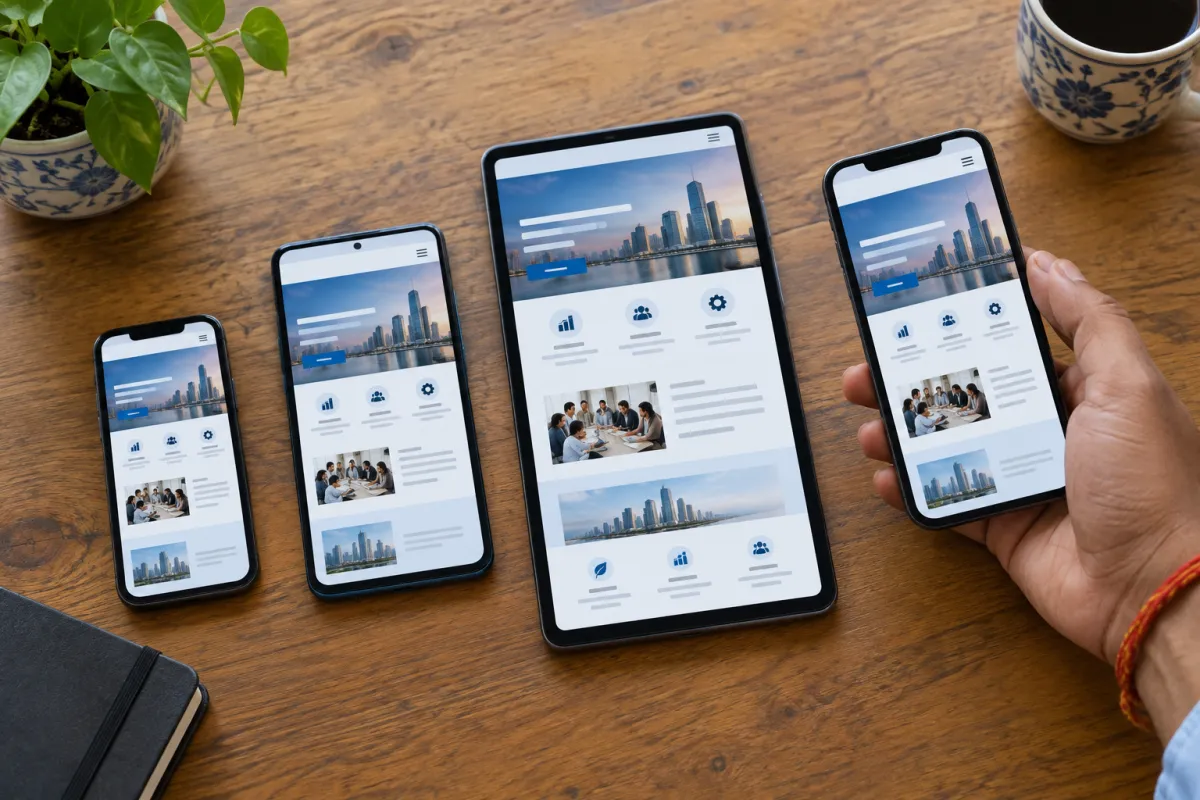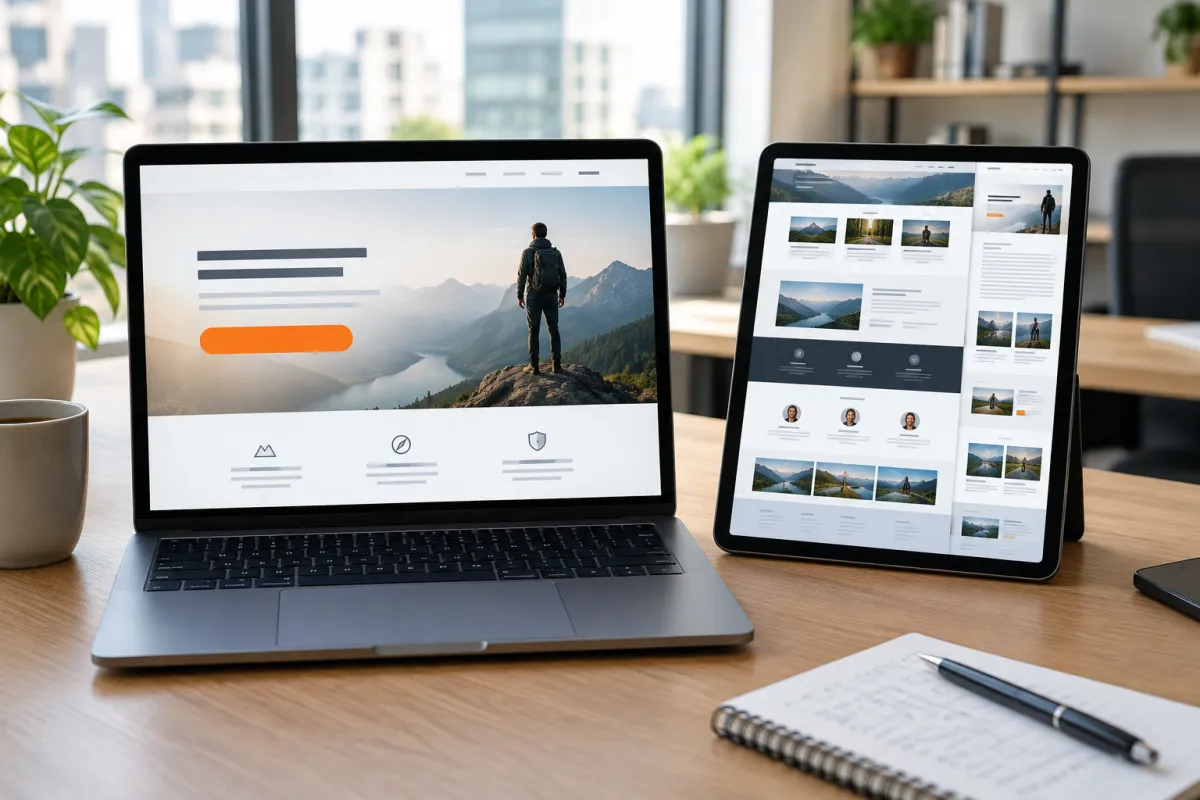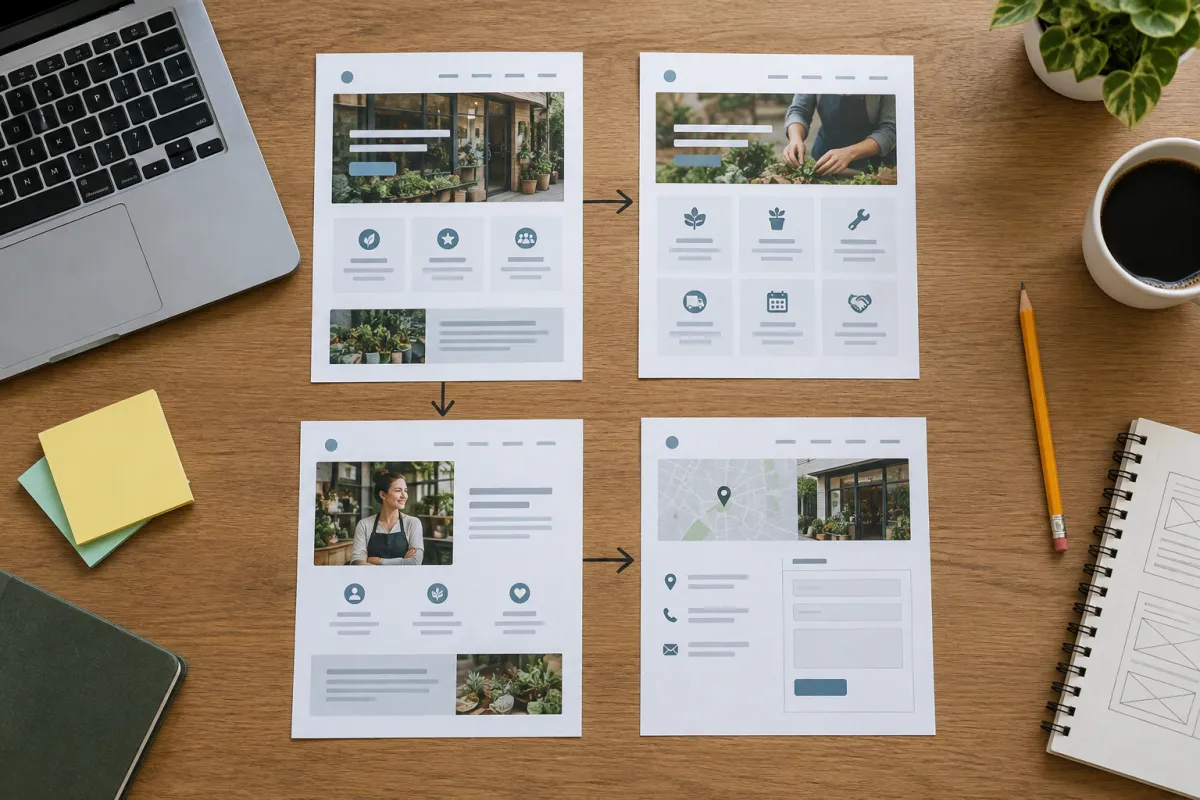
Planning the right small business website pages is the step most owners rush, and it shows later. A site with too few pages leaves customers with unanswered questions. A site with too many confusing pages makes them give up. The sweet spot is a small, clear set of pages where every page has one job.
This checklist explains the pages almost every business needs, what to put on each, and the extra pages that suit your industry. Keep it open while you plan your site, or while you check the one you already have.
Start with one question: what should a visitor do?
Before listing pages, decide what you want a visitor to do. For most local businesses, the answer is one of these:
- Call you
- Send a WhatsApp message
- Book an appointment or visit
- Ask for a quote
- Buy a product online
Every page you add should help a visitor take that action. If a page does not help, it probably does not need to exist. This one rule will save you from a cluttered website.
The 5 essential small business website pages
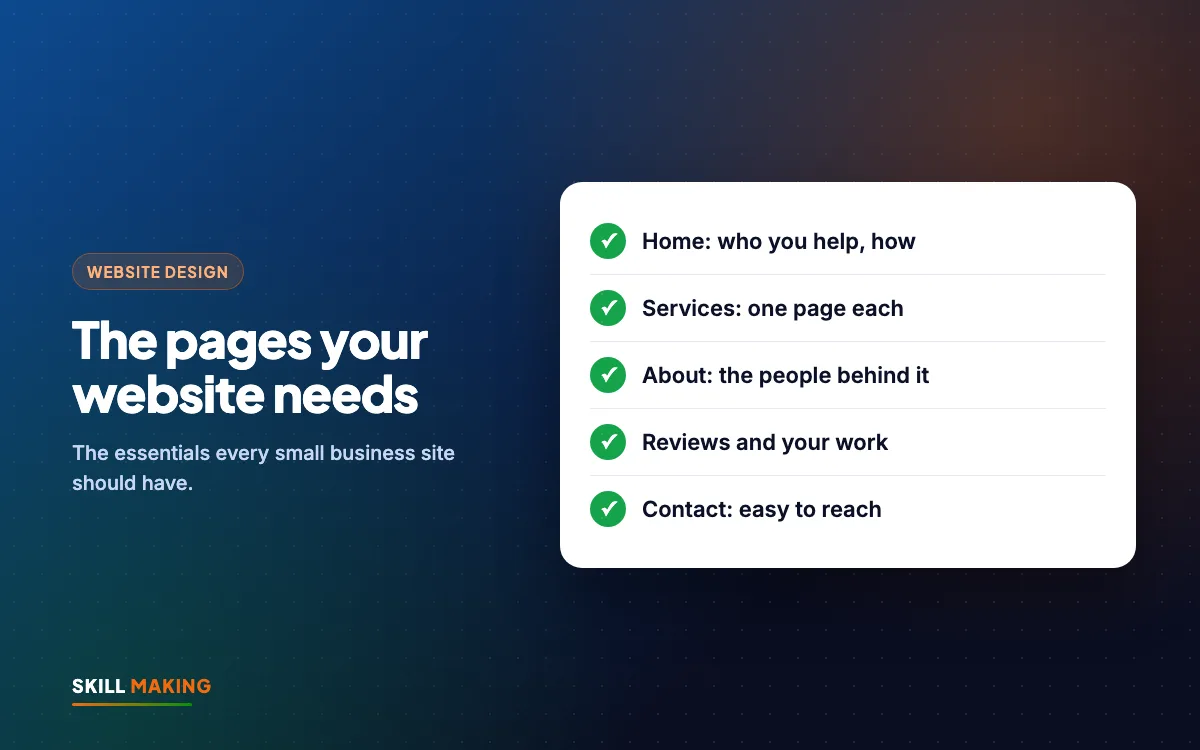
For most small businesses, these five pages are the core. This is also roughly what a Starter website covers.
- Home
- Services (or Products)
- About
- Contact
- Reviews or Our Work
Let us go through what each one should contain.
Page 1: Home page checklist
Your home page is the front door. Many visitors land here first, decide in seconds, and either contact you or leave.
Put these on your home page:
- A clear headline: what you do and where. For example, "Physiotherapy clinic in Haldwani" or "Roof repair in Tampa, Florida".
- A short line on why you, such as years in business, a speciality, or same-day service
- Call and WhatsApp buttons on the first screen
- A short list of your main services, each linking to its own page or section
- Two or three real photos of your work, shop, team or premises
- A few reviews or a link to your Google reviews
- Your area or towns served
- A simple enquiry form or a button to the contact page
Avoid big sliders with vague slogans. A plain, clear first screen usually works better.
Page 2: Services page checklist
This is where customers decide whether you do what they need. It is also the page Google relies on most to understand your business.
For each service, include:
- The service name in plain words customers use (for example "AC repair", not "climate solutions")
- What it includes, in a few bullet points
- Who it is for
- Price or a "starting from" price if you can share it
- How long it takes
- A photo or two
- A clear button to call, WhatsApp or ask for a quote
If you offer several very different services, give each its own page. A dental clinic might have separate pages for root canal, braces and implants. A contractor might have separate pages for roofing, painting and concrete. Separate pages are easier to read and easier for Google to show for the right search. Our on-page SEO checklist explains how to write each one.
Page 3: About page checklist
People buy from people. The About page is where a nervous first-time customer decides you are real and trustworthy.
Include:
- Your story in a few short paragraphs: who started it, when and why
- The owner's or key team members' names and roles
- Real photos of your team or premises
- Qualifications, registrations or affiliations you genuinely hold
- What makes your approach different
- The areas you serve
Keep it about the customer as much as about you. "We have done this for years so your job is done right the first time" is more useful than a long history of the company.
Page 4: Contact page checklist
This page should make contacting you effortless. It sounds basic, yet broken contact pages are one of the most common problems we see.
Include:
- Tap-to-call phone number
- WhatsApp button with a ready message
- A short form: name, phone, what they need
- Full address and a Google Map
- Opening hours, including holidays if they differ
- Directions or landmarks, which are very helpful in Indian towns
- Email address, if you actually check it
Test the form after launch. Make sure enquiries go to both your email and WhatsApp so nothing is missed.
Page 5: Reviews or Our Work page checklist
Proof turns visitors into customers. This page shows that real people have used you and were happy.
Include:
- Photos of real projects, ideally before and after
- Short descriptions: what the job was, where, how long it took
- Google reviews shown or linked
- Any well-known clients you have permission to name
For a contractor, this page might be the most important on the whole site. For a café, it might be a photo gallery of the food and space. You can see how we present our own projects on our work page.
Here is the difference these pages make when they are done well:
Without a website
is not here
- ✕Customers can’t find you on Google
- ✕Only a social page — or nothing
- ✕Missed calls, no follow-up
- ✕Competitors look more trusted
With a Skill Making website
- ✓Shows up when people search on Google
- ✓Photos, prices and reviews build trust
- ✓WhatsApp and call buttons on every screen
- ✓Every enquiry tracked and followed up
Extra small business website pages worth adding
Once the core five are ready, these pages often help:
- FAQ page. Answer the questions you hear on the phone every day: prices, timings, parking, payment methods, what to bring. This saves you time and builds trust.
- Pricing or Packages page. Even a "starting from" price helps people decide. Many customers will not call if they fear the price is far out of reach.
- Location pages. If you serve several towns, a page for each can help you appear in local searches. For example, a builder serving Rudrapur, Kichha and Kashipur.
- Blog or News. Useful articles and updates help with Google over time and show that the business is active.
- Privacy Policy. Needed if you collect any personal data through forms, and expected by ad platforms.
- Thank-you page. The page people see after sending a form. Useful for tracking enquiries from ads.
Industry-specific pages to add
Different businesses need different pages. Here are examples from the industries we work with most.
Clinics and hospitals
- Doctors and specialists, with qualifications and timings
- Departments or treatments, one page each
- Book an appointment
- Insurance or payment information
- Emergency contact
See more on our website design for hospitals page.
Schools, colleges and coaching centres
- Admissions, with steps, dates and an enquiry form
- Courses or classes offered
- Fee structure, if you share it
- Faculty
- Facilities and gallery
- Results and achievements
- Mandatory disclosure, for CBSE schools
If you run a school, our CBSE school website design page explains the extra requirements.
Restaurants and cafés
- Menu, as a proper web page, not only a photo
- Order online or links to delivery apps
- Table booking or call to reserve
- Events and private parties
- Photo gallery
Contractors, builders and home services
- Each service on its own page
- Project gallery with before and after photos
- Service areas
- Get a free quote or estimate
- Warranties or guarantees you actually offer
Our page on website design for contractors and builders has more ideas.
Pages you can usually skip
Not every page is worth your time at the start:
- A separate "Mission and Vision" page. Put one line on the About page instead.
- An empty blog. Only add a blog if you will post on it. An empty blog with one old post looks neglected.
- A "Careers" page with no openings. Add it only when you are hiring.
- Duplicate pages that say the same thing in different words. They confuse visitors and Google.
- A "Coming soon" page. Launch with what you have and add more later.
If you need help deciding which pages fit your business, we can plan it with you:
How to plan your website pages step by step
Here is a simple way to plan your small business website pages in one sitting:
- Write down the one main action you want visitors to take.
- List every service or product you offer. Group similar ones together.
- Decide which groups need their own page. Usually your most important or most searched services.
- Write down the ten questions customers ask you most often. These become your FAQ.
- Collect real photos: your work, your team, your premises.
- Collect three to five reviews you can show or link.
- List the towns or areas you serve.
- Sketch a simple menu: Home, Services, About, Work, Contact, plus any extras.
- Check the plan on a phone screen. Is the menu short enough? Can people find contact quickly?
When you work with Skill Making, we do this planning with you and write the content for every page. You only need to share the details and photos.
How many small business website pages do you need?
There is no perfect number, but here is a rough guide:
- Starter (up to 5 pages): Good for a single-service shop, a new clinic or a small coaching centre.
- Business (up to 12 pages): Good for businesses with several services, several locations, or a need for a blog.
- Online Store: For selling products directly, with up to 50 products in our standard package.
You can compare these on our website packages section or read more about website design cost in India. In the USA, websites start from $300; our Tampa website design page explains more.
What to do next
Print or save this checklist, then go through your current website page by page. Mark what is missing. If your site is missing the basics, such as a clear services page, an easy contact page or any proof of your work, fix those first.
If you are starting fresh, get a free website plan. We will suggest the right pages for your business, write the content, and get you live in about 14 days.