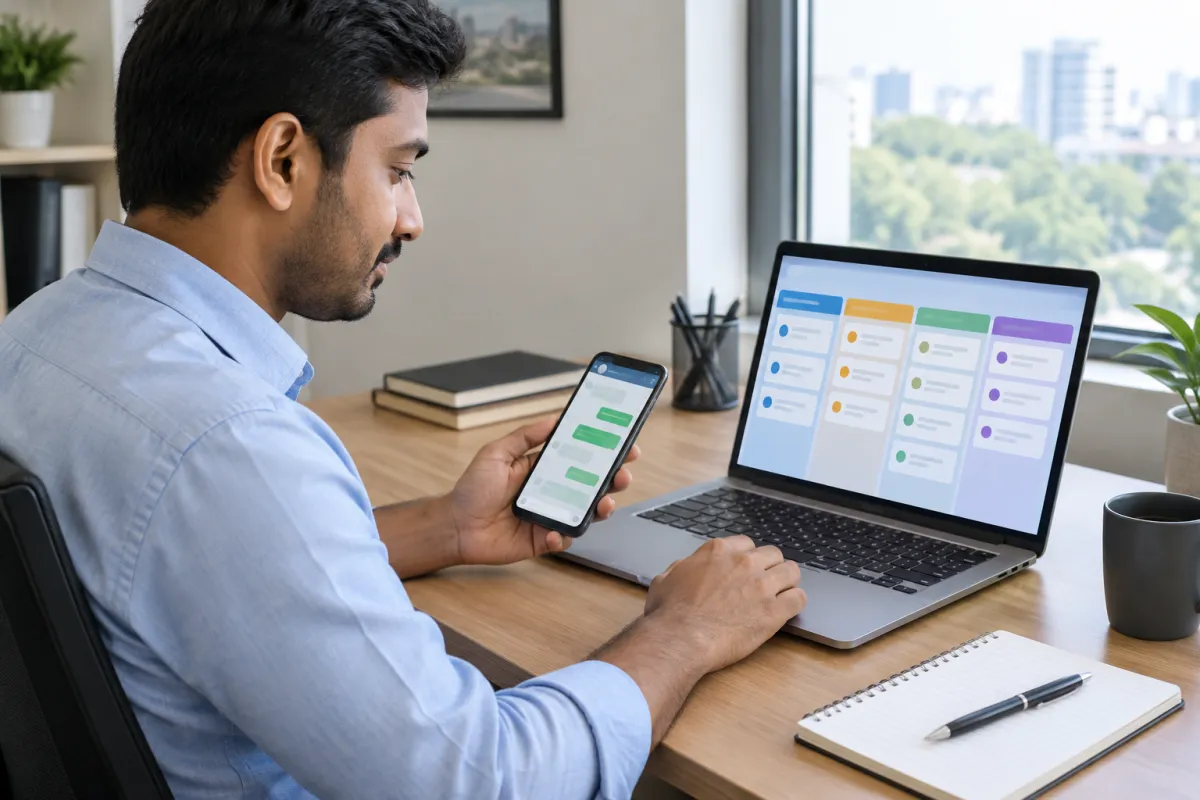
If you run a small business, marketing often happens in the gaps: late at night, between customers, or not at all. The good news is that many of the most repetitive jobs can run on their own. This guide picks seven marketing tasks to automate that are simple, low-risk and useful for shops, clinics, schools, restaurants, contractors and service businesses.
Each of these marketing tasks to automate can be set up in an afternoon or less. None needs coding. And for each one, we also tell you what should stay personal, because automation should free your time, not replace your relationship with customers.
Before you choose marketing tasks to automate: three rules
Automation works best when you follow a few simple rules:
- Automate the boring part, not the relationship. Reminders, alerts and scheduling are great to automate. Real conversations are not.
- Start with one task at a time. Set it up, check it works for a week, then add the next.
- Check the output. Every automated message goes out in your business name, so read it, test it and keep it accurate.
Also, make sure the basics are in place. Automation cannot fix a slow website or a missing Google profile. If you are unsure, read signs your website is losing customers first.
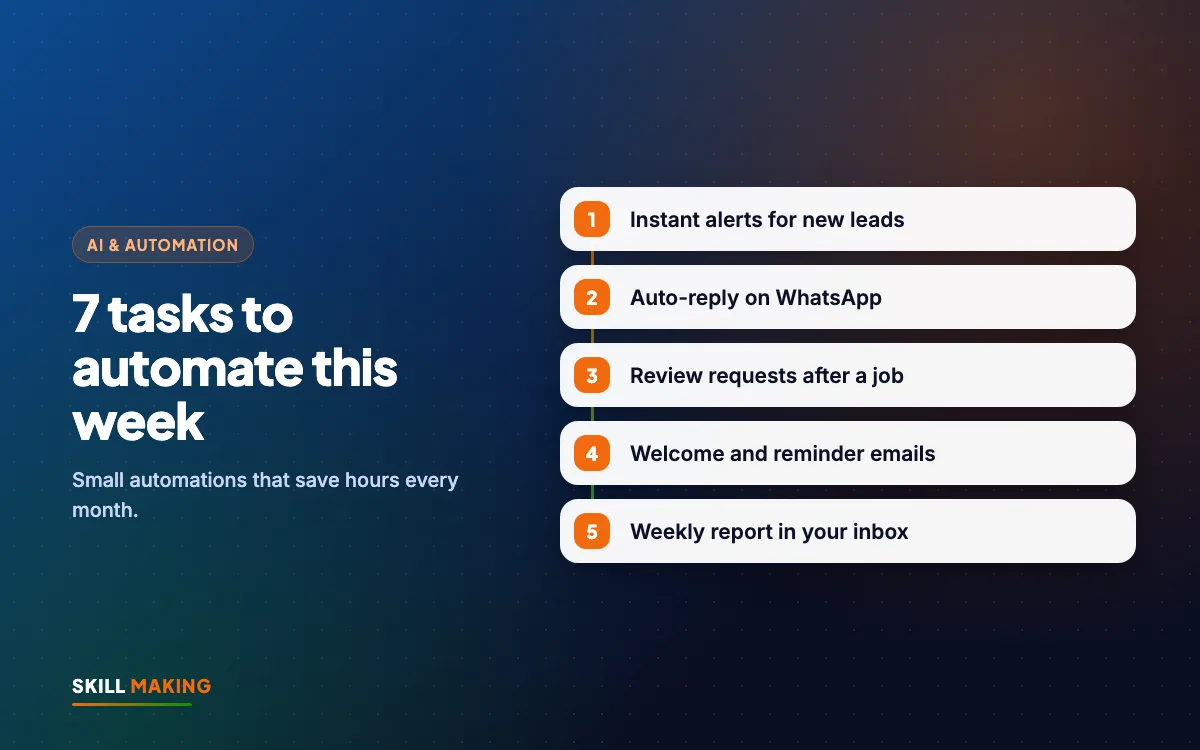
Task 1: Instant alerts for every new lead
The problem: Website form enquiries land in an email inbox nobody checks until evening. Facebook and Instagram lead ads sit inside the Meta app. By the time you see them, the customer has called someone else.
What to automate: Send every new lead to your phone instantly, on WhatsApp or as a notification, and into one sheet or CRM.
How to set it up:
- Make sure your website form sends an email to an address you check on your phone.
- Connect the form and your Meta lead ads to a Google Sheet or a free CRM. Many form tools and automation tools like Zapier or Make can do this.
- Add a notification so a WhatsApp message or phone alert arrives with the lead's name, number and request.
Keep it personal: The first real reply should come from a person, ideally within the hour. Our guide on automating lead follow-up with WhatsApp and a CRM covers the full system.
Task 2: WhatsApp greeting, away messages and quick replies
The problem: Customers message at all hours and ask the same questions again and again.
What to automate: The free WhatsApp Business app lets you set a greeting message for new chats, an away message outside working hours, and quick replies for common answers.
How to set it up:
- Open WhatsApp Business settings and go to business tools.
- Write a short greeting: thank them, say when you will reply, and share one helpful link such as your website or price list.
- Write an away message with your working hours.
- Create quick replies for prices, location, timings and booking.
- Add labels such as "New lead", "Quote sent" and "Won" to keep track.
Keep it personal: Use the quick replies as a starting point, then add the customer's name and a line about their actual question. Read our WhatsApp Business guide for more features.
Task 3: Automatic Google review requests
The problem: Happy customers forget to leave reviews, and you forget to ask.
What to automate: Send a polite review request with your direct Google review link shortly after a visit, delivery or finished job.
How to set it up:
- Get your review link from your Google Business Profile.
- Write a short, friendly message: thank them, explain that reviews help local people find you, and share the link.
- Trigger it from your billing software, booking system, CRM or email tool when a job is marked complete. If you do not have those, save it as a WhatsApp quick reply and send it at the end of each day.
Keep it personal: Ask everyone the same way, never offer rewards for reviews, and reply to every review yourself. Our guide on how to get more Google reviews explains the right way to ask.
Task 4: Scheduling social media posts in advance
The problem: You know you should post regularly, but every day it gets pushed aside.
What to automate: Plan and schedule a week or a month of posts in one sitting.
How to set it up:
- Use Meta Business Suite, which lets you schedule posts to Facebook and Instagram, or a scheduling tool you like.
- Block one hour a week or two hours a month.
- Prepare a simple mix: one work photo, one tip, one customer story or review, one offer.
- Use AI tools to draft captions, then edit them to sound like you. Our post on using AI without losing the human touch shows how.
- Schedule them all, then forget about them until next week.
Keep it personal: Reply to comments and messages yourself. And instead of paying to boost random posts, read what to do instead of boosting posts.
Task 5: Welcome and reminder emails
The problem: New customers or subscribers hear nothing after the first visit, and regular customers forget to come back.
What to automate: A welcome email when someone joins your list, and reminder emails for things that repeat.
How to set it up:
- Choose an email tool with a free plan, such as Mailchimp, Brevo or Zoho Campaigns.
- Connect your website sign-up form so new subscribers are added automatically.
- Write one welcome email: thank them, say what to expect, share something useful.
- Add one reminder automation, such as a check-up reminder for a clinic, a service reminder for an AC company, or a fee date reminder for a coaching centre.
Keep it personal: Sign emails with a real name and reply to anyone who answers. Our email marketing guide walks through building your first list, and our email marketing service can run it for you.
Task 6: Appointment and booking confirmations
The problem: Customers forget appointments or site visits, and your staff spend time calling to confirm.
What to automate: An instant confirmation when someone books, and a reminder the day before.
How to set it up:
- If you use an online booking tool or calendar, turn on its confirmation and reminder messages.
- If bookings come by phone or WhatsApp, add them to a shared calendar and use a simple automation to send a reminder message or email the day before.
- Include the address, a Google Maps link, timing and what to bring.
Keep it personal: If someone cancels or reschedules, call them. It is a chance to keep the customer.
Task 7: A weekly marketing report in your inbox
The problem: You do not know which marketing is working because checking each tool takes too long.
What to automate: One short report every Monday with the numbers that matter: new leads, where they came from, calls and WhatsApp clicks from your website, and ad spend.
How to set it up:
- Track lead sources in your sheet or CRM (Task 1 helps here).
- Use the scheduled email reports in Google Analytics, Google Ads or your CRM, or build a simple Looker Studio dashboard that emails you weekly.
- Keep it to five numbers or fewer.
Keep it personal: Spend ten minutes each Monday reading it and deciding one change for the week. Our guides on measuring marketing ROI and cost per lead explain which numbers to watch.
Putting the seven marketing tasks to automate together
Here is a simple order to set these up over a few weeks:
- Week 1: lead alerts and WhatsApp greeting, away messages and quick replies.
- Week 2: Google review requests and booking confirmations.
- Week 3: schedule your first month of social posts.
- Week 4: welcome email, one reminder email and your weekly report.
Once these run in the background, you should find that enquiries are answered faster, reviews come in more steadily and your marketing stays consistent even in busy months. Here is an illustration of how steady, consistent marketing tends to build enquiries over time:
Illustration only, not a promise. Real results depend on your town, competition, offer and how quickly you reply to enquiries.
This is an illustration, not a promise. Results depend on your business, area and how well the basics are set up.
Common automation mistakes to avoid
Even simple automation can go wrong. Watch out for:
- Too many messages. If customers get three automated messages in one day, they will mute or block you.
- Wrong or outdated information. Update your quick replies and emails when prices, timings or offers change.
- Robotic language. Write templates the way you speak, and add names and details.
- No owner. Someone on your team should be responsible for checking each automation every week.
- Automating before the website works. If your site is slow or confusing, automation just sends people to a bad experience. A mobile-first website with clear WhatsApp and call buttons comes first.
- Messaging people who never agreed. Only send marketing messages to customers and enquiries who contacted you or opted in.
What we set up for our clients
At Skill Making, we have built websites and marketing systems for businesses like IIHCA, a hospitality and culinary institute in Khatima, Estimate Florida Consulting in the USA, and KD Immigration Consultants in Sitarganj. In most projects, connecting forms, WhatsApp and follow-up is part of making the website actually bring business, not just look good. Here are some of the websites we have built:
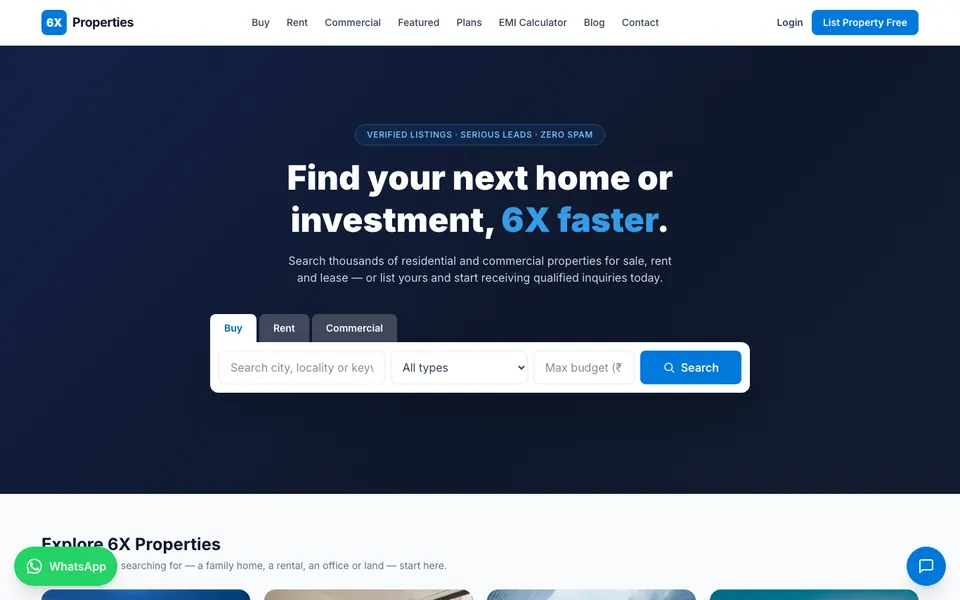
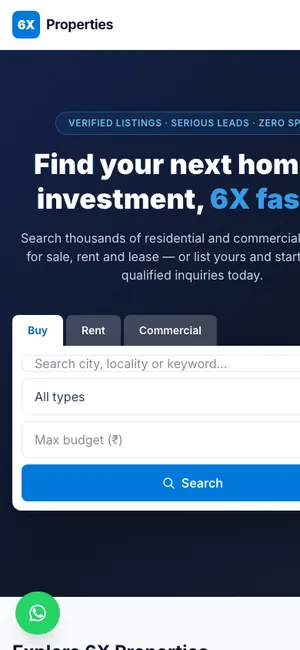 6X PropertiesReal estate portal · Rudrapur, Uttarakhand
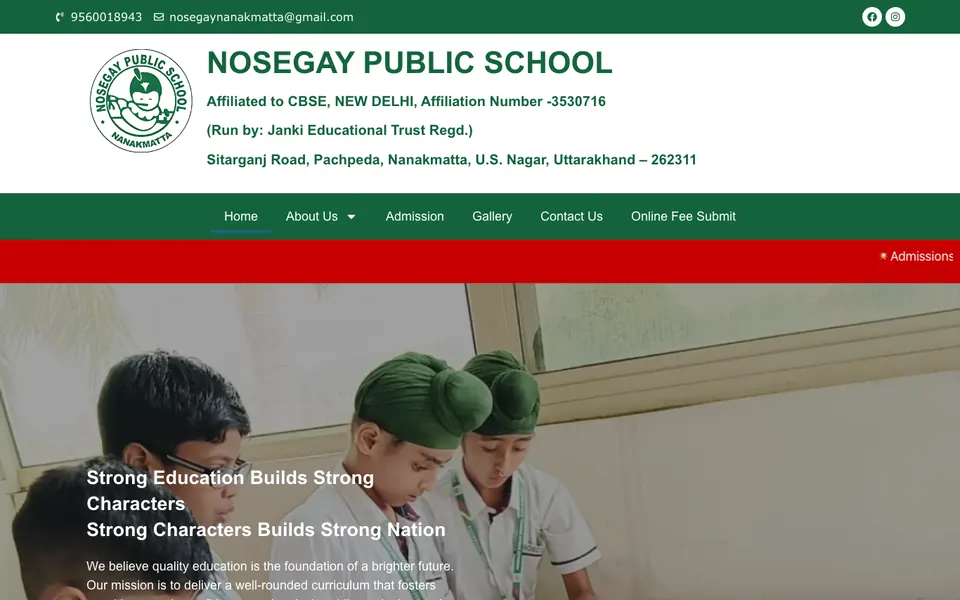
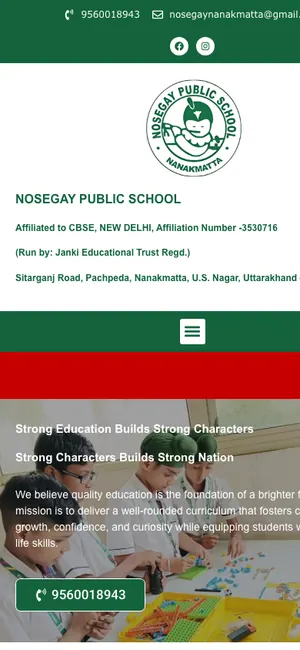 Nosegay Public SchoolSchool · Nanakmatta, Uttarakhand

 KD Immigration ConsultantsIELTS, PTE & visa consultancy · Sitarganj, Uttarakhand
If you want these marketing tasks to automate done for you, our AI automation service connects your website, ads, WhatsApp, email and CRM, and trains your team to use them.
What to do next
Pick one task from this list today. Lead alerts and WhatsApp quick replies are the easiest and often make the biggest difference. Set it up, test it, and add the next one next week. In a month, these marketing tasks to automate can be quietly running while you focus on customers.
Want an expert to look at your setup? Ask for a free audit and we will show you which tasks to automate first. If your website needs to be rebuilt to capture leads properly, get a free website plan or see our packages and pricing.