AI chatbots on websites have become easy and cheap to add. A few clicks, and a chat bubble appears in the corner of your site, ready to answer questions day and night. For some small businesses, that is a real help. For others, it quietly pushes customers away.
The difference is not the technology. It is whether the chatbot fits how your customers like to buy. A patient booking a dental check-up, a parent asking about school admissions and a homeowner with a burst pipe all want different things. This guide will help you decide honestly.
What a website chatbot actually is
There are two main types of chatbot you will see on small-business websites:
- Rule-based chatbots. These follow a fixed script with buttons: "Book an appointment", "See prices", "Talk to us". They are predictable and safe, but limited.
- AI chatbots. These use large language models to understand free-typed questions and reply in natural language. They can feel much more helpful, but they can also make things up if they are not set up carefully.
Many modern tools mix both: buttons for common paths and AI for open questions. Some also hand the conversation over to WhatsApp or a real person when needed.
When AI chatbots on websites help
A chatbot is most useful when it saves the customer time and you get a lead you would otherwise miss. Good situations include:
- Lots of repeated questions. If your staff answer "What are your timings?", "Do you have parking?" and "What is the fee?" all day, a bot can answer instantly.
- Visitors arrive outside working hours. Coaching institutes, clinics and service businesses often get enquiries late at night. A bot can collect the name, number and need so you can call back in the morning.
- You have many services or products. A bot can guide visitors to the right page, such as "Which course are you interested in?" for an institute.
- You serve customers in more than one language. AI chatbots can often reply in Hindi or English depending on how the visitor types.
- You get international visitors in different time zones. A business serving India, the UK and the USA can reply at any hour.
In these cases, the bot acts like a helpful receptionist who never sleeps.
When AI chatbots on websites hurt
A chatbot becomes a problem when it stands between the customer and you. Watch out for these situations:
- Urgent or emergency services. A plumber, roofer or HVAC company should not make someone with water pouring through the ceiling chat with a bot. A big call button is far better.
- High-trust decisions. Choosing a hospital, a school or a builder is personal. Many people want to speak to a human early.
- The bot gives wrong answers. If an AI bot invents a price, a discount or a doctor's timing, you lose trust and may have an awkward conversation later.
- The bot hides your phone and WhatsApp. Some sites replace contact details with a chat window. That frustrates people who just want to call.
- The pop-up is annoying. A bot that opens by itself, plays a sound and covers half the phone screen often makes people leave.
- Nobody reads the chats. If leads collected by the bot sit unread, the bot has only delayed the disappointment.
Here is how a poorly set up chatbot experience compares with a well set up one:
Without a website
is not here
- ✕Customers can’t find you on Google
- ✕Only a social page — or nothing
- ✕Missed calls, no follow-up
- ✕Competitors look more trusted
With a Skill Making website
- ✓Shows up when people search on Google
- ✓Photos, prices and reviews build trust
- ✓WhatsApp and call buttons on every screen
- ✓Every enquiry tracked and followed up
Do you even need a chatbot? A quick test
Answer these questions honestly:
- Do you get the same five to ten questions again and again?
- Do many enquiries come outside your working hours?
- Is your website already fast, clear and easy to use on a phone?
- Do you already reply to WhatsApp and calls quickly during the day?
- Will someone check and follow up on chatbot leads every day?
If you answered "yes" to most of these, a chatbot may help. If you answered "no" to questions 3, 4 or 5, fix those first. A chatbot cannot rescue a slow website or slow follow-up. Our post on signs your website is losing customers is a good place to start.
Chatbot vs WhatsApp button vs contact form
For most small businesses in India, a WhatsApp button already does much of what a chatbot does, because customers are comfortable on WhatsApp and you can reply from your phone. Here is a simple comparison:
- WhatsApp button: very familiar to customers, the chat stays on their phone, you can reply personally. Best for most local businesses.
- Contact form: good for detailed requests like quotes, admissions and bookings, especially when connected to email and a CRM.
- Click-to-call button: essential for urgent services and for older customers.
- Chatbot: useful for answering repeated questions instantly and capturing leads at night, especially for businesses with many services.
These are not either-or choices. Many good sites have a WhatsApp button, a call button and a form, and only some add a chatbot. Every website we build includes WhatsApp, call buttons and an enquiry form as standard.
Here is how big-company setups compare with what a small business actually needs:
Store locators with address, map and timings for every outlet
Brands like Domino’s and TanishqA page for your town + Google Business Profile with map and timings
Click-to-call and chat on their pages
Brands like TanishqWhatsApp and call buttons on every screen
Doctor profiles and online appointment requests
Brands like Apollo HospitalsAn enquiry or booking form that lands on your WhatsApp
Ratings and reviews right where people decide
Brands like AmazonYour best Google reviews shown on your website
Brand names belong to their owners and are used only as examples of common website features. Skill Making is not connected with them.
How to set up a chatbot that helps: step by step
If you decide a chatbot makes sense, follow these steps.
- Write down your top questions. Collect the questions you hear most often from calls, WhatsApp and the counter.
- Write approved answers. Give clear, correct answers for each one: timings, location, services, price ranges you are happy to share, process and what to bring.
- Feed the bot only your approved information. Good AI chatbot tools let you limit answers to your own content. Tell it to say "I will ask the team" when it does not know.
- Decide what the bot must never do. No medical, legal or financial advice. No final prices or discounts. No promises about dates.
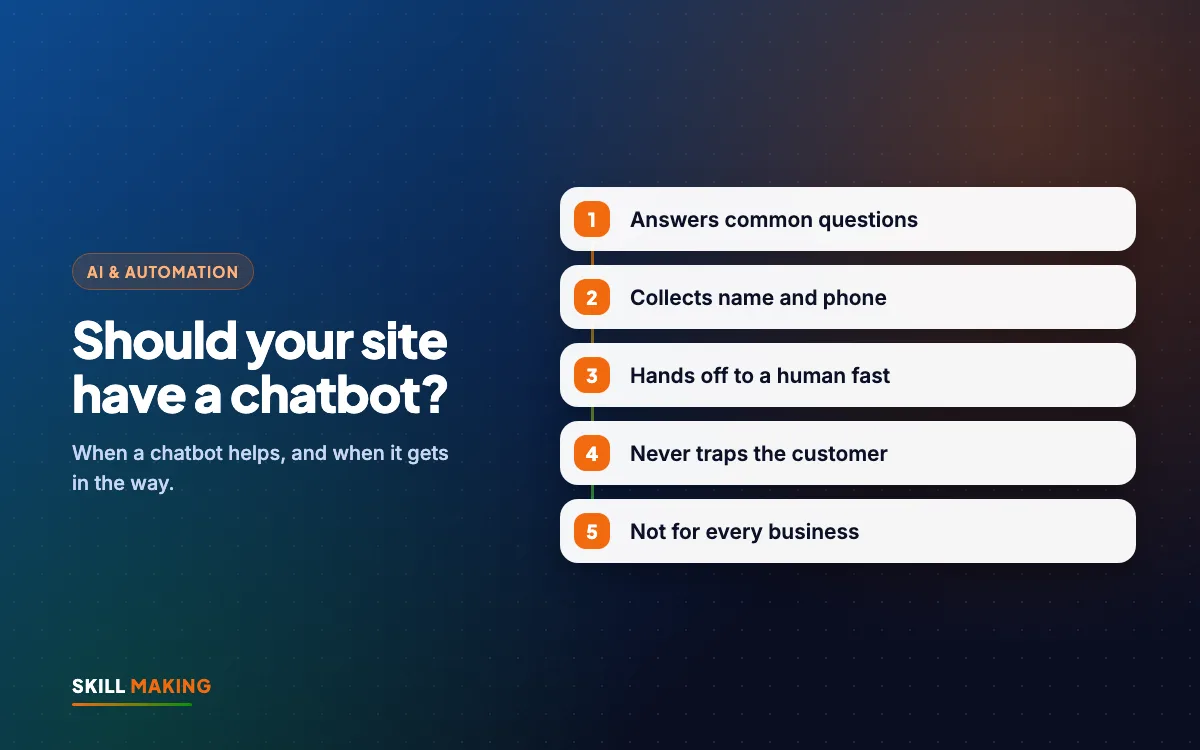
- Add a clear handover. Always offer "Chat on WhatsApp", "Call us" or "Leave your number" within the first few messages.
- Say it is a bot. A simple line like "I am an automated assistant. A team member will follow up" sets the right expectation.
- Connect leads to your follow-up system. Every name and number collected should go to WhatsApp, email or your CRM. Our guide to automating lead follow-up with WhatsApp and a CRM shows how.
- Keep it quiet. Do not auto-open on phones. A small bubble is enough.
- Test it hard before launch. Ask tricky questions, misspell words, type in Hindi, ask about prices. Fix anything wrong.
- Read chats every week. Look for questions the bot could not answer and add them to its knowledge or to your website FAQ.
What a good chatbot says (examples)
Coaching institute: "Hi! I can help with course details, batch timings and fees. Which course are you interested in? You can also WhatsApp our counsellor directly."
Dental clinic: "Hello! I can share clinic timings, location and how to book. For any medical questions, our doctor will call you. Would you like to request an appointment?"
Roofing contractor in Florida: "Hi! If you have an active leak, please call us now using the button above. For quotes and inspections, tell me your address and what you need."
Each example does three things: says what it can help with, points to a human for serious matters, and moves toward a clear next step.
Industry by industry: should you add one?
- Schools and coaching institutes: often yes, especially during admission season, as long as counsellors follow up quickly. See websites for schools and institutes.
- Hospitals and clinics: a simple appointment and information bot can help, but medical questions must go to staff. Read about hospital website design.
- Restaurants and cafes: usually a WhatsApp button, an online menu and a booking form are enough.
- Contractors and home services: call and WhatsApp buttons come first. A bot can help with quote requests after hours. See websites for contractors and builders.
- Online stores: a bot can help with order status, sizes and returns, if connected to real store data.
Chatbots and SEO
AI chatbots on websites do not directly help your site rank on Google. However, the questions people type into it are a goldmine. Turn the most common ones into clear FAQ sections and helpful pages on your website. That kind of content can help with search, and with AI answer tools too. Read more in SEO in the age of AI answers or see our SEO service.
Also make sure the chatbot script does not slow your website down. Some chat widgets load heavy code that makes pages slower on phones. Test your page speed before and after adding one.
Mistakes to avoid with AI chatbots on websites
- Adding a bot to cover slow replies instead of fixing your follow-up.
- Letting the AI answer from the whole internet rather than your approved information.
- No human handover or a hidden phone number.
- Pop-ups that cover the screen on mobile phones.
- Never reviewing chats, so wrong answers keep happening.
- Collecting personal data without care. Only ask for what you need, and explain how you will contact them.
What to do next
Start by listing your most common questions and checking how fast you reply on WhatsApp and calls today. If those are strong and you still miss enquiries at night or answer the same questions all day, AI chatbots on websites can be a sensible next step.
Not sure? Ask for a free audit and we will review your website, contact buttons and follow-up, then tell you honestly whether a chatbot is worth it. If your site needs work first, start with a free website plan, or explore our AI automation service.