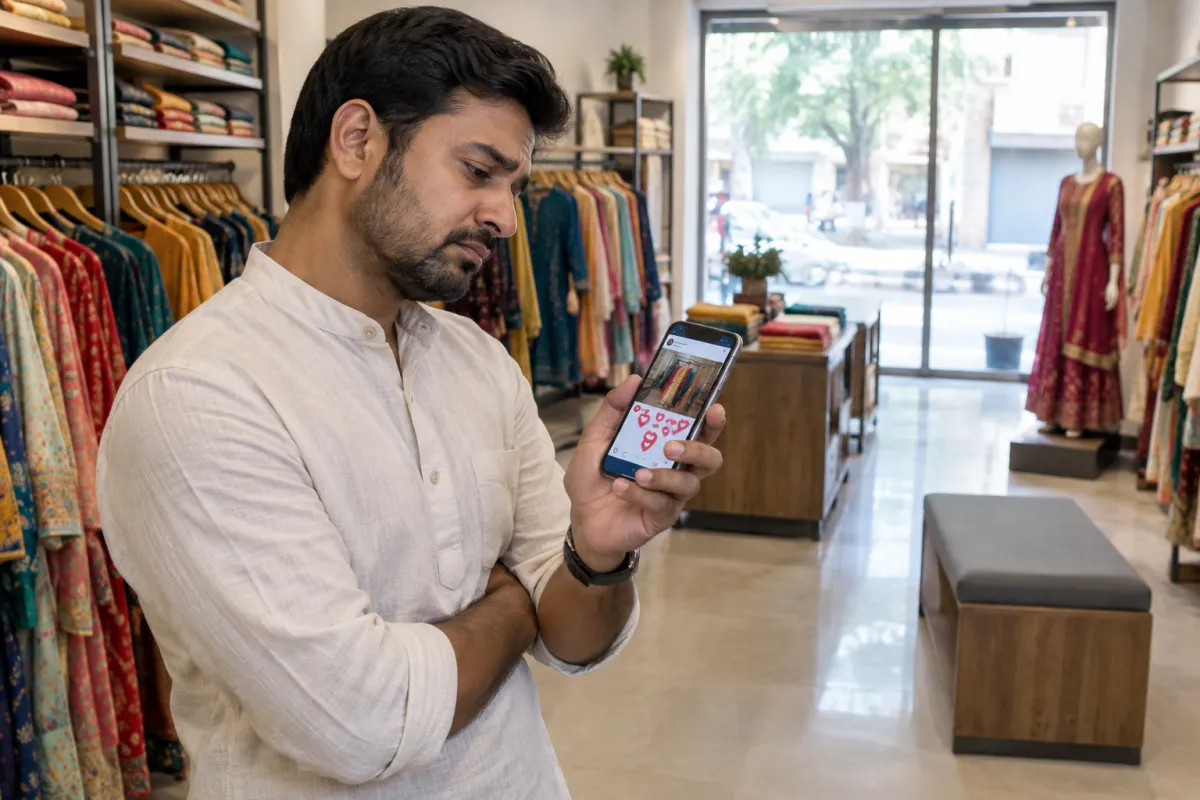
Most small-business owners we meet have tried boosted Instagram posts at least once. You post a nice photo, Instagram shows a button saying your post is doing well, you pay ₹500 or ₹1,000, and you watch the likes go up. Then the week ends and nobody has called.
This is not your fault. The boost button is designed to be simple, not to get you customers. In this post we will show you what is going wrong and what to do instead, step by step, even on a small budget.
Why boosted Instagram posts feel like they work
A boost gives you quick, visible results:
- More likes and views within hours
- A few new followers
- Comments like "nice" and emojis
- A report full of big "reach" numbers
All of this feels like progress. But a like does not pay rent. If the goal is calls, WhatsApp messages, bookings or walk-ins, you need to measure those. Most boosted Instagram posts are never set up to bring them.
The real problems with boosted Instagram posts
Here is what usually happens behind the scenes when you boost:
- The goal is often engagement. Meta then finds people who like and comment a lot, not people who buy. Some of these accounts like everything they see.
- Targeting is loose. It is easy to end up showing your Rudrapur salon to people across the country, or to an age group that will never visit.
- The post was not made to sell. It was made for followers. There is no clear offer, price or next step.
- There is no tracking. You cannot tell which boost brought which customer.
- Placements are limited. You miss formats and options that are available inside Ads Manager.
- You cannot test. One post, one audience, one setting. You learn very little.
When boosting is actually fine
Boosting is not always bad. It can make sense when:
- You are announcing something to people who already follow you or live nearby, like a new menu or holiday timings.
- The post is already doing well on its own and you want a few more local people to see it.
- You want a cheap, quick way to warm up an audience you will advertise to later.
Even then, choose the goal carefully. If the boost screen gives a choice like "more messages" or "more website visitors", pick the one that matches what you want, not "more engagement".
Before vs after: boosted Instagram posts vs a proper campaign
Here is the difference between a typical boost and a simple campaign built for enquiries:
Without a website
is not here
- ✕Customers can’t find you on Google
- ✕Only a social page — or nothing
- ✕Missed calls, no follow-up
- ✕Competitors look more trusted
With a Skill Making website
- ✓Shows up when people search on Google
- ✓Photos, prices and reviews build trust
- ✓WhatsApp and call buttons on every screen
- ✓Every enquiry tracked and followed up
What to do instead: a simple Ads Manager setup
You do not need to be an expert. Follow these steps in Meta Ads Manager (the free tool Meta provides for advertisers).
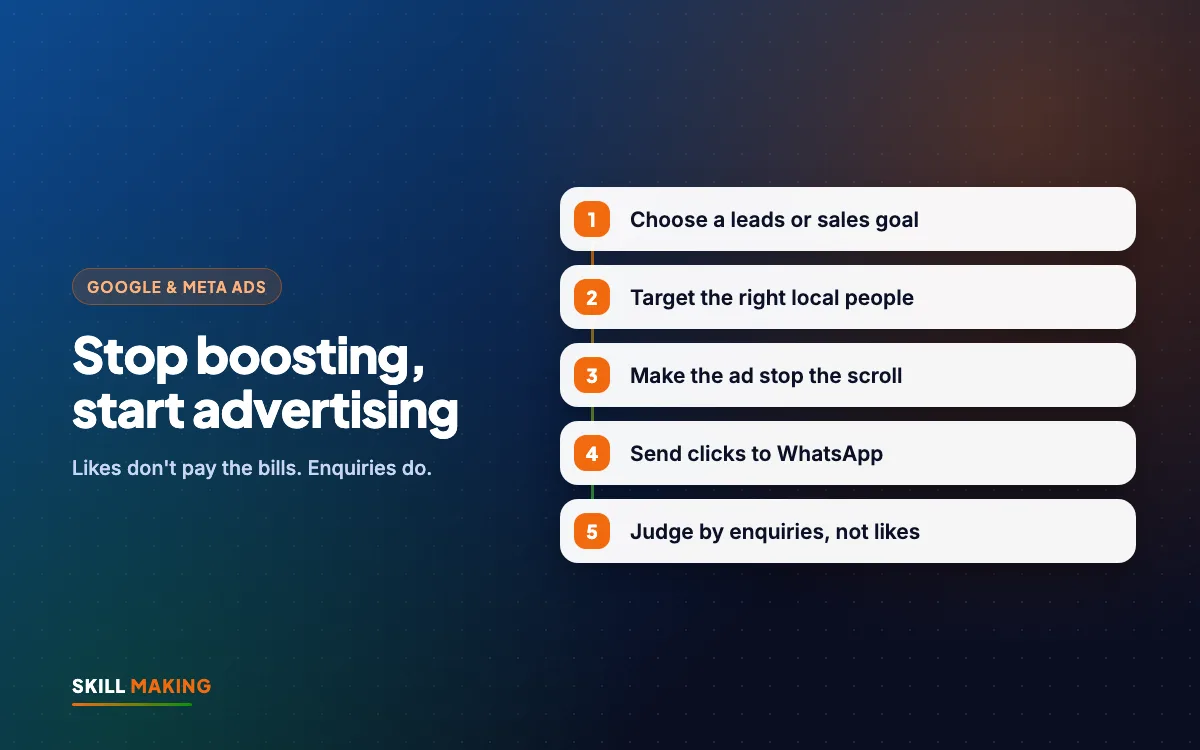
- Choose the right objective. Pick "Leads" if you want form fills or messages, "Sales" if you sell online, or "Traffic" only if you will judge it by enquiries. Avoid "Engagement" when you want customers.
- Pick where enquiries land. WhatsApp, Instagram DM, an instant form, or a fast page on your website. One clear place, not all four.
- Set your location tightly. Choose your town or a radius around your shop or service area. A plumber in Haldwani does not need Mumbai.
- Set a sensible age range and leave interests fairly broad at first. Meta often finds buyers better when you do not over-narrow.
- Make two or three ads, not one. Try a short video, a before-after photo and a carousel. Let the data show which works.
- Write a clear offer. "Free home inspection this week", "Kids' summer batch starts 1 May, 20 seats", "Weekday lunch thali ₹149". Not "Best quality, best service".
- Add one call to action. "Send WhatsApp", "Book now", "Get quote".
- Set a fixed daily budget and leave it alone for at least a week.
- Track and reply. Write down every lead and reply within minutes, not hours.
If this sounds like a lot, our Facebook and Instagram ads service handles the setup and reporting for you.
Make the ad stop the scroll
Even a perfect setup fails if the ad is boring. Some simple rules that work for most local businesses:
- Show the result. A clean bathroom after repair. A plated dish with steam. A student holding a certificate.
- Use real photos of your place and work, not stock images.
- Put the offer in the first second of a video and in big, readable text on images.
- Keep text short. One line of hook, two lines of detail, one call to action.
- Use vertical video for reels and stories.
- Show people, with their permission, smiling customers or your team at work. Faces get attention.
Our social media service can make reels and creatives that are built for ads, not just for posting.
Where should the customer go after clicking?
This is where most boosted Instagram posts fall apart. The person is interested, taps, and lands on a profile with no clear next step.
Better options:
- WhatsApp chat with a pre-filled message like "Hi, I saw your offer on Instagram". Easy for the customer, easy for you to track.
- Instant form inside Instagram. Fast, but ask one or two qualifying questions so you do not get fake numbers.
- A landing page on your website with the offer, photos, reviews, and WhatsApp and call buttons. This often brings more serious leads.
We compare the last two in Meta Lead Ads vs Landing Pages. If you need a fast page for ads, see our website packages.
Retarget the people who already showed interest
One of the most useful things Ads Manager can do, and boosting mostly cannot, is show ads again to people who already engaged:
- People who watched most of your reel
- People who visited your website
- People who messaged you but did not book
These people already know you, so a reminder like "Only 5 seats left" or "Your free inspection offer ends Sunday" often works well and costs less. Ask your website developer to install the Meta Pixel so website visitors can be retargeted.
How to judge if your ads are working
Forget likes. Track these simple numbers each week:
- Leads: number of calls, WhatsApp chats and forms from the ads
- Cost per lead: money spent divided by leads
- Customers: how many leads actually paid
- Cost per customer: money spent divided by paying customers
Our cost per lead guide explains what a good number looks like for your business and how to improve it.
Here is how enquiries usually build up when ads, a good page and follow-up work together:
Illustration only, not a promise. Real results depend on your town, competition, offer and how quickly you reply to enquiries.
A quick example: the same budget, two ways
Imagine a bakery in Khatima with ₹3,000 to spend before Diwali.
- Option one, boosting: the owner boosts three pretty cake photos. Each gets lots of likes, some from far-off cities. Two people ask "price?" in comments and never reply. Nobody knows if any sale came from it.
- Option two, a simple campaign: one Ads Manager campaign with a Diwali gift box offer, a fixed price, a 10 km radius, a short reel and a carousel, and a "Send WhatsApp" button. Every chat starts with "Hi, I saw your Diwali box ad". The owner can count the orders.
Same money. The second option tells you exactly what you got, and what to do better next time.
Mistakes to avoid
- Boosting every post "to stay active". Pick one campaign with one offer.
- Running ads without replying on WhatsApp for hours.
- Showing ads across India when you serve one district.
- Deciding after two days. Give each test at least a week.
- Copying big-brand ads that need big budgets. You need clear offers, not clever slogans.
- Ignoring Google. If people search for your service, also read Google Ads vs Facebook Ads.
What to do next
This week, stop paying for random boosted Instagram posts. Pick one service, one offer and one town, and set up a single Ads Manager campaign with a clear call to action. If you want help, ask us for a free audit of your Instagram and ads. We will tell you what is working, what is wasting money, and what to try next. You can also see the kind of work we have done for local businesses.