Good hotel website design does one simple thing: it helps a traveller who has already found you decide to book with you directly, instead of going back to a booking app. When your rooms, rates, location and contact options are clear on a phone, more guests call, WhatsApp or book on your own site.
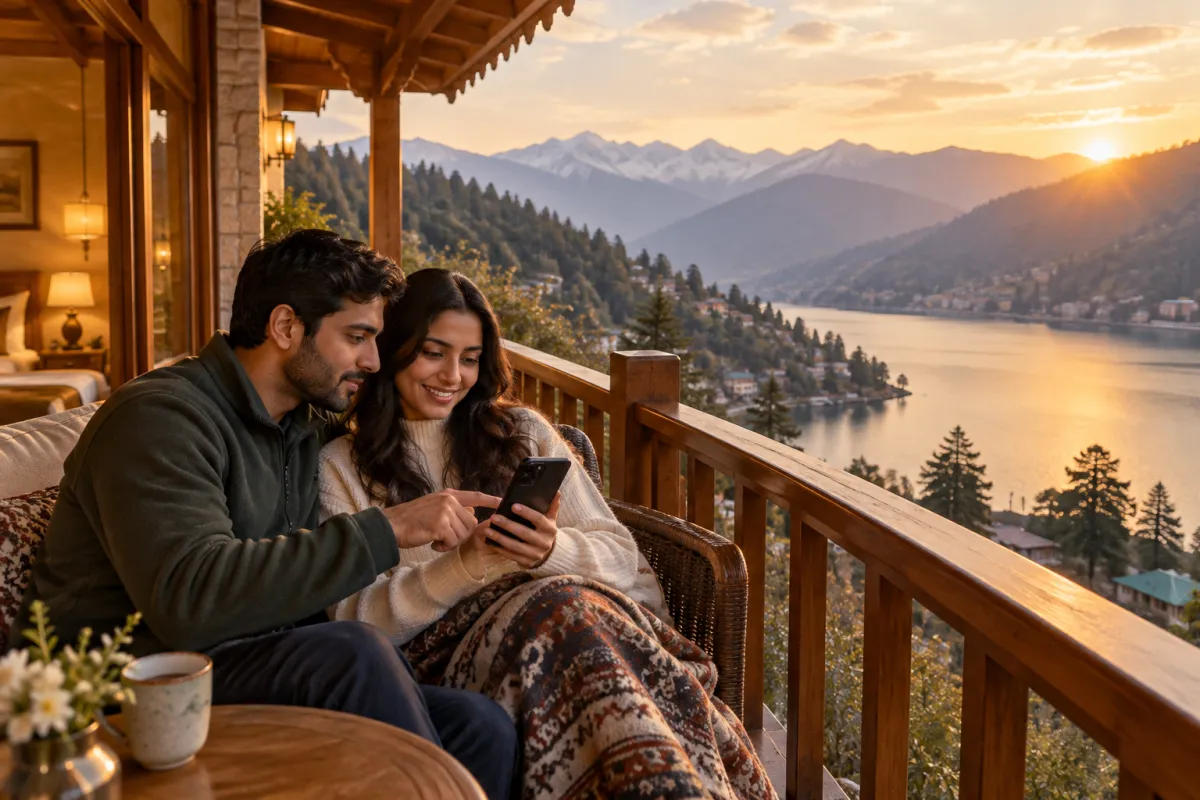
Think about how a family from Delhi plans a weekend in Nainital. They search on Google, scroll through a booking app, check Instagram, and then look up two or three hotels by name. At that last step, the hotel with a clear, fast website that answers their questions often wins the booking. The hotel with no website, or an old slow one, loses it to the app.
This guide is written for hotels, resorts, guest houses and homestays, especially in Uttarakhand hill towns such as Nainital, Bhimtal, Mukteshwar, Almora and Ranikhet, but the same ideas work anywhere. Use it as a checklist for your current site or as a brief for a new one.
Why Booking Apps Alone Are Not Enough
Online travel agencies (OTAs) and booking apps are useful. They put your property in front of travellers who have never heard of you. Most hotels should stay listed on them. The problem is depending on them for almost every booking.
- You pay a commission on each booking. The rate depends on your agreement and the platform, but it is often a meaningful part of the room price. On a busy season, that adds up quickly.
- The guest relationship belongs to the app. You may not get the guest's full contact details, so inviting them back next season is harder.
- You compete on price, side by side. On an app, your property sits next to ten others with similar photos. On your own website, you are the only choice on the page.
- Your story gets lost. A homestay run by a local family, a view of the lake, home-cooked pahadi food: these details sell rooms, and apps rarely give you space to tell them properly.
The smart plan is not to leave the apps. It is to use them for discovery and use your own site to turn returning and curious guests into direct bookings.
What Good Hotel Website Design Includes
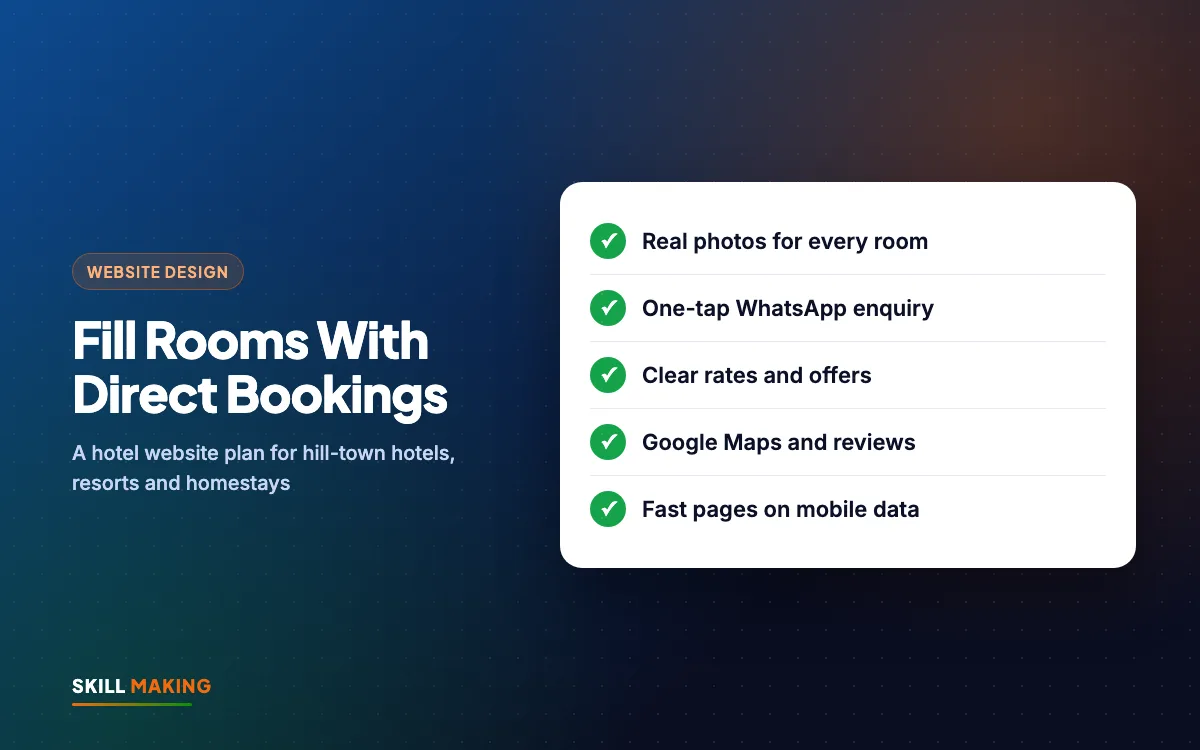
Before we go page by page, here is the short list. A hotel, resort or homestay website should have:
- Real photos of every room type, the view, the dining area and the property
- Room details: size, beds, number of guests, view, bathroom, heating, Wi-Fi and parking
- A clear way to book or enquire: a booking form, WhatsApp button and tap-to-call
- Rates or "starting from" prices, with seasonal offers
- A Google Map, directions from the nearest railway station or bus stand, and road notes
- Real guest reviews
- Local attractions and things to do nearby
- Policies: check-in and check-out times, cancellation, ID requirements, pets, children
- Fast loading on mobile data, because many guests check your site on the road
Now let us look at how to plan each part of your hotel website design.
Step by Step: Planning Your Hotel Website
Follow these steps in order before any hotel website design work starts. They work whether you have 4 rooms or 40.
- List every room type. Deluxe, Super Deluxe, Family Suite, Cottage, Dormitory. Write the bed type, maximum guests, size and view for each.
- Take real photos. Shoot each room in daylight with lights on, from the door corner. Add the bathroom, the balcony view, the dining area, the lawn and the entrance.
- Decide how guests will book. A simple enquiry form plus WhatsApp is enough for most small properties. Larger hotels may want a booking engine with live availability.
- Write your rates and policies. Even "starting from" rates help guests decide. Add check-in time, check-out time and cancellation rules in plain words.
- Collect local information. Distance to the lake, the mall road, viewpoints, temples, trekking trails and the nearest ATM and petrol pump.
- Gather reviews. Pick real reviews from Google and guests who messaged you after their stay (with their permission).
- Plan your seasonal offers. Summer holidays, Diwali, Christmas and New Year, snowfall weekends, off-season discounts and long-stay deals.
- Connect Google. Make sure your Google Business Profile has the same name, address, phone and website link.
If you hand this information to your web designer, the site can be built quickly and correctly.
Room Pages: Real Photos Sell Rooms
Guests book a room, not a building. Each room type deserves its own page or a clear section with its own photos and details.
Do this:
- Show 5 to 8 real photos per room type, starting with the best one.
- Write a short, honest description: "Lake-facing room on the second floor with a private balcony, king bed and room heater."
- List amenities in a simple bullet list: geyser, heater, TV, Wi-Fi, kettle, wardrobe, extra bed on request.
- Mention the maximum number of guests and the extra person charge.
- Add a "Book this room" or "Check availability on WhatsApp" button on every room section.
Avoid this:
- Stock photos of luxury hotel rooms that look nothing like yours. Guests notice at check-in and leave bad reviews.
- Wide-angle photos that make a small room look huge. Honest photos lead to happy guests.
- Hiding the bathroom. Many guests decide based on it.
Compress every photo before uploading. Large camera files are the main reason hotel websites load slowly.
Direct Booking and Enquiry: Make It Easy
A guest who is ready to book should be able to do it in under a minute. For most small hotels and homestays, this setup works well:
- Enquiry form with name, phone, check-in date, check-out date, number of guests and room type. It should go straight to your WhatsApp or email.
- WhatsApp button with a pre-filled message such as "Hi, I want to check room availability for these dates."
- Tap-to-call button in a sticky bar at the bottom of the phone screen.
- Payment details such as UPI or bank transfer for advance payment, explained clearly.
Larger hotels and resorts can add a booking engine with live room availability and online payment. That is useful when you get many bookings a day, but it is not required to start.
Speed of reply matters as much as the form. A guest who sends three enquiries will usually book with the hotel that answers first. Our guide on WhatsApp Business for small businesses shows how to use quick replies, labels and a catalogue of rooms. If you get many enquiries, you can also automate lead follow-up with WhatsApp and a simple CRM.
Here is how a traveller usually moves from a Google search to a direct booking with you:
- Searches on Google“best clinic in your town”
- Opens your websiteFast and clear on mobile
- Sees photos & reviewsTrusts you in seconds
- Taps WhatsApp or CallThe enquiry reaches you instantly
- Visits and buysAnd comes back again
Location, Google Maps and Getting There
In hill towns, "how do we reach you?" is a real worry. Roads are narrow, parking is tight and the last few hundred metres can be confusing. Answer it on your website.
- Embed a Google Map with your exact pin.
- Add a "Get Directions" button that opens Google Maps on the guest's phone.
- Give distances from the nearest railway station (for example Kathgodam for Nainital), bus stand and airport.
- Mention parking: how many cars, whether it is free, and whether the last stretch is steep.
- Add notes for winter or monsoon travel if roads are affected.
Keep your name, address and phone number exactly the same on your website and your Google Business Profile. This consistency helps you appear in local searches such as "hotel near Naini Lake" or "homestay in Mukteshwar". Our Google Business Profile guide and local SEO checklist explain how to set this up properly.
Reviews and Trust
Travellers are booking a place they have never seen, often for their family. Trust decides the booking.
- Show real Google reviews with the guest's first name. Never write fake reviews.
- Add a link to your Google reviews so guests can read more.
- Show your property's story: who runs it, since when, and what makes it special.
- Mention safety and comfort points: CCTV at the entrance, power backup, hot water all day, doctor on call nearby.
After every stay, send a polite message asking for a review. Our post on how to get more Google reviews gives a simple routine your front desk can follow.
Seasonal Offers and Packages
Hill-town hotels live by the seasons. Your website lets you show offers in full detail, which a booking app listing often cannot.
- Peak season packages: summer holiday stays, Christmas and New Year, long weekends.
- Off-season deals: weekday discounts, monsoon offers, long-stay rates for remote workers.
- Special packages: honeymoon packages, family packages with meals, group bookings for school trips or corporate offsites.
- Direct booking benefits: a free breakfast, early check-in or a late check-out when guests book with you directly, if it makes sense for your margins.
Remove offers once they end. A New Year offer still showing in April tells guests nobody looks after the site.
Local Attractions Content That Brings Visitors
One of the best ways to get found on Google is to write helpful pages about your area. Travellers search for things to do before they search for a hotel.
Ideas for pages or blog posts:
- Things to do within walking distance of your property
- A one-day and two-day itinerary for your town
- Best time to visit, with weather in each season
- Nearby temples, viewpoints, lakes and trekking trails
- Local food guests should try, including what your kitchen serves
These pages help guests plan, keep them on your site longer and give Google more reasons to show you. Keep them honest and up to date. Our guide on how to write website content explains how to write clearly without sounding like an advert.
Mobile Speed: Guests Check on the Road
Many guests open your website on a phone, on patchy mobile data, sitting in a car on a hill road. If the page takes too long, they go back to the booking app.
- Compress every photo and use modern image formats.
- Avoid autoplay videos and heavy sliders at the top of the homepage.
- Put the WhatsApp and call buttons where a thumb can reach them.
- Test your site on your own phone with Wi-Fi turned off.
Our posts on mobile-first website design and whether a slow website is costing you enquiries show how to check and fix speed for free.
Common Hotel Website Design Mistakes
These hotel website design problems push guests back to the apps:
- Only a "Book on" link to an OTA, with no way to contact you directly
- Room photos missing, outdated or taken at night with poor light
- No rates at all, so guests assume you are expensive
- Phone number shown as an image that cannot be tapped
- No map or directions
- Old offers and wrong check-in times
- A homepage slider of ten huge photos that takes ages to load
If your current site has several of these, it is likely costing you direct bookings. Our post on signs your website is losing customers has a wider checklist.
What a Hotel Website Costs
For a small hotel or homestay, our Starter package at ₹14,999 (up to 5 pages, mobile-first, WhatsApp and enquiry form, basic SEO) covers home, rooms, gallery, location and contact. Most hotels and resorts are better served by the Business package at ₹29,999: up to 12 pages, custom design, lead tracking for calls, WhatsApp and forms, Google Business Profile setup and a blog for local attractions and offers. Prices are one-time and exclude GST. Domain and hosting (about ₹2,500 to ₹6,000 a year) are bought in your own name, and you own every login.
See all website packages or our full guide to website design cost in India. For properties in the USA, websites start from $300, and our Miami website design page has a cost calculator. You can see sites we have built on our work page.
Want a hotel website that turns lookers into direct bookings?
After launch, our SEO service can help you appear for local searches, and Google Ads can bring bookings in peak season when you need them most.
What to Do Next
Open your hotel website on your phone today, with Wi-Fi off. Can you see real room photos? Can you send a WhatsApp enquiry in one tap? Is the map clear? Are this season's offers up to date?
If you find gaps, ask for a free website audit and we will tell you in simple words what to fix. If you are starting fresh, get a free website plan and we will show you what your hotel website design could look like. Most sites are live in about 14 days, and we write the content for you.