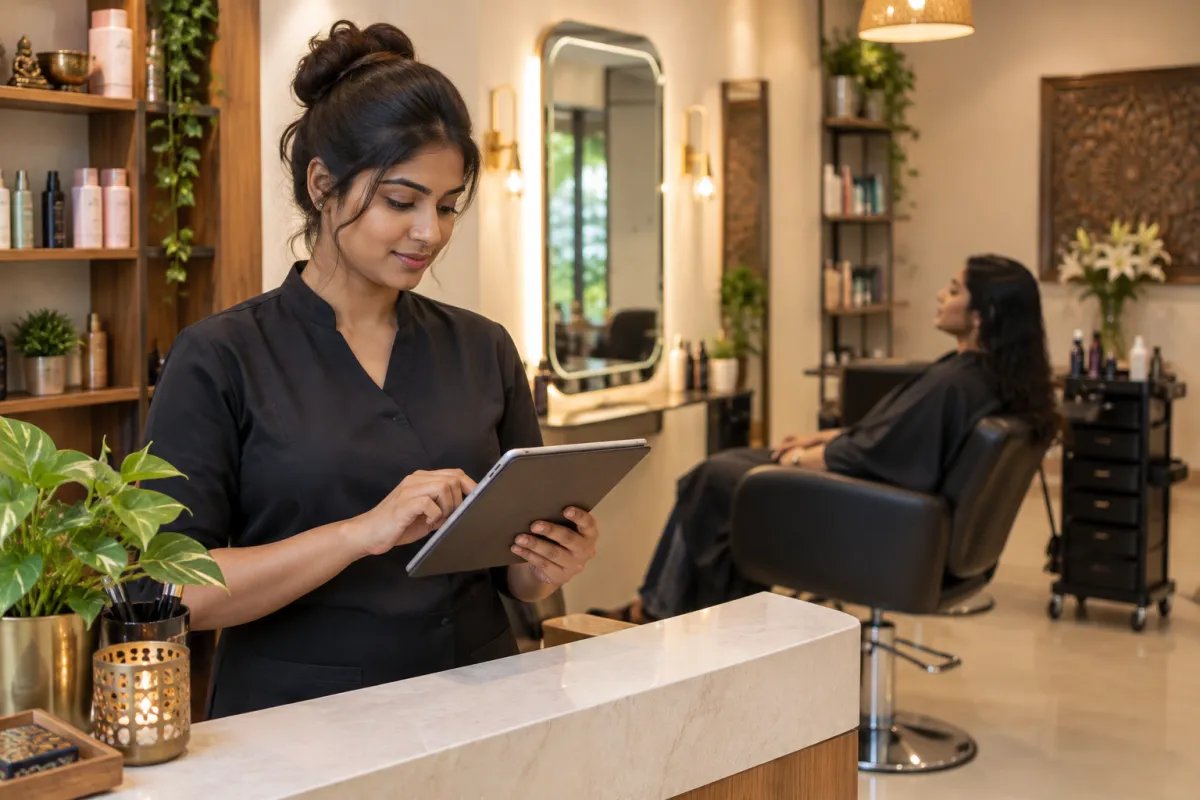
Good salon website design does one simple job: it helps a person who is looking for a haircut, facial, hair colour or bridal makeup choose you and book a slot without a long phone call. Your Instagram shows your style. Your website closes the deal. It answers the questions people are too shy or too busy to ask, such as "how much is a keratin treatment?" or "is there a female stylist available on Sunday?"
This guide is for salons, unisex salons, spas, beauty parlours, nail studios and makeup artists, in small towns like Khatima and Rudrapur as well as big cities. You can use it as a checklist whether you build the site yourself or hire someone.
Why a Salon Needs More Than an Instagram Page
Instagram is great for showing your work. But it has limits when someone is ready to book:
- Prices are hard to find. People scroll through dozens of posts and still do not know what a hair spa costs.
- Booking is messy. "DM for appointment" means back-and-forth messages, and many people give up.
- Google does not show your posts well. When someone searches "best salon near me" or "bridal makeup in Haldwani", Google usually shows websites and Google Business Profiles, not your reels.
- You do not own it. If your account is hacked or reach drops, your booking channel disappears.
A website does not replace Instagram. It gives your followers and Google searchers one clear place to see services, prices and free slots, and then book. Keep posting reels, and link every post and your bio to your website booking page. Our post on website vs Facebook page explains this balance in more detail.
The Salon Website Design Checklist: 10 Must-Have Features
Here are the salon website design features that matter most, in the order a new client usually looks for them.
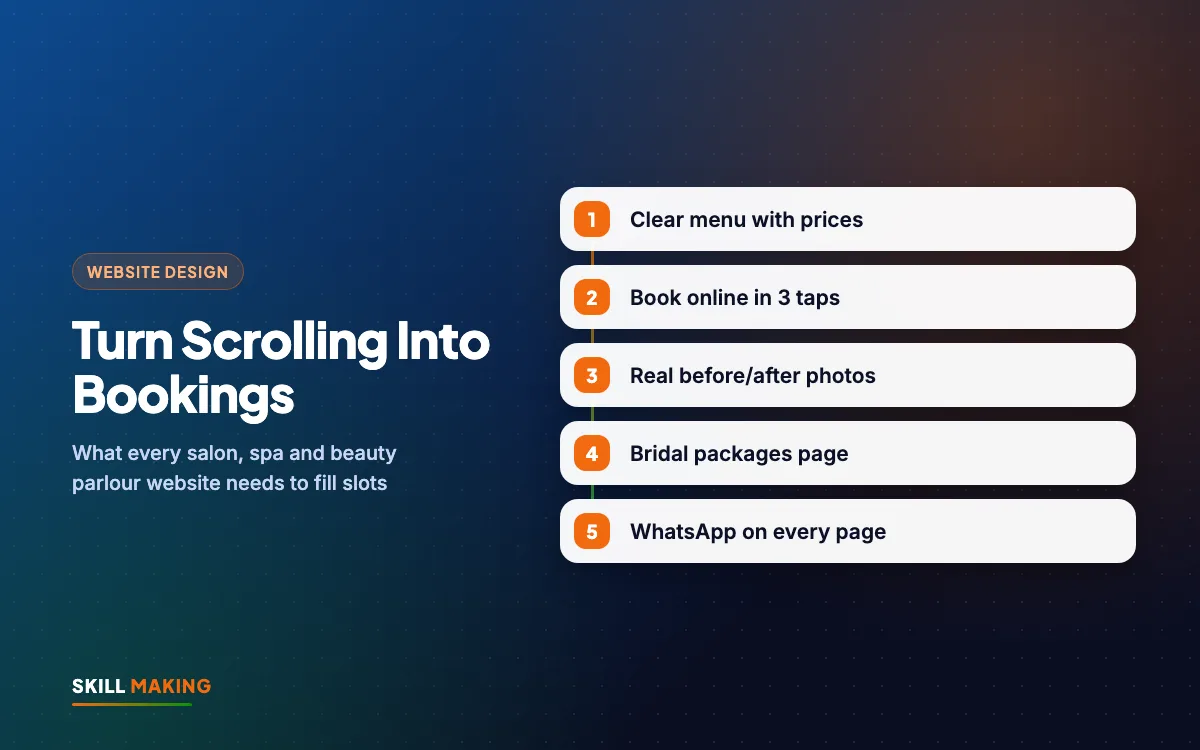
1. A service menu with prices
This is the most visited part of any salon website. Make it easy to scan:
- Group services by category: hair, skin, nails, makeup, spa, grooming for men, bridal.
- Show a price or a "starting from" price for each service.
- Add the time each service takes, such as "Hair spa, 45 minutes".
- Mention the products or brands you use, only if they are genuine.
- Keep the menu as a normal web page, not a blurry photo of your printed rate card. Photos of text are hard to read on phones and Google cannot read them.
Clear prices bring better enquiries. People who know the price before they call are more likely to actually book.
2. Online appointment booking
The booking button should be visible on every page, especially on mobile. You have three practical options:
- A simple booking form that sends the request to your WhatsApp and email, and your team confirms the slot.
- A booking calendar that shows free slots for each stylist, so clients pick a time themselves.
- WhatsApp booking with a pre-filled message, such as "Hi, I want to book a hair spa on Saturday evening."
Small parlours often start with the form or WhatsApp. Good salon website design makes whichever method you choose obvious. Busy salons with several stylists usually benefit from a real calendar that blocks double bookings.
3. Stylist and therapist profiles
Many clients are loyal to a person, not just a salon. Add a short profile for each team member: photo (with their permission), speciality, experience and the days they work. A line like "Priya specialises in hair colour and works Tuesday to Sunday" helps people book the right person.
4. Before and after photos, with consent
Nothing sells a hair colour or skin treatment like real results. But be careful:
- Always take written or recorded consent from the client before posting their photos.
- Many clients are happy to share the result but not their full face. Crop to the hair, nails or skin area if needed.
- Use real photos from your salon, with similar lighting before and after. Heavy filters make people distrust the result.
- Never use stock photos or other salons' pictures as your own work.
5. A dedicated bridal packages page
Bridal makeup is often the highest-value booking for a salon. It deserves its own page with packages (such as bridal only, bride plus family, pre-bridal skin care), what is included, trial session details, advance booking rules and a gallery of past brides who agreed to be shown. Add a "Check date availability" form, because brides plan months ahead.
6. Offers and memberships
Festival offers, first-visit discounts, student days or monthly memberships give people a reason to book now. Keep one "Offers" section on the home page and update it regularly. An old Diwali offer still showing in March looks careless.
7. WhatsApp and click-to-call buttons
Most salon clients in India prefer a quick WhatsApp message. Add a floating WhatsApp button on every page and a tap-to-call button with your real number. Our guide to WhatsApp Business for small businesses shows how to set up quick replies, labels and a catalogue for your services.
8. Reviews from real clients
Show your Google rating and a few real reviews on the home page, with a link to read more on Google. Ask happy clients for a review right after their service, while they are still in the chair admiring the result. Our post on how to get more Google reviews has simple scripts you can use.
9. Instagram linked from the site
Add a section that shows your latest posts or links to your Instagram profile. This keeps the website fresh without extra work and lets visitors see your recent styles. Keep it light: embed only a few posts so the page stays fast.
10. Location, hours and parking
Show your address, a Google Map, opening hours, weekly off day, parking details and whether you have separate sections for women and men. These small details remove doubts and stop people calling just to ask "are you open today?"
How Online Booking Changes a Salon Day
Think about how a new client finds you today. She sees a friend's new hair colour, searches on Google, finds two or three salons, compares prices and photos, and books the one that makes it easy. Here is that path in a picture:
- Searches on Google“best clinic in your town”
- Opens your websiteFast and clear on mobile
- Sees photos & reviewsTrusts you in seconds
- Taps WhatsApp or CallThe enquiry reaches you instantly
- Visits and buysAnd comes back again
When booking works online, your front desk spends less time on the phone, slots fill during quiet hours, and you can see tomorrow's appointments at a glance. Clients also feel more confident because they chose the time and service themselves.
Set Up Online Booking in 7 Steps
Here is a simple way to get online appointment booking working, whether you start small or go for a full calendar.
- List every service with price, duration and which stylists can do it.
- Decide your booking method. Start with a form plus WhatsApp if you are a small parlour, or a calendar if you have several stylists.
- Set your rules. How far ahead can people book? Do you need an advance for bridal or long treatments? What is your cancellation policy?
- Add the booking button to the header, the service menu and the footer of every page.
- Send confirmations automatically by WhatsApp or email, with the date, time, service and your location pin.
- Add reminders a day before the appointment. Reminders reduce no-shows and are easy to automate. See how in automate lead follow-up with WhatsApp and a simple CRM.
- Test it on your own phone and ask a friend to book a fake appointment before you go live.
Google Business Profile: Your Salon Shop Window on Maps
When someone searches "salon near me" or "beauty parlour in Khatima", Google often shows a map with three businesses before any website. That map comes from Google Business Profile. A strong profile and a good website work together.
- Choose the right category, such as "Beauty salon", "Hair salon" or "Day spa", and add secondary categories.
- Add real photos of your interior, team and work, and update them often.
- Link the website button to your home page and the appointment link to your booking page.
- List your services with prices in the profile too.
- Reply to every review, good or bad, politely.
Our full Google Business Profile guide and local SEO checklist walk you through each setting.
What Your Salon Website Design Should Look and Feel Like
Beauty is a visual business, so salon website design matters more than in many other industries. But pretty is not enough. A salon site must also be fast and easy to use on a phone.
- Clean and calm. Plenty of white space, two or three brand colours, and large, clear photos.
- Mobile-first. Most clients will see your site on a phone, often on mobile data. Read why in our mobile-first website design guide.
- Fast. Compress photos and avoid heavy sliders and autoplay videos. A slow site loses bookings.
- Easy language. Write services the way clients say them. "Hair smoothening" is clearer than a brand trade name alone.
- Hindi, English or both. In many towns, a bilingual menu helps older clients and families.
Here is the difference a proper site makes compared with relying on a social page alone:
Without a website
is not here
- ✕Customers can’t find you on Google
- ✕Only a social page — or nothing
- ✕Missed calls, no follow-up
- ✕Competitors look more trusted
With a Skill Making website
- ✓Shows up when people search on Google
- ✓Photos, prices and reviews build trust
- ✓WhatsApp and call buttons on every screen
- ✓Every enquiry tracked and followed up
Common Salon Website Mistakes to Avoid
Even a beautiful salon website design can lose bookings because of small errors like these:
- A rate card uploaded as a photo instead of a real menu.
- No prices anywhere, so every visitor has to message to ask.
- Booking only through Instagram DMs that nobody checks in the evening.
- Old offers and sold-out packages still showing.
- Client photos posted without permission.
- Stock photos of models that look nothing like your actual salon.
- Phone number written inside an image, so it cannot be tapped.
- No address or map, which confuses first-time visitors.
What a Salon Website Costs
For a single salon or beauty parlour, our Starter package at ₹14,999 (up to 5 pages, mobile-first, WhatsApp and enquiry form, basic SEO, free SSL) covers home, services with prices, gallery, about and contact with booking. Salons with several stylists, a bridal section, a blog and lead tracking are usually better on the Business package at ₹29,999, which includes up to 12 pages, custom design, on-page SEO and Google Business Profile setup. If you also sell hair or skin products online, the Online Store package at ₹49,999 adds a full shop. Prices are one-time and exclude GST, and domain and hosting are bought in your own name.
Compare everything on our website packages and pricing page, or read the full guide on website design cost in India. For salons and spas in the USA, websites start from $300; see our Miami, Florida page for a cost calculator.
Ready to turn your Instagram followers into booked appointments?
Bring Clients Back After the First Visit
The first booking is only the start. Repeat clients are what keep a salon busy all year.
- Collect phone numbers and birthdays (with permission) at the first visit.
- Send gentle reminders when a client is due for a haircut, root touch-up or facial.
- Share festival and wedding season offers through WhatsApp broadcasts and email. Our email marketing service can set this up.
- Keep posting reels of real transformations and link them to the booking page. Our social media service helps with regular content.
- Run small local ads before wedding season or festivals, pointing to your bridal or offers page. See our Facebook ads service.
What to Do Next
Open your salon's online presence on your phone and try to book a hair spa for this Saturday as if you were a new client. Could you find the price, choose a time and confirm it in under a minute? If not, that is where bookings are slipping away.
Ask for a free website audit and we will show you what to fix first. Or request a free website plan and we will map out the salon website design, booking flow and Google profile setup that suits your salon, your town and your budget. You can also see some of our past projects on our work page.