Smart gym website design is not about loud music, dark backgrounds and huge muscle photos. It is about answering the questions a nervous beginner or a busy professional has before they join: how much does it cost, when are you open, who will train me, and can I try it first? When your website answers these on a phone, more visitors book a trial and become members.
Picture a college student in Haldwani searching "gym near me" in January, or a working mother in Rudrapur looking for a women-friendly batch in the morning. They open a few results, compare quickly and message the gym that looks clear, friendly and close by. Many small gyms lose these people simply because the website, or the lack of one, leaves too many questions unanswered.
This guide works for gyms, CrossFit boxes, yoga and Zumba studios, martial arts academies and personal training centres. We will go through it the way a visitor thinks, one question at a time.
How People Choose a Gym Today
Joining a gym is a commitment of money and time, and for many people it also takes courage. So they research first, usually on a phone.
A typical path looks like this:
- They search on Google for "gym near me" or "gym in Khatima" and see the map results.
- They check ratings and photos on your Google Business Profile.
- They open your website to check plans, timings and the vibe.
- They message on WhatsApp or call to ask a question or book a trial.
- They visit, try a session and decide.
Each step is a chance to win or lose them. Good gym website design makes every step easier. Your website sits in the middle of this path, and it is where the real decision is often made.
Question 1: How Much Does It Cost?
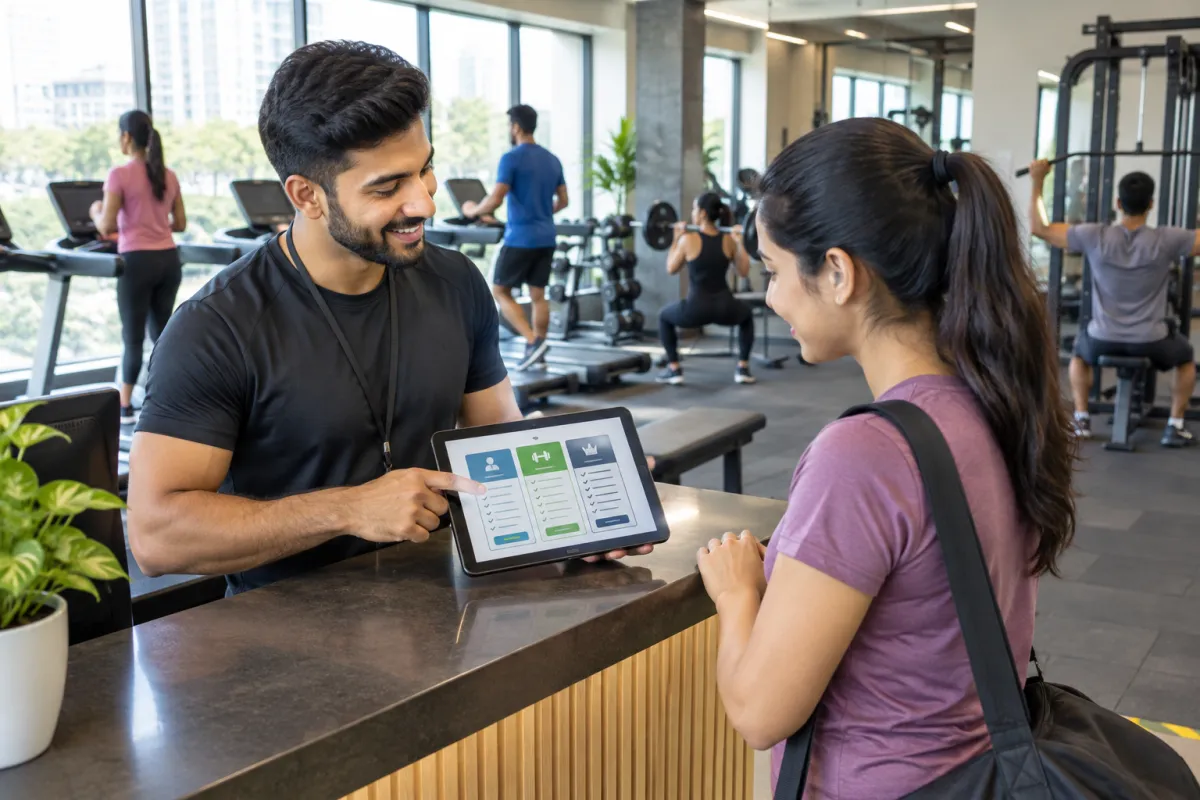
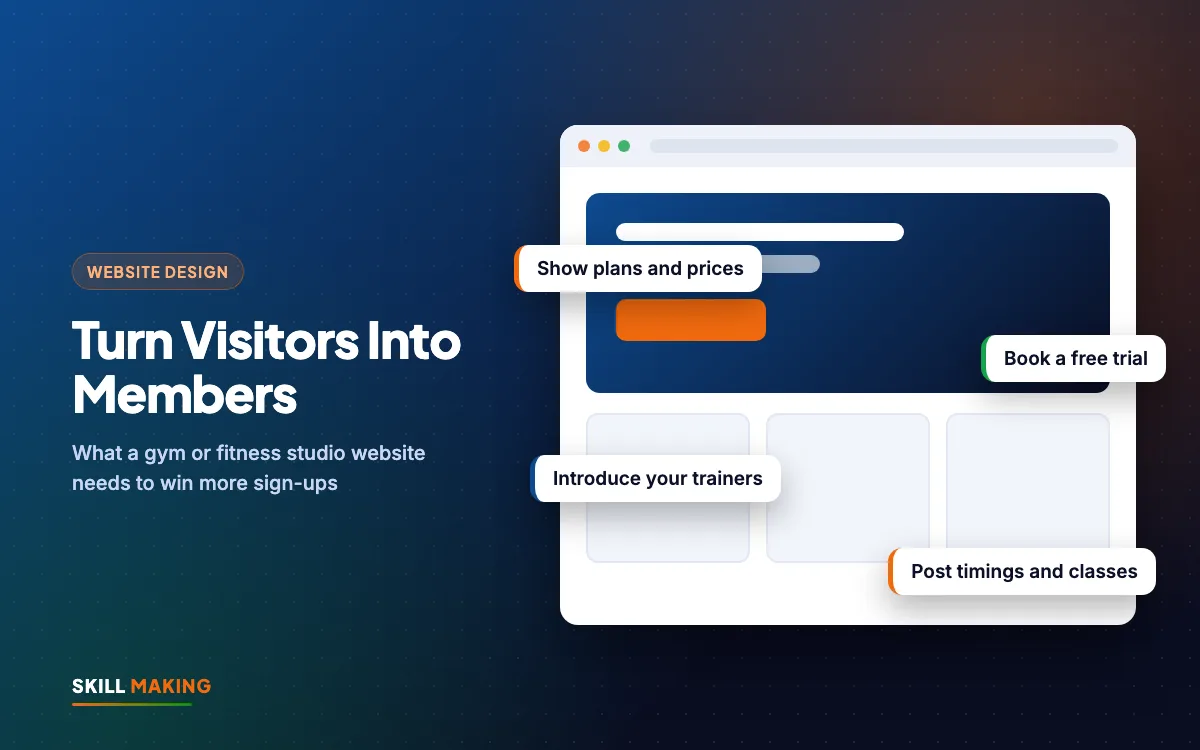
This is the first thing almost every visitor wants to know, and the thing many gyms hide. "Call for prices" makes people suspicious, and many will not call at all.
Show your membership plans clearly:
- Monthly, quarterly, half-yearly and yearly plans
- What each plan includes: gym floor, cardio, group classes, personal training sessions, diet guidance, locker, steam
- Couple, student, family or corporate plans if you offer them
- Personal training packages as a separate list
- Joining or admission fee, if any
A simple table or set of plan cards works well. Highlight one plan as "most chosen" so people do not get stuck deciding. If prices change often, show "starting from" prices and confirm the exact amount on WhatsApp.
Question 2: Can I Try It First?
A free trial is one of the best tools a gym has. It removes the fear of paying for something they may not like. Make the free trial the main button on your website.
Here is a simple trial booking flow that works for most gyms:
- Visitor taps Book a Free Trial on the homepage.
- A short form asks for name, phone, preferred day and time, and goal (weight loss, strength, general fitness, a sport).
- The form goes straight to your WhatsApp or email.
- Your front desk confirms the slot by WhatsApp within a few hours.
- A reminder goes out the evening before the trial.
- After the trial, a trainer follows up with a plan suggestion and a joining offer.
Steps 4 to 6 matter as much as the form. Many trial leads go cold simply because nobody followed up. Our post on why leads go cold explains a simple follow-up routine, and you can automate lead follow-up with WhatsApp and a simple CRM so reminders go out on time.
Question 3: Who Will Train Me?
People join a gym, but they stay because of the trainers. A trainers section builds trust before the first visit.
For each trainer, show:
- Name and a clear, friendly photo (with their permission)
- Certifications and years of experience, written honestly
- What they specialise in: weight loss, strength, functional training, yoga, women's fitness, senior fitness
- Languages they speak, such as Hindi, English or Punjabi
- Their batch timings
If you have female trainers or women-only batches, say so clearly. For many women, that single line decides whether they visit.
Question 4: When Are You Open, and What Classes Run?
Timings are a deal-breaker. A person who can only come at 6 am or 9 pm needs to know quickly whether you fit their day.
- Put opening hours in the header or near the top of the homepage.
- Show morning and evening batch timings, and any women-only or senior batches.
- Add a weekly class schedule for Zumba, yoga, HIIT, spinning or kickboxing, with day, time and trainer.
- Mention the weekly off day and festival holiday timings.
- Keep these timings the same on your website and your Google Business Profile.
A clean timetable as a text table is better than a photo of a printed schedule. It is easier to read on a phone and easier for you to update.
Question 5: What Is It Like Inside?
Beginners worry about walking into a crowded, intimidating place. Real photos of your space calm that worry.
- Show the gym floor, cardio area, free weights, studio room, changing rooms and parking.
- Take photos in daylight, when the gym is clean and not packed.
- Add a short walkthrough video if it loads quickly. Do not autoplay it.
- Mention hygiene: daily cleaning, sanitiser stations, clean washrooms, drinking water.
- List your equipment brands only if you are confident about them.
In gym website design, avoid stock photos of models in a fancy foreign gym. Visitors notice the difference the day they walk in, and it damages trust.
Transformation Photos: Use Them Carefully
Before and after photos can be powerful, but they come with responsibility. Follow these rules:
- Use only with written consent from the member, and let them choose whether their face is shown.
- Do not make health or medical claims. Avoid lines like "cure diabetes" or "guaranteed weight loss in 30 days".
- Do not promise results. Every body is different. Say "Ravi trained with us for six months" rather than "you will lose 10 kg".
- Keep it real. No heavy editing or borrowed photos.
Member stories in their own words, with permission, often work better than photos alone. They show effort, routine and the support they got, which is what a new member really wants to know.
Question 6: Where Are You, and Is It Convenient?
Most members choose a gym close to home or work. Make your location easy to understand.
- Embed a Google Map with your exact pin.
- Add a Get Directions button that opens Google Maps.
- Write the address in text with a landmark ("above the main market, near the bus stand").
- Mention parking for cars and two-wheelers.
Your Google Business Profile is just as important as the website for location searches. Fill in hours, photos, services and your website link, and post updates about offers. Our Google Business Profile guide and local SEO checklist show how to do it properly.
Question 7: What Do Other Members Say?
Reviews give a nervous beginner the push to visit. Show real Google reviews on your website with the member's first name, and link to your Google profile so people can read more.
Ask for reviews at the right moment, such as after a member completes their first month or reaches a personal goal. Our post on how to get more Google reviews gives a simple system your staff can follow. Never write fake reviews.
WhatsApp: The Easiest Way to Say Yes
Many people would rather send a quick message than fill a form or make a call. A WhatsApp button in a sticky bar at the bottom of the phone screen, with a pre-filled message like "Hi, I want to know about membership plans", makes the first contact effortless.
Use WhatsApp Business features such as quick replies for plan details, labels for trial leads and new members, and broadcast lists (with permission) for offers and holiday timings. Our guide to WhatsApp Business for small businesses walks you through each feature.
Here is the difference a clear gym website usually makes:
Without a website
is not here
- ✕Customers can’t find you on Google
- ✕Only a social page — or nothing
- ✕Missed calls, no follow-up
- ✕Competitors look more trusted
With a Skill Making website
- ✓Shows up when people search on Google
- ✓Photos, prices and reviews build trust
- ✓WhatsApp and call buttons on every screen
- ✓Every enquiry tracked and followed up
Gym Website Design Pages to Include
Pulling it all together, here is a simple page plan for gym website design:
- Home: one line about your gym, timings, Book a Free Trial button, plans preview, reviews, map
- Membership Plans: full plan list with what is included
- Classes and Schedule: weekly timetable
- Trainers: profiles and specialities
- Gallery: real photos of the space
- Member Stories: with consent and no health claims
- Contact: map, address, WhatsApp, call and trial form
Add a small blog if you will keep it updated, with simple posts on beginner routines, local fitness events or festival offers. Our guide on pages every small business website needs has a wider checklist.
Gym Website Design Mistakes That Cost Members
- "Call for price" with no plans shown
- No free trial or no clear way to book one
- Timings missing or different from Google
- Only stock photos, no real gym photos
- Health claims and promised results
- Slow pages because of huge photos and autoplay videos
- A phone number that cannot be tapped
Speed is a big part of gym website design, because most visitors are on mobile. Our post on whether a slow website is costing you enquiries shows how to test and fix it for free.
What a Gym Website Costs
For a single gym or studio, our Starter package at ₹14,999 (up to 5 pages, mobile-first, WhatsApp and enquiry form, basic SEO) covers home, plans, trainers, gallery and contact with trial booking. If you want more pages, a class schedule, a blog, lead tracking and Google Business Profile setup, the Business package at ₹29,999 is a better fit. Prices are one-time and exclude GST. Domain and hosting are bought in your own name. If you also sell supplements or merchandise online, the Online Store package at ₹49,999 adds a cart and payments.
See all website packages or read our guide to website design cost in India. For gyms in the USA, websites start from $300, and our Miami website design page has a cost calculator.
Ready for a gym website that books more trials?
Once the site is live, a few simple Facebook and Instagram ads in January or before summer, sent to your trial page, can fill new batches. Our social media service can keep your page active with reels from your gym floor.
What to Do Next
Open your gym website on your phone today and pretend you are a nervous beginner. Can you see the price? Can you book a free trial in under a minute? Do you know the timings, the trainers and how to get there?
If the answer is no to any of these, ask for a free website audit and we will tell you in simple words what to change. If you are starting fresh, get a free website plan. Your new gym website can be live in about 14 days, and we write the content for you.