
Coaching institute website design has one job: help a student or parent decide, quickly and confidently, that your institute is worth a visit. Whether you run JEE and NEET coaching, a spoken English class, a computer course, a banking and SSC centre, IELTS training or a hospitality and culinary institute, the questions families ask are much the same. Which course? Which batch? Who teaches? What does it cost? How do I try a class?
In towns like Khatima, Rudrapur, Haldwani and Dehradun, many families still rely on word of mouth and banners. But even when a friend recommends you, the parent usually searches your name on Google before calling. What they find there decides whether they call you or the institute across the road.
Think Like a Parent at 10 pm
Picture a parent at home after dinner, phone in hand, comparing three coaching centres. They will not read a long welcome speech. They are looking for answers:
- Do you teach the exact course my child needs, for the right class or exam?
- When do batches start, and what are the timings?
- Who are the teachers, and how experienced are they?
- What are the fees, or at least the fee range?
- Is the centre safe, and how far is it from home?
- Can my child attend a demo class first?
- How do I contact you without a long phone call?
Every section of your coaching institute website design should answer one of these questions. If a parent has to hunt for the batch timings or the WhatsApp number, they move on to the next tab.
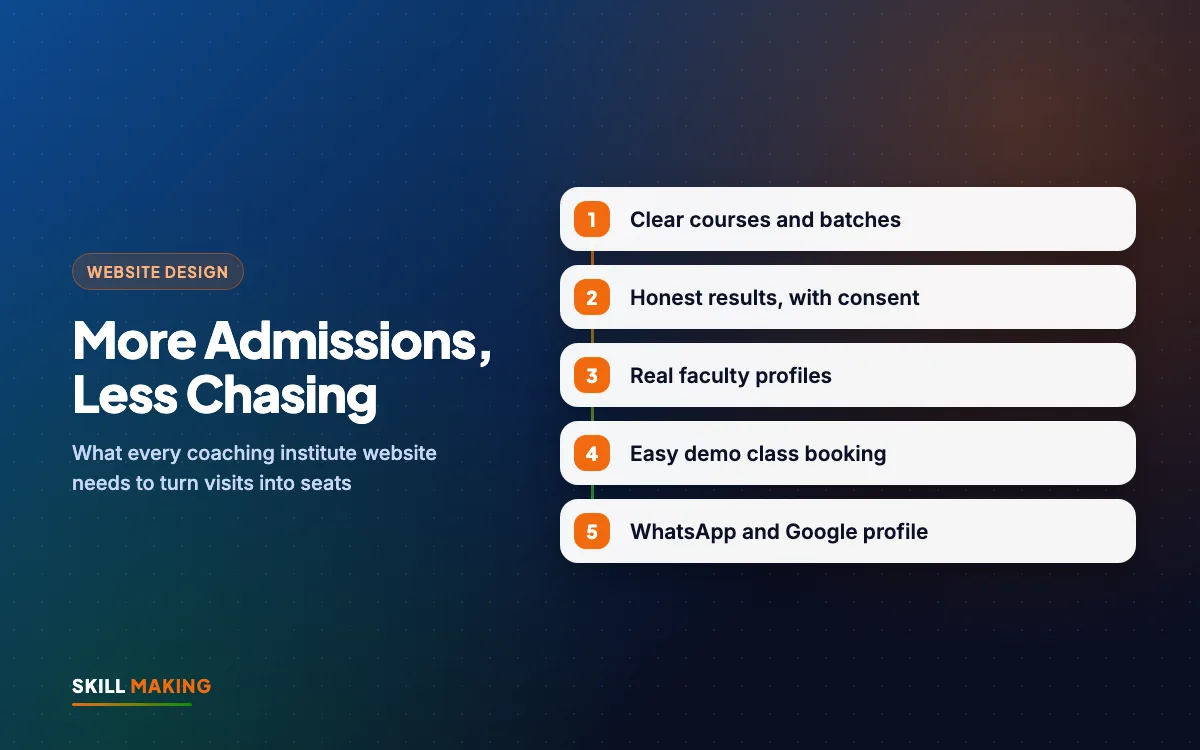
How Students Find and Choose an Institute Online
The path from a Google search to a filled seat is usually short when the website does its job. Here is the typical journey:
- Parent searches on Google“best school near me”
- Opens your school websiteCourses, fees and facilities
- Sees results & campus photosFeels confident about you
- Sends an admission enquiryInstant reply on WhatsApp
- Visits the campusAnd takes admission
Notice that the website sits in the middle of everything. Your Google Business Profile, your Instagram reels and your ads all send people to it, and it is the website that turns their interest into a WhatsApp message or a demo booking.
Coaching Institute Website Design Starts With Courses and Batches
The courses section is the heart of the site. For each course, give it its own page or a clear block with:
- Course name in the words students search, for example "NEET coaching for Class 11 and 12" rather than only "Medical Wing".
- Who it is for: class, age, exam or level.
- Duration and schedule: months, days per week, hours per day.
- Batch options: morning, evening, weekend, online or offline.
- Next batch start date, kept up to date.
- What is included: study material, tests, doubt sessions, practicals, certificates.
- Fees or fee range, and whether instalments are possible.
- A button to book a demo class or ask on WhatsApp.
A simple batch timetable, as a table on the page, saves your staff many repeated phone calls. Update it each session. A batch listed as "starting soon" that started three months ago makes the whole site feel neglected.
Showing Results Honestly, With Permission
Results are what most coaching institutes want to show first, and they can build real trust. They can also cause serious problems if handled carelessly. Consumer protection authorities in India have issued guidelines on coaching advertisements and misleading claims, and the rules can change, so review your results pages against the current rules before publishing.
Simple, safe habits:
- Get written consent from the student, and a parent for minors, before using any name, photo or score.
- Be accurate about the course. If a student attended only a short test series or crash course with you, say so. Do not present them as a full-course student.
- Show the year and batch for every result.
- Avoid words like "guaranteed selection", "100% results" or "number one institute".
- Never use photos of students who did not study with you, or results copied from elsewhere.
- Let students speak for themselves. A short, genuine written note or video, shared with consent, often feels more real than a poster of marks.
If you do not have many results yet, that is fine. Show your teaching approach, test schedule, study material samples and classroom photos instead. Honest content builds longer trust than inflated claims.
Faculty Profiles Build the Most Trust
Parents choose teachers as much as institutes. A faculty page should include:
- A clear, real photo of each teacher (with their consent).
- Name, subject and qualifications.
- Years of teaching experience, stated accurately.
- Which courses and batches they teach.
- Optionally, a short video introduction or a sample lesson clip.
When a teacher leaves, update the page quickly. A parent who joins for a particular teacher and finds them gone will feel misled.
Fees, Enquiry and Demo Class Booking
Many institutes hide fees completely, hoping the parent will call. Some parents do call, but many simply choose an institute that gives them a rough idea upfront. Consider showing at least a fee range, and explain what is included.
Then make the next step very easy. Your coaching institute website design should offer three simple options on every course page:
- Book a free demo class with a short form: student name, phone number, course, preferred batch time.
- Chat on WhatsApp with a pre-filled message such as "Hi, I want details about the NEET evening batch."
- Call now, with a tap-to-call button on mobile.
Keep the form short. Name, phone, course and batch are usually enough. Then make sure someone replies the same day. Our guide on why leads go cold explains a simple follow-up routine, and automating lead follow-up with WhatsApp and a CRM shows how to send reminders before the demo class without extra staff.
WhatsApp, Google Business Profile and Reels
A website works best when it is connected to the places students already spend time.
WhatsApp Business
Set up WhatsApp Business with your institute name, timings, address and catalogue of courses. Use quick replies for common questions like fees and batch timings. Our post on WhatsApp Business for small businesses covers the setup.
Google Business Profile
When someone searches "coaching institute near me" or "IELTS coaching in Rudrapur", the map results often appear first. Keep your profile complete, with the right category, real photos of classrooms and the signboard, timings and a link to your website. Ask satisfied students and parents for genuine reviews. See our Google Business Profile guide and how to get more Google reviews.
Reels and social media
Short teaching clips, tips, campus tours and festival celebrations help students get to know your teachers. Link every post back to the course page or the demo booking form. Our social media team can help plan this.
Hindi, English or Both?
Many students in Uttarakhand and Uttar Pradesh are comfortable in English for course names, but many parents prefer Hindi for details like fees, timings and safety. You have three practical options:
- English site with Hindi summaries on key pages like fees and admissions.
- Fully bilingual site with a language switch, so each page exists in both Hindi and English.
- Hindi-first site for institutes whose students mostly study in Hindi medium.
Whatever you choose, keep the language simple. Avoid copying long, formal paragraphs. Short sentences and clear headings work in both languages.
Learn From Big Coaching Brands, on a Small Budget
National coaching brands like Allen, Aakash and Physics Wallah show course listings by class and exam, let students register online, and promote scholarship or admission tests on their websites. These are publicly visible features, and a local institute can offer the same basics on a much smaller budget: clear course pages, a batch timetable, an online demo booking form and a WhatsApp button.
Students register for courses and tests online
Brands like Allen and AakashAn admission / enquiry form that reaches your office and WhatsApp
Results and toppers shown prominently
Brands like Allen and AakashA results and achievements page you can update every year
Schools listed by city with admission enquiry
School chains like Ryan InternationalLocation, transport routes and a campus-visit request
Course, fee and eligibility pages
Coaching and school brandsSimple pages for classes, fees and facilities — in Hindi and English
Brand names belong to their owners and are used only as examples of common website features. Skill Making is not connected with them.
You do not need an app or a huge video library to compete locally. You need to be clearer, faster and more personal than the institute next door.
Coaching Institute Website Design Checklist: Pages and Features
Use this as a quick list when you plan the site:
- Home: what you teach, who for, next batch dates, demo booking, WhatsApp and call buttons.
- Courses: one page or section per course, with batches and fees.
- Results: honest, dated and shared with consent.
- Faculty: real profiles.
- Facilities: classrooms, library, labs, hostel or transport if offered, with real photos.
- Admissions: steps, documents needed, fee payment options.
- Gallery or videos: classes, events, activities.
- Blog or updates: exam dates, syllabus changes, study tips.
- Contact: address, map, landmarks, timings, phone and WhatsApp.
For more ideas that also apply to schools, read our post on school website features. If you run a school as well as coaching classes, see our CBSE school website design page.
Our Work With Institutes
At Skill Making we have built websites for education and training businesses, including IIHCA (Ishtha Institute of Hospitality & Culinary Arts) in Khatima, where we also continue to support SEO, ads and admissions. We have also built sites for KD Immigration Consultants (IELTS, PTE and visa) in Sitarganj and Nosegay Public School in Nanakmatta. You can see some of these on our work page.
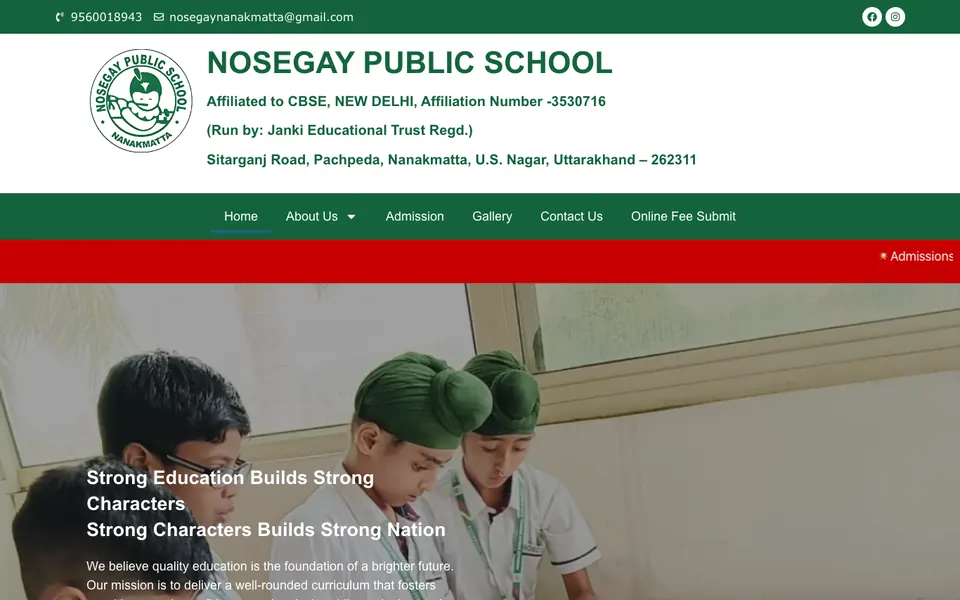
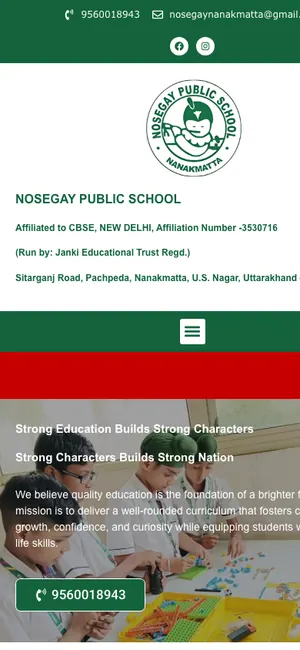 Nosegay Public SchoolSchool · Nanakmatta, Uttarakhand

 KD Immigration ConsultantsIELTS, PTE & visa consultancy · Sitarganj, Uttarakhand
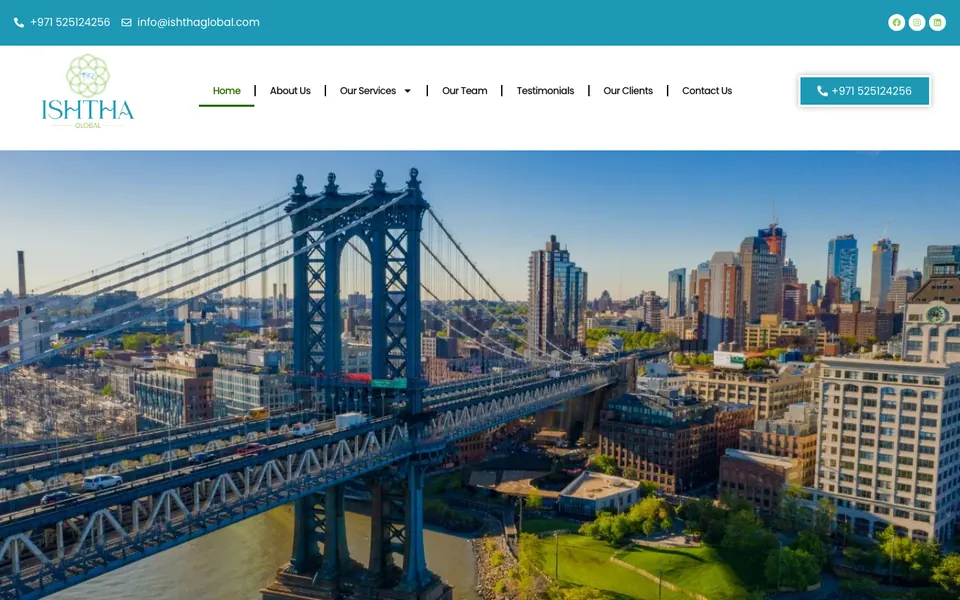
 Ishtha Global ConsultancyInternational careers
Read more about what we build for education on our website design for schools and institutes page.
How We Build It, Step by Step
- Call on WhatsApp or Google Meet to understand your courses, batches, students and town.
- Content plan: we write simple text for each course and send it to you for checking. You approve all results and claims.
- Design and build: mobile-first, fast, with demo booking, WhatsApp and call buttons on every course page.
- Google setup: sitemap, Search Console and, on the Business package, Google Business Profile setup.
- Review and launch: you check every page. Most sites go live in about 14 days.
Ready to plan your institute's website before the next admission season?
Cost of a Coaching Institute Website
A small centre with two or three courses often starts with the Starter package at ₹14,999 (up to 5 pages, WhatsApp and enquiry form, basic SEO, free SSL). Institutes with many courses, faculty pages and a blog usually choose the Business package at ₹29,999 (up to 12 pages, custom design, lead tracking for calls, WhatsApp and forms, on-page SEO and Google Business Profile setup, 3 months support). Prices are one-time and exclude GST. Domain and hosting, in your own name, usually cost about ₹2,500 to ₹6,000 a year. See packages or our guide to website design cost in India.
After launch, SEO helps you appear for searches like "spoken English classes in Haldwani", and Google Ads or Facebook and Instagram ads can fill batches before the session starts.
What to Do Next
Search for your institute's name and "coaching near me" on your phone. Can a parent see your courses, next batch dates, fees and a WhatsApp button within a few seconds? If not, your coaching institute website design needs work.
Ask for a free website audit if you already have a site, or get a free website plan for a new one, ready before your next admission season.