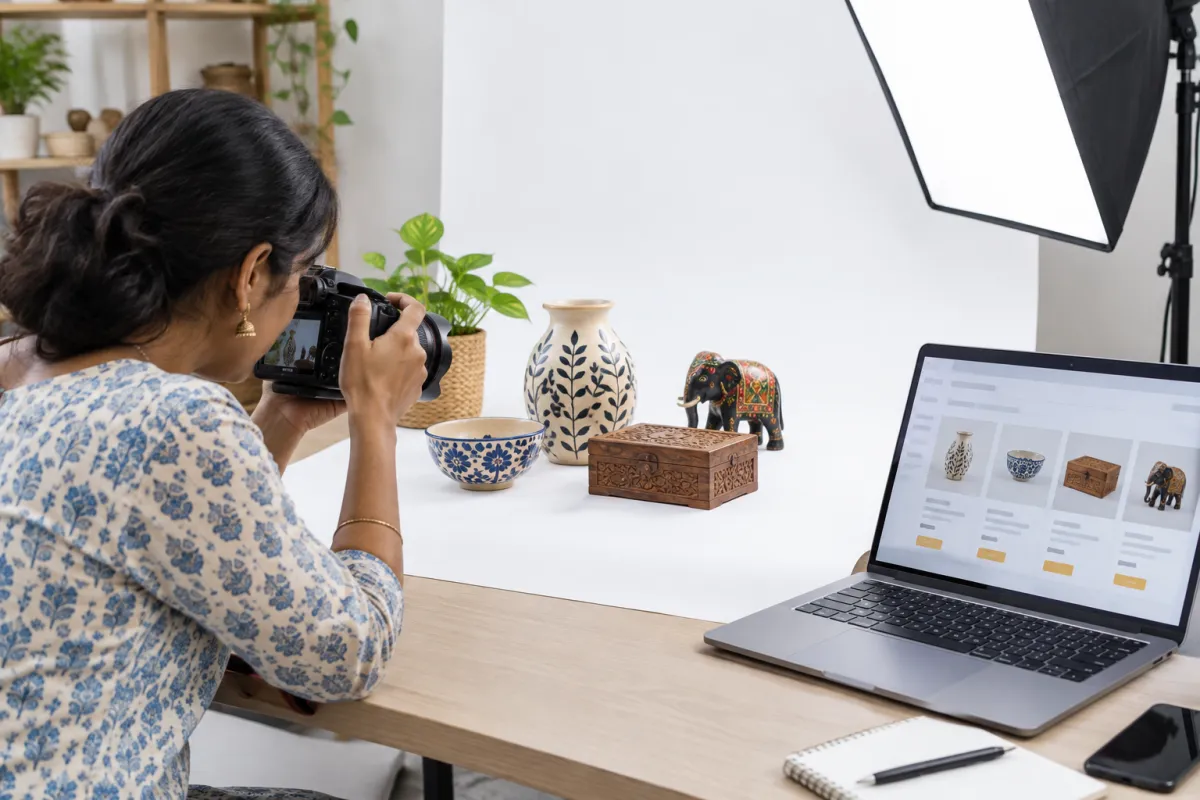
Ecommerce SEO is the work of making your category and product pages easy for Google to understand, so that a shopper searching for "cotton kurta for women" or "steel water bottle 1 litre" finds your store instead of only the big marketplaces. You do not need a huge budget for it. You need a clean structure, honest and useful product pages, and the patience to improve a little every week.
Many small store owners in India launch on Shopify or WooCommerce, add products in a hurry, copy the supplier's description and then wonder why Google sends nobody. The good news is that most of these problems are easy to fix once you know what to look for. If you have not launched yet, start with our guide on how to start an online store in India, then come back here.
Why Ecommerce SEO Is Different From Normal SEO
A service website might have ten pages. An online store can have hundreds or thousands, and most of them look similar: a photo, a title, a price and an "Add to Cart" button. That creates special challenges:
- Many near-identical pages. Ten colours of the same T-shirt can look like ten copies of one page.
- Thin content. A product page with one line of text gives Google very little to work with.
- Filters and sorting can create endless versions of the same category page.
- Stock changes. Products sell out, come back or are discontinued.
- Heavy images slow the store down on mobile data.
General SEO advice still applies, and our on-page SEO checklist covers the basics for every page. The tips below focus on what is special about stores.
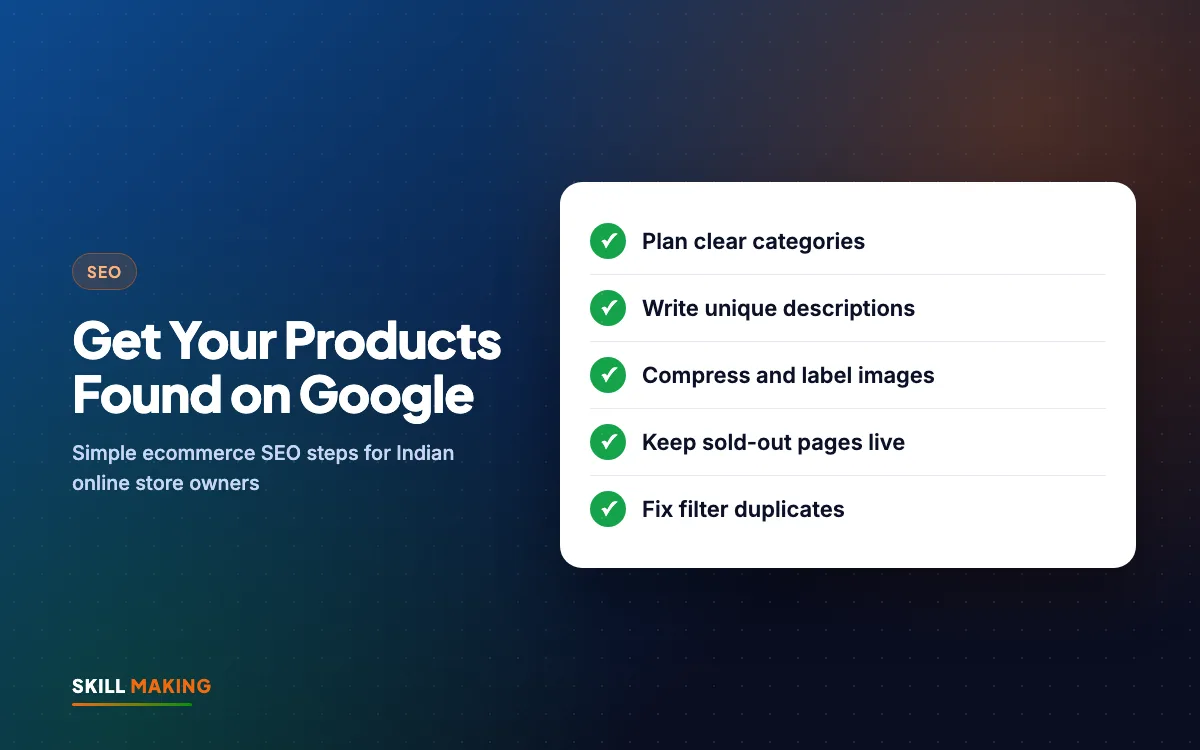
Tip 1: Plan Your Category Structure Before Adding Products
Your categories are the skeleton of the store. Shoppers use them to browse, and Google uses them to understand what you sell. A messy structure confuses both.
What a good structure looks like
Keep it shallow and logical. A shopper should reach any product in about three clicks from the home page. For example, a home-decor store in Jaipur might use:
- Home page
- Bedsheets (category)
- Cotton Bedsheets, Double Bed Bedsheets, Jaipuri Print Bedsheets (sub-categories)
- Individual product pages
Category pages deserve real content
Category pages often rank better than individual products for broad searches like "jaipuri bedsheets online". Give each one:
- A clear heading that matches how people search, such as "Cotton Bedsheets for Double Bed".
- A short introduction of 80 to 150 words above or below the product grid, explaining materials, sizes and who the range suits.
- A few helpful answers at the bottom: washing care, size guide, delivery areas.
- Links to related categories, such as pillow covers or quilts.
Avoid creating a separate category for every tiny variation. "Blue Bedsheets", "Light Blue Bedsheets" and "Sky Blue Bedsheets" as three categories usually just splits your strength.
Tip 2: Write Unique Product Descriptions
This is the single biggest ecommerce SEO mistake we see in Indian stores. The owner copies the description from the supplier or the manufacturer's catalogue. So do fifty other sellers. Google sees the same text everywhere and has no reason to show your page.
What to write instead
Write for a real shopper who cannot touch the product. Answer the questions they would ask in your shop:
- What is it made of, and how does it feel?
- What size is it, really? Give measurements, not just "free size".
- Who is it for, and when would they use it?
- How do you care for it or use it?
- What is in the box?
- How long does delivery take to their city?
Here is a simple before and after for a product page:
Without a website
is not here
- ✕Customers can’t find you on Google
- ✕Only a social page — or nothing
- ✕Missed calls, no follow-up
- ✕Competitors look more trusted
With a Skill Making website
- ✓Shows up when people search on Google
- ✓Photos, prices and reviews build trust
- ✓WhatsApp and call buttons on every screen
- ✓Every enquiry tracked and followed up
A simple template you can reuse
- Opening line: what it is and the main benefit, in plain words.
- Three to five bullet points: material, size, use, care, warranty.
- A short paragraph: a real-life use, such as "a good gift for Diwali" or "fits a standard 6x6 double bed".
- Specification list: weight, dimensions, colour, pack size.
- Delivery and returns: one or two lines, with a link to the full policy.
If you have hundreds of products, start with your best sellers and the ones with the best margins. Improving twenty important pages properly is better than rewriting two hundred badly. Our guide on how to write website content has more tips on writing in a clear, friendly voice.
Tip 3: Product Titles and URLs That Match Searches
Your product title is often the first thing Google reads. Make it descriptive, not clever.
- Weak: "Royal Comfort 2.0"
- Better: "Royal Comfort Cotton Double Bedsheet with 2 Pillow Covers, King Size"
Include the product type, key feature, size or quantity, and the brand if shoppers search for it. Keep it readable; do not stuff in every keyword you can think of.
URLs should be short and clean, for example /products/cotton-double-bedsheet-king rather than a long string of numbers. Set this when you create the product, because changing URLs later needs redirects.
Tip 4: Image Alt Text and File Size
Images sell products, and they can also bring visitors through Google Images. But they are also the most common reason a store is slow.
Alt text
Alt text is a short description of the image that helps visually impaired shoppers and helps Google understand the picture. Write it like you would describe the photo on a phone call:
- "Red Banarasi silk saree with gold zari border, front view"
- "Stainless steel water bottle 1 litre with bamboo lid"
Avoid alt text like "IMG_4521" or "saree saree buy saree online cheap".
File size and format
- Resize photos before upload. A phone photo can be several megabytes; a product image rarely needs to be that large.
- Use modern formats such as WebP where your platform supports them. Shopify often handles this automatically.
- Rename files before upload: red-banarasi-saree-front.jpg instead of DSC0098.jpg.
- Show several angles, a close-up of the fabric or texture, and a photo of the product in use.
For more on why this matters, read our post on website speed and enquiries.
Tip 5: Collect and Show Customer Reviews
Reviews help in two ways. They build trust with shoppers who are nervous about buying online, and they add fresh, natural text to your product pages in the words real customers use.
- Send a short WhatsApp or email message a few days after delivery asking for a review.
- Make it easy: one link, a star rating and an optional comment box.
- Allow customers to upload a photo of the product they received. Real photos are very convincing.
- Reply politely to negative reviews and fix the problem where you can.
- Never write fake reviews or pay for them. It damages trust and can break platform rules.
Your Google Business Profile reviews matter too if you also have a physical shop. Our post on how to get more Google reviews has simple message scripts.
Tip 6: Internal Links That Guide Shoppers and Google
Internal links are links from one page of your store to another. They help shoppers find more products and help Google discover and understand your pages.
Good places for internal links:
- Breadcrumbs at the top of every product page (Home > Bedsheets > Cotton Bedsheets).
- "You may also like" or "Complete the look" sections with related products.
- Category introductions that link to sub-categories.
- Blog posts or buying guides that link to the products they mention, such as "How to choose the right yoga mat" linking to your yoga mat category.
- Footer links to your most important categories.
Make sure no product is an orphan, meaning a page with no links pointing to it. If a product is only reachable through the site search, Google may struggle to find it.
Tip 7: Handle Out-of-Stock and Discontinued Products Properly
Stock changes all the time in ecommerce. How you handle it affects both shoppers and SEO.
Temporarily out of stock
- Keep the page live. Do not delete it or hide it.
- Show a clear "Out of stock" label and an expected restock date if you know it.
- Add a "Notify me when available" option by WhatsApp or email.
- Suggest similar products that are in stock.
Permanently discontinued
- If there is a close replacement, redirect the old page to the new product with a 301 redirect.
- If there is no replacement, redirect it to the most relevant category page.
- If the page had no visitors and no links, it is fine to let it return a "not found" page.
Deleting popular pages without a redirect throws away the trust they have built up with Google, and shoppers who saved the link see an error.
Tip 8: Avoid Duplicate Content From Filters and Variants
Filters for size, colour, price and brand are great for shoppers. But each filter combination can create a new URL, and Google may waste time crawling thousands of nearly identical pages.
Ways to keep this under control:
- Use canonical tags so filtered and sorted versions point back to the main category page. Most modern platforms add these by default, but check.
- Keep product variants such as colours and sizes on one product page with selectors, rather than separate pages, unless people search for each variant separately.
- Do not let the same product appear under many different URLs because it sits in several collections. Shopify, for example, can show product links through collection paths; make sure the canonical points to the main product URL.
- Avoid copying the same description onto many similar products with only the colour changed. Write at least a few unique lines for each.
If this sounds technical, it is worth asking your developer or our SEO team to check it once. Getting it right early prevents a lot of trouble later.
Tip 9: Product Schema in Plain Words
Schema is a small piece of code, invisible to shoppers, that tells Google exact facts about a product: its name, price, currency, availability and rating. When Google understands these details, it can sometimes show them in search results, for example a star rating or "In stock" next to your listing.
What you need to know as an owner:
- Shopify themes and WooCommerce SEO plugins usually add basic product schema automatically.
- Make sure the price and availability in the schema match what the page shows. Mismatches can cause problems.
- Review schema only works if the reviews are real and shown on the page.
- You can test a product page with Google's free Rich Results Test tool.
Schema does not guarantee rich results, but it gives Google the clearest possible picture of what you sell.
Tip 10: Site Speed on Indian Mobile Networks
Most of your shoppers will visit on a phone, often on mobile data and sometimes on a weak signal in a smaller town. A slow store loses them before the first product loads.
Quick wins for speed:
- Compress and resize images (see Tip 4).
- Remove apps and plugins you no longer use. Each one can add scripts to every page.
- Choose a lightweight, well-built theme rather than one packed with sliders and animations.
- Limit the home page to what matters: a clear banner, top categories and best sellers.
- Check your store with Google PageSpeed Insights and fix the biggest issues first.
Our post on mobile-first website design explains why the phone version should come first.
Tip 11: Use Google Search Console and Merchant Center
Two free Google tools help your ecommerce SEO a lot.
Google Search Console shows which searches bring people to your store, which pages are indexed and which have errors. Submit your sitemap there and check it every couple of weeks. Our Google Search Console guide walks through the setup.
Google Merchant Center lets you upload your product feed so your products can appear in Google Shopping results and the Shopping tab, including free listings where available. Platforms like Shopify and WooCommerce have apps or plugins that connect your catalogue. Keep prices, stock and images in the feed accurate, and later you can use the same feed for Shopping ads through Google Ads.
Want someone to look at your store and tell you which of these tips matter most for you? We are happy to help.
Your Ecommerce SEO Action Plan
If all this feels like a lot, work through it in this order:
- Week 1: Set up Search Console, submit your sitemap and fix any obvious errors.
- Week 2: Clean up your category structure and write introductions for your top five categories.
- Week 3: Rewrite descriptions and titles for your top twenty products.
- Week 4: Compress images, add alt text and remove unused apps.
- Every month after that: Collect reviews, add a buying guide or blog post, improve another batch of products and check out-of-stock pages.
SEO for a store grows slowly but steadily. Here is the kind of pattern you can expect when you keep improving month after month:
Illustration only, not a promise. Real results depend on your town, competition, offer and how quickly you reply to enquiries.
The exact results depend on your products, competition and how consistently you work on it, but steady effort usually beats one big push.
Common Ecommerce SEO Mistakes to Avoid
- Copying manufacturer descriptions word for word.
- Uploading huge, unnamed images with no alt text.
- Deleting sold-out products instead of keeping or redirecting them.
- Creating dozens of tiny categories with two products each.
- Hiding shipping costs and return policies, which hurts trust.
- Ignoring the store for months after launch.
What to Do Next
Pick your top five products today and give each one a better title, a unique description and properly named, compressed images. That one step often makes a noticeable difference over the following weeks.
If you would like expert help, we build and optimise online stores on Shopify and WooCommerce. Our Online Store package starts at ₹49,999 plus GST, with up to 50 products, UPI, cards and COD, shipping and GST invoices; see all website packages or our website design cost guide. You can also ask for a free audit of your current store and we will show you, in simple words, what to fix first.