When you advertise on Facebook and Instagram, one of the first choices is where the enquiry happens. You can use Meta lead ads, where a form opens right inside the app, or send people to a landing page on your website. Both can work. Both can also fill your phone with people who never pick up.
This post explains the difference, when to choose each, and how to set them up so you get leads you can actually turn into customers.
What are Meta lead ads?
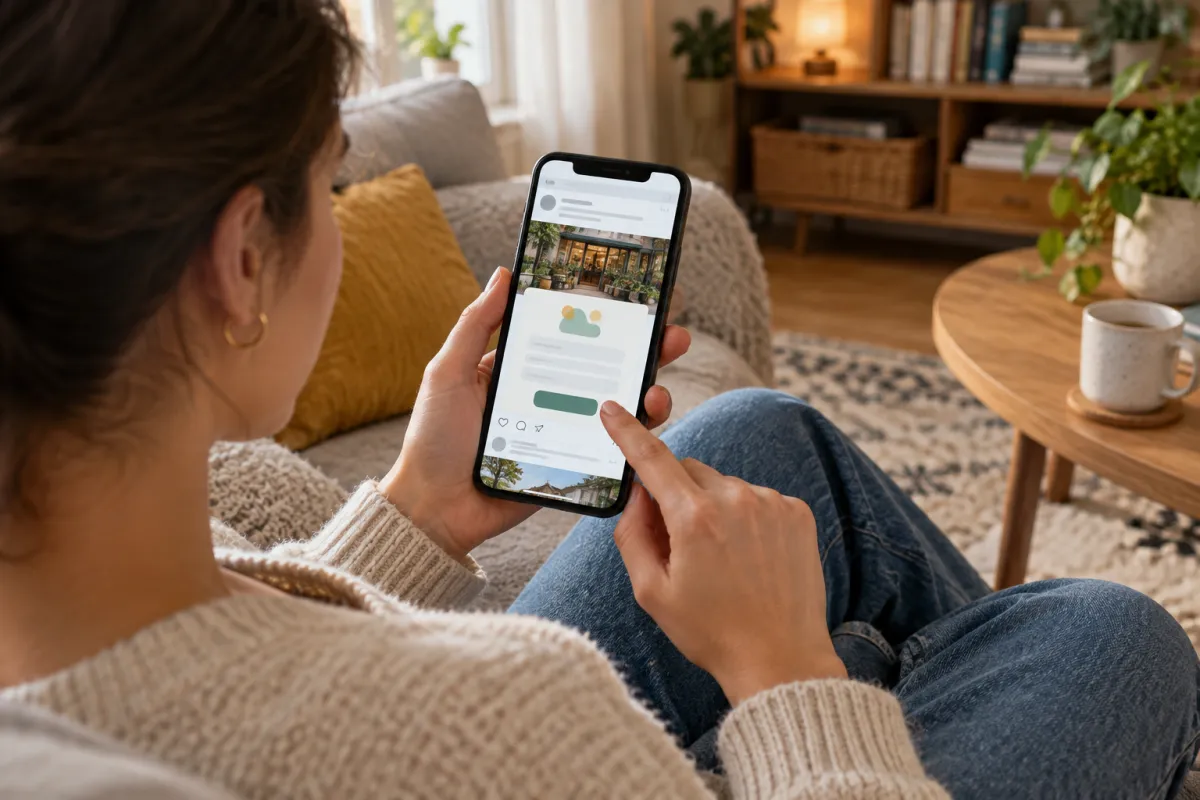
Meta lead ads (also called instant forms) show a form inside Facebook or Instagram when someone taps your ad. The form can be partly filled already with the person's name, phone number and email from their profile. They tap "Submit" and you get the lead.
Good things about them:
- Very little effort for the customer. Two taps and done.
- Works on slow internet, because nothing outside the app has to load.
- Often a lower cost per lead than sending people to a website.
- No website needed to start.
Weak points:
- Because it is so easy, many people submit without really meaning it.
- Some forget they filled it, so they are surprised when you call.
- You get little chance to explain your service, show reviews or build trust before they apply.
- Leads sit inside Meta unless you download them or connect them to WhatsApp, email or a CRM.
What is a landing page?
A landing page is one focused page on your website built for one offer. The ad sends people there. It usually has:
- A headline that matches the ad
- Photos of real work, your team or your place
- Clear details: what you offer, where, and what it costs or starts from
- Reviews or results from past customers
- WhatsApp, call and a short form
Good things about landing pages:
- People read about you before they enquire, so they often arrive better informed and more serious.
- You own the page, and it keeps working for Google and other ads too.
- You can track every call, WhatsApp click and form.
- You can show visitors ads again later through the Meta Pixel.
Weak points:
- The page must load fast on a phone. A slow page loses many people.
- It costs time or money to build.
- Cost per lead is often higher than with instant forms.
Meta lead ads vs landing pages: side by side
Here is a simple comparison:
Store locators with address, map and timings for every outlet
Brands like Domino’s and TanishqA page for your town + Google Business Profile with map and timings
Click-to-call and chat on their pages
Brands like TanishqWhatsApp and call buttons on every screen
Doctor profiles and online appointment requests
Brands like Apollo HospitalsAn enquiry or booking form that lands on your WhatsApp
Ratings and reviews right where people decide
Brands like AmazonYour best Google reviews shown on your website
Brand names belong to their owners and are used only as examples of common website features. Skill Making is not connected with them.
The short version:
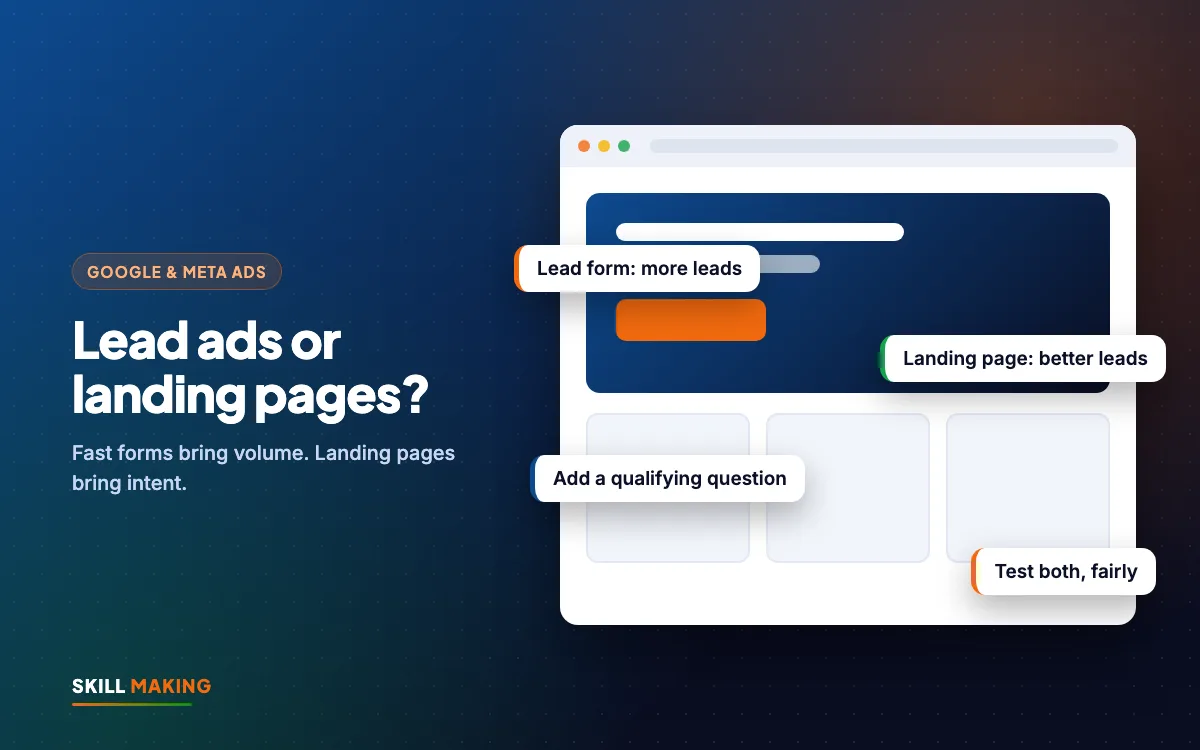
- Want volume and speed? Meta lead ads.
- Want fewer but more serious enquiries? Landing page.
- Selling something people must think about, like a home renovation, admission or property? Landing pages often win.
- Selling something simple and quick, like a free trial class, event registration or a restaurant table? Instant forms often win.
When Meta lead ads are the better choice
Use Meta lead ads when:
- The offer is simple and low-risk: "Book a free demo class", "Register for the open day", "Get our festival menu".
- You can call or WhatsApp every lead within minutes.
- You do not yet have a website, or your site is slow and you cannot fix it this week.
- You want to collect a large list for later follow-up, such as for a new school or launch.
Example: a coaching centre in Rudrapur running a free mock test. A short form with name, phone and exam is enough. Volume matters, and the team calls everyone the same day.
When a landing page is the better choice
Use a landing page when:
- The job is bigger or more personal: a roofing job, a kitchen renovation, an IVF consultation, a property visit.
- Trust matters. People want to see your work, reviews and address first.
- You also run Google Ads, so one page can serve both.
- You want to remarket to visitors who did not enquire the first time.
Example: a painting contractor shows before-after reels and sends people to a page with project photos, a simple price guide and a WhatsApp button. Fewer people enquire, but the ones who do are ready to talk about a real job. Our website design for contractors and builders page shows what such a site includes.
How to make Meta lead ads bring better leads
If you choose Meta lead ads, these settings make a big difference to quality.
- Choose "Higher intent" form type where Meta offers it. It adds a review step before submitting, which removes many accidental leads.
- Add one or two qualifying questions. For example: "Which area do you live in?" or "When do you want to start?" Multiple choice is fine.
- Ask for the phone number to be confirmed where possible, so fake or old numbers drop.
- Write a clear intro on the form: what happens after they submit, and when you will call.
- Add a thank-you screen with a WhatsApp or call button, so hot leads can contact you right away.
- Connect the form to your phone, email or CRM so leads reach you instantly. Leads left inside Meta for a day go cold fast.
- Call or WhatsApp within minutes. Speed matters even more with instant forms, because people forget.
How to build a landing page that converts
If you choose a landing page, check these before spending on ads:
- Fast on mobile. Test it on an ordinary phone on mobile data.
- Headline matches the ad. Same offer, same words.
- One goal. Do not add your full menu, five services and a blog on the same page.
- Contact options above the fold. WhatsApp, call and a short form.
- Proof. Real photos, Google reviews, and the areas you serve.
- Short form. Name, phone and one question. Longer forms reduce leads.
- Tracking. Meta Pixel and Google tag installed so you know which ad brought each lead.
Our Starter and Business website packages include pages like this, with WhatsApp, call and form tracking. For the full difference between a landing page and a whole site, read Landing Page vs Website.
Run a fair test
The best way to settle Meta lead ads vs landing pages for your business is a simple test.
- Use the same offer, same audience and same budget for both.
- Run both for at least two to three weeks.
- Count leads, contacted leads and paying customers for each.
- Work out cost per lead and cost per customer for each. Our cost per lead guide shows how.
- Keep the winner, and try to improve the loser once more before you drop it.
Often you will find instant forms bring more leads but the landing page brings similar or more customers. Sometimes the opposite. Your numbers decide.
Follow-up decides everything
Whichever you choose, the real result depends on what happens after the lead arrives.
- Send an automatic WhatsApp or SMS reply within a minute: "Thanks, we got your request. We will call you in 10 minutes."
- Call quickly. If no answer, send a WhatsApp with your name and photo of your work.
- Follow up again the next day and after three days.
- Mark each lead in a sheet or CRM: new, contacted, interested, booked, lost.
We set up these replies and reminders through AI and automation. The full system is in Automate lead follow-up with WhatsApp and a simple CRM.
Mistakes to avoid
- Running Meta lead ads with no qualifying questions and then complaining about junk
- Sending ad traffic to your home page instead of a focused page
- A landing page that takes ages to load on mobile data
- Letting leads sit in the Meta inbox until the weekend
- Judging only by cost per lead instead of paying customers
What to do next
Pick your next ad offer and ask one question: is this a quick, easy yes, or a decision people need to think about? Quick yes, try an instant form with good qualifying questions. Bigger decision, build a landing page. If you want us to look at your current ads and forms, ask for a free audit, or see how we run Facebook and Instagram ads for local businesses.