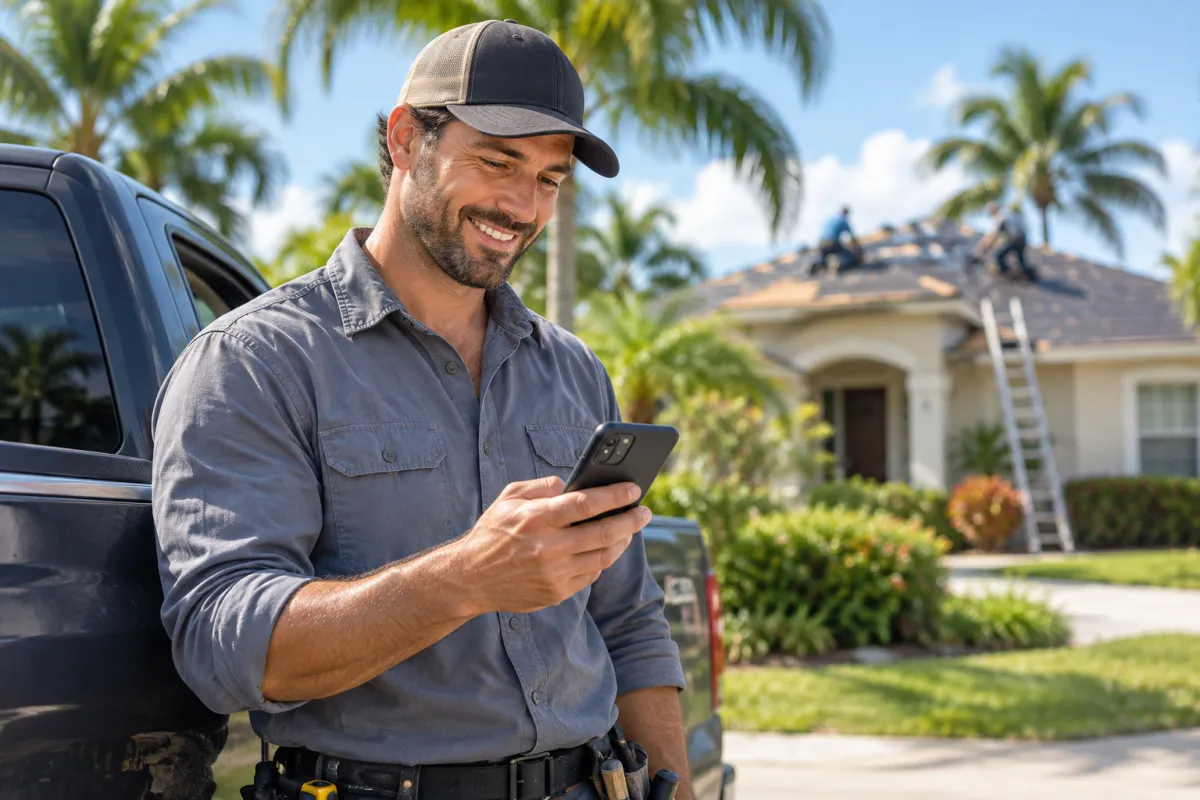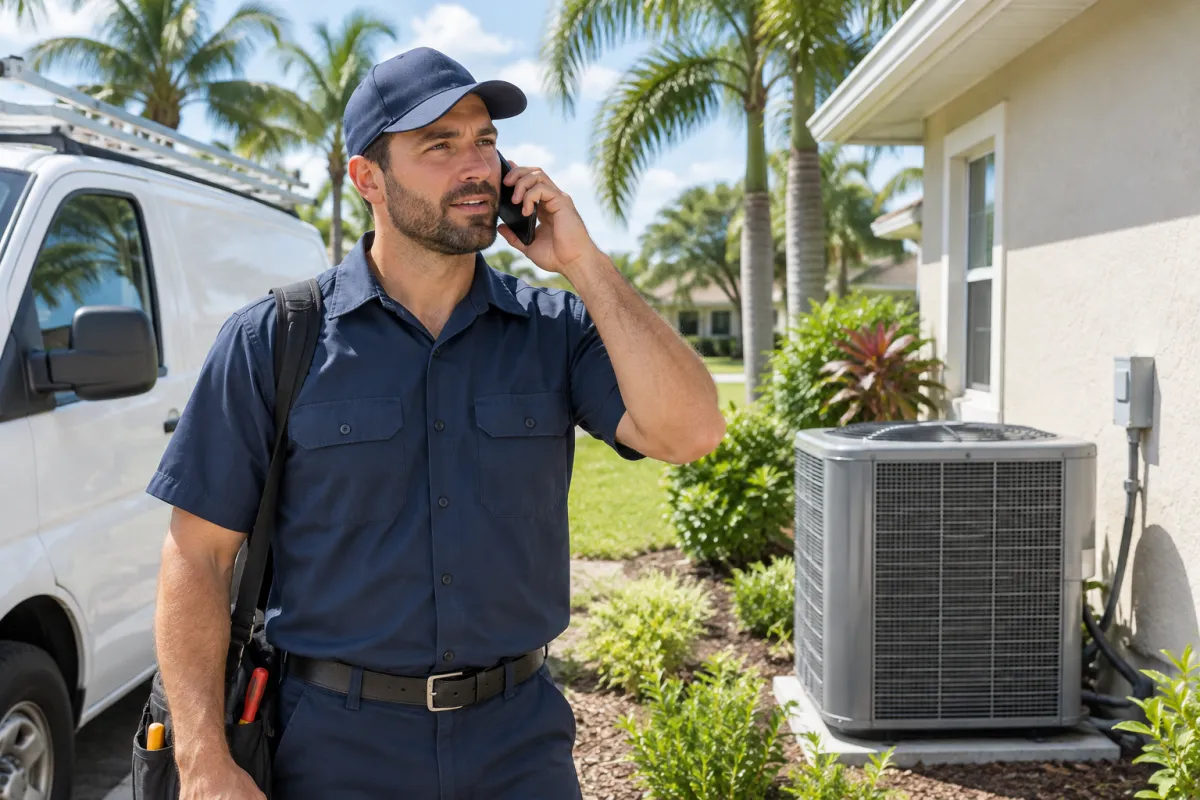
A home service website has one job: make the phone ring with the right customers. When an AC quits in July, a pipe bursts under the kitchen sink or a storm peels shingles off a roof in Fort Myers, nobody wants to read a long story about your company. They want to know three things fast: do you do this, do you come to my area, and how do I reach you right now?
This guide is written for Florida home-service owners: HVAC, plumbing, roofing, pool service, pest control, house cleaning and landscaping. It walks through the parts of a website that actually produce calls and quote requests, in the order a homeowner experiences them. Use it as a checklist for your current site, or as a plan for a new one.
The Five-Second Test Every Home Service Website Must Pass
Open your website on your phone. Pretend you are a stressed homeowner in Kissimmee whose AC just died. Within five seconds, can you see:
- What you do, in plain words ("AC Repair and Installation in Orlando and Kissimmee")?
- Where you work, by city or county?
- A big tap-to-call button with your phone number?
- A reason to trust you, such as your star rating, years in business or "Licensed and Insured"?
If any of these are missing above the fold on mobile, fix that first. Everything else in this guide helps, but this is where most lost calls happen.
What to put at the top of the home page
- A short headline with your main service and area.
- One line under it: your promise, such as "Same-day service, upfront pricing, local family business."
- Two buttons side by side: Call Now and Get a Free Quote.
- A row of trust badges: Google rating, licensed and insured, years serving the area.
- One real photo of your team or truck, not a stock photo.
How Florida Homeowners Find and Choose a Contractor
Most homeowners follow a similar path. They search on Google, look at the map results and ads, open two or three websites, check reviews and photos, and call the one that feels right. Sometimes the whole decision takes a few minutes.
Here is that path, and where your website fits in:
- Homeowner searches on Google“house builder near me”
- Opens your websiteServices and service areas
- Sees past projects & reviewsTrusts your work
- Sends a quote requestYou reply first and win
- Site visit & contractA new project signed
Every step is a chance to win or lose the job. Your Google Business Profile gets you seen, your website earns trust, and your call button or form closes the gap.
Click-to-Call: Make Calling the Easiest Thing on the Page
For most home services, a phone call is the most valuable lead. People with urgent problems want to talk to a human.
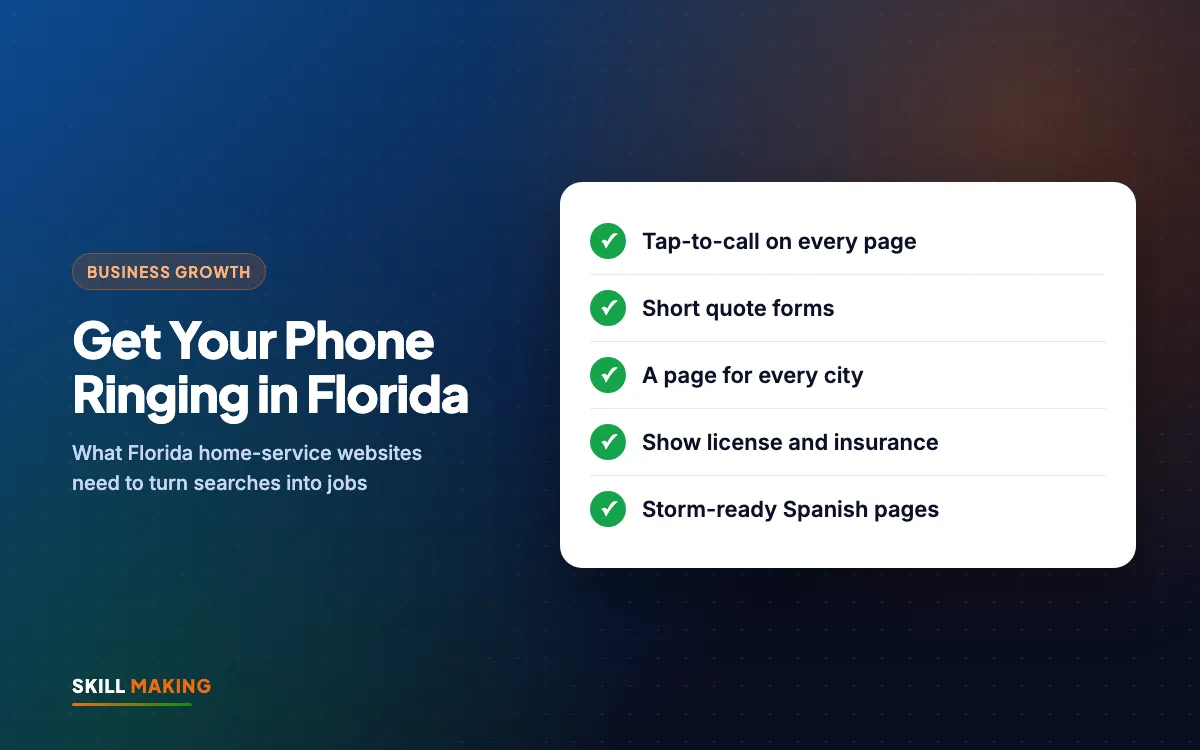
- Put a tap-to-call number in the header of every page, not just the Contact page.
- Add a sticky call bar at the bottom of the mobile screen that stays visible while people scroll.
- Use a number that is answered. If calls go to voicemail during business hours, many people simply call the next company.
- Show your hours, and say clearly if you offer after-hours or emergency service.
- Consider call tracking so you know which calls came from the website, Google Business Profile or ads.
If you cannot answer every call, set up a text-back so missed callers get an instant message like "Sorry we missed you, we will call back within 15 minutes." Our post on automating lead follow-up shows simple ways to do this.
Quote Forms That Homeowners Actually Finish
Not everyone wants to call. Some homeowners are at work, some prefer to compare quotes at night, and some just want a rough price first. A good quote form catches these leads.
Keep it short
Ask only what you need to call back with a useful answer:
- Name
- Phone number
- ZIP code or city
- Service needed (dropdown: AC repair, new system, maintenance plan, and so on)
- How soon (emergency, this week, just planning)
- Optional photo upload and a short message
Make it work hard
- Put the form, or a button to it, on every service page.
- Send each submission to your phone by text and email at the same time.
- Show a thank-you message that says when you will call back.
- Reply fast. Homeowners often request quotes from several companies, and the first clear, friendly reply very often wins.
If leads go quiet after you quote, read why most leads go cold for a simple follow-up routine.
Service Pages and City Pages: Show Up Where You Work
A single home page that lists "Plumbing, Drain Cleaning, Water Heaters, Repiping, Leak Detection" cannot rank well for all of them. Google and customers both prefer one clear page per service.
One page per service
A plumber should have separate pages for water heater repair, drain cleaning, leak detection and repiping. A pest control company should split termite treatment, general pest control, mosquito control and rodent removal. Each page should explain the problem, how you fix it, what it roughly involves, real photos and a clear call button.
One page per city you serve
If you work across Tampa, St. Petersburg, Clearwater and Brandon, create a page for each area. A good service-area page is not a copy of the home page with the city name swapped. Include:
- The services you offer there.
- A job or two you completed in that city, with photos.
- Local details: older homes in certain neighborhoods, hard water, sandy soil, salt air near the coast, typical pool setups.
- Your phone number and quote button.
This structure is the backbone of a strong home service website, because it matches exactly how people search: "water heater repair Brandon" or "pool cleaning Clearwater". Our local SEO checklist covers the rest of the local ranking basics.
Trust Builders: License, Insurance, Reviews and Real Photos
Letting a stranger into your home, attic or backyard is a big decision. Florida homeowners look for proof before they call.
Show your license and insurance details
Display your license and insurance details clearly, usually in the footer of every page and near your quote form. Customers often look these up, and having them visible saves them a step and shows you have nothing to hide. Rules differ by trade and county, so check what applies to your business.
Reviews
- Show your Google rating and a few recent reviews on the home page and service pages.
- Include the customer's first name and city when they allow it.
- Ask every happy customer for a review the day the job is finished, ideally with a direct link by text.
- Reply to every review, including the unhappy ones, calmly and professionally.
Our guide on how to get more Google reviews has short text messages you can copy.
Real people and real jobs
- Photos of your actual team, trucks and uniforms.
- Before-and-after photos of real jobs: a cleaned-up yard, a repaired roof, a green pool brought back to blue.
- A short "About Us" section: who owns the company, how long you have served the area, and why you started.
Hurricane Season and Storm Demand: Be Ready Before It Hits
In Florida, the weather drives demand. Roofers, tree services, pool companies, HVAC and general repair businesses often get a rush of calls before and after a storm. A home service website that is ready for this captures much more of that demand.
Before the season
- Create a storm or emergency service page: emergency tarping, storm damage inspection, generator hookups, post-storm pool cleanup, fallen tree removal, whatever fits your trade.
- Write a short hurricane prep checklist for homeowners in your trade. It is genuinely useful, people share it, and it shows you know the area.
- Make sure your site loads fast and your hosting can handle a sudden spike in visitors.
When a storm is coming or has passed
- Add a banner at the top of the site with your current status: "Taking storm damage calls in Lee and Collier counties" or "Booking post-storm inspections now."
- Update your Google Business Profile hours and post an update.
- Be honest about wait times. Customers appreciate it, and it saves your team from angry calls.
- Warn customers about storm chasers and explain how to check a contractor's license and insurance. This builds trust in you.
Bilingual Pages: English and Spanish
Florida has a large Spanish-speaking population, especially in South Florida, Central Florida and many coastal towns. If you or your team speak Spanish, say so loudly on your website.
- Add a clear "Hablamos Español" badge near your phone number.
- Create Spanish versions of your key pages: home, main services, quote form and contact. You do not need to translate every blog post at first.
- Use proper translation reviewed by a fluent speaker, not just an automatic tool. Small mistakes in a service description can hurt trust.
- Make sure the Spanish pages have their own URLs so Google can show them to Spanish searchers.
- If calls in Spanish go to a specific team member, say so: "For Spanish, ask for Carlos."
For many home-service companies, this alone opens up a group of customers competitors are ignoring.
Google Business Profile and Local Services Ads
Your website and your Google presence work as a team. Many calls come straight from Google before anyone visits your site.
Google Business Profile
- Choose the most accurate primary category, such as HVAC contractor, plumber or pest control service.
- Set your service areas if you visit customers rather than having them come to you.
- Add photos every month, list every service and reply to every review.
- Link to your best page, such as your main service page or quote form.
Our Google Business Profile guide walks through each setting.
Local Services Ads
In many US cities, Google shows Local Services Ads at the very top of results for home-service trades, often with a badge showing the business has gone through Google's screening. You generally pay per lead rather than per click, and customers can call or message directly. They are not available for every trade or every area, and the screening takes some time, so check whether your category is offered where you work.
Regular Google Search Ads
Search ads let you appear for specific searches like "emergency plumber near me" or "AC not cooling repair". Send each ad to the matching service page, target only your service area and track every call. Our Google Ads service sets this up for home-service companies, and our post on Google Ads for local service businesses explains the basics.
Want us to check how your current site and Google listing stack up? We are happy to take a look.
Trade-by-Trade Ideas
Every trade has its own must-have pages and features. Here are quick ideas:
- HVAC: maintenance plan sign-up page, financing information if you offer it, "AC not cooling" troubleshooting tips, new system quote form.
- Plumbing: emergency service page, water heater page, leak detection, clear after-hours information.
- Roofing: storm damage page, inspection request form, roof type pages (shingle, tile, metal, flat), project gallery by city. See our page on website design for roofing contractors.
- Pool service: weekly service plans, green pool cleanup, equipment repair, a simple "request service" form with pool size.
- Pest control: termite page, mosquito control, recurring plans, pet- and family-safety information.
- Cleaning: service checklist, move-in and move-out cleaning, recurring plans, an easy booking form.
- Landscaping: before-and-after gallery, lawn care plans, irrigation, seasonal cleanup.
For HVAC and plumbing specifically, our pages on website design for HVAC contractors and plumbing contractors show the features we build.
Real Florida Examples From Our Work
We build websites and run marketing for businesses in Florida and across the US, so we see what works in practice.
- Markone Contractors offers roofing, concrete and painting in South Florida. We built their website, set up SEO and ran their ads. The owner told us the work "brought in good sales". The site follows the ideas in this guide: separate service pages, real job photos and clear call and quote buttons.
- Pro Car Auto Body Shop is a collision repair shop in Pompano Beach, Florida. We built their website and handle their SEO, focused on making it easy for local drivers to find them and get in touch.
Here are some of the websites we have built:
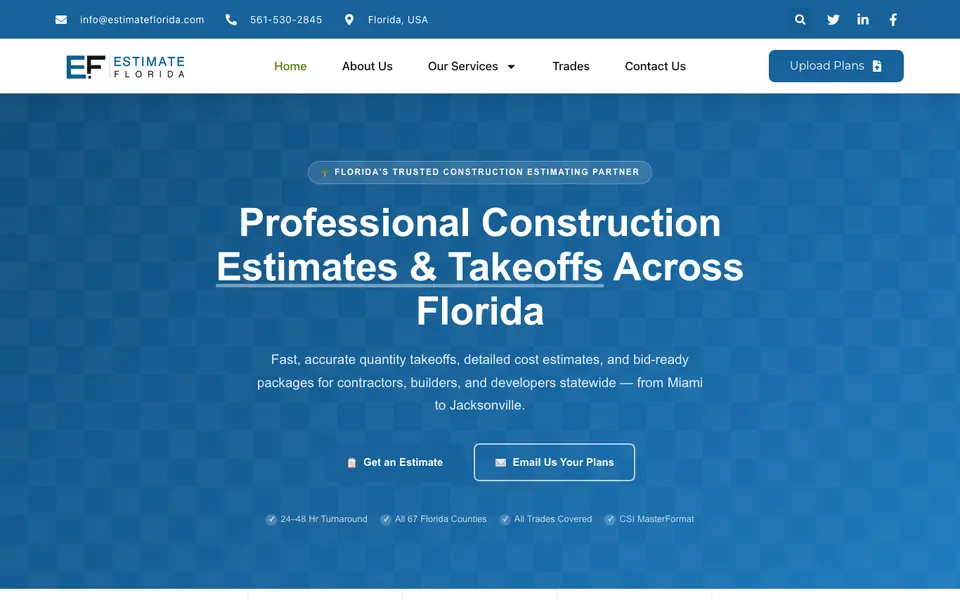
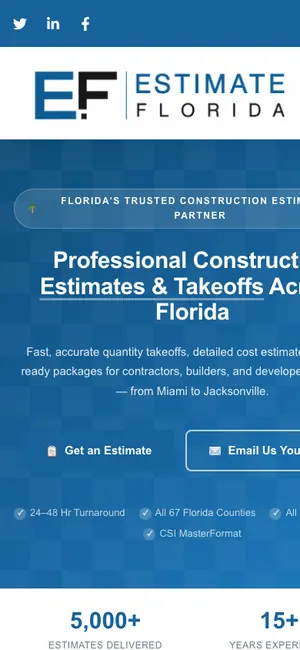 Estimate Florida ConsultingConstruction estimating · Florida, USA
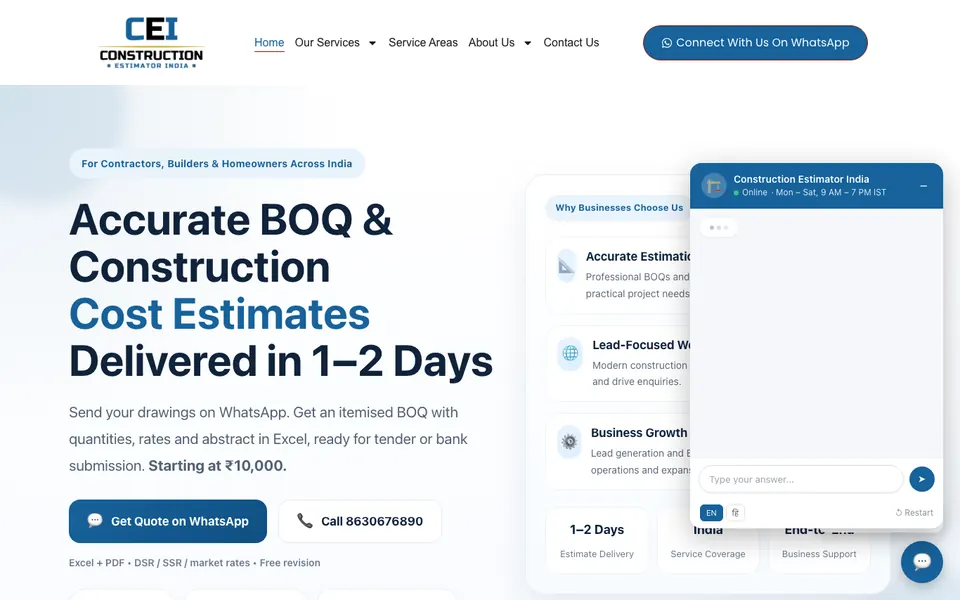
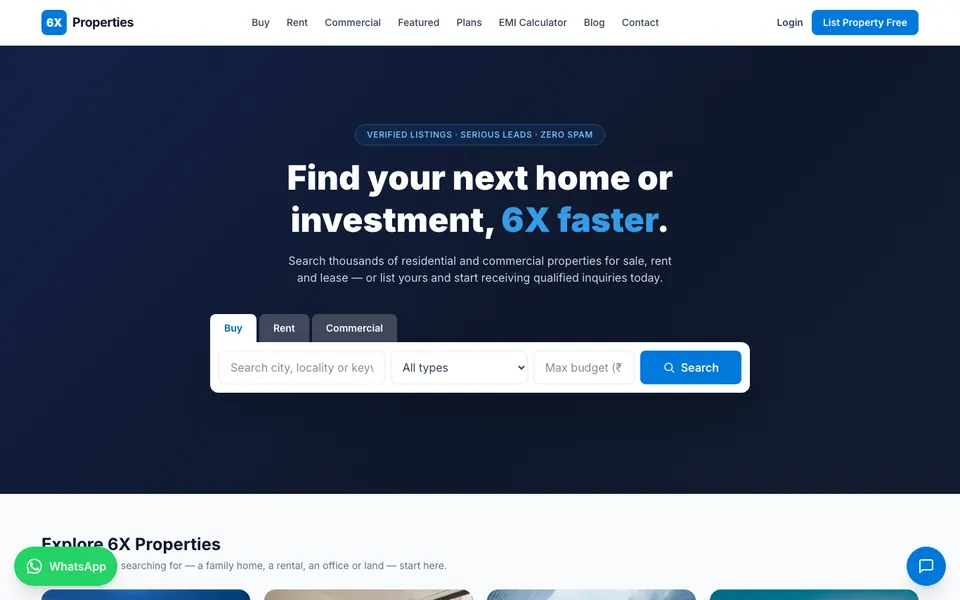
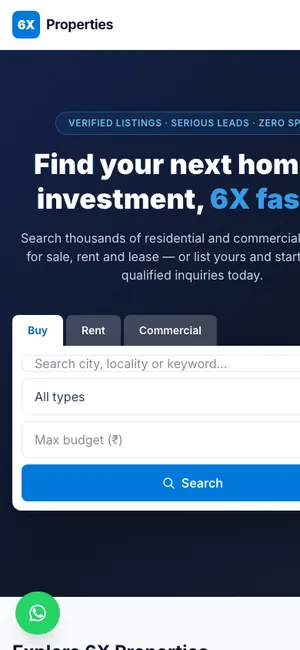 6X PropertiesReal estate portal · Rudrapur, Uttarakhand
You can see more on our work page.
What a Home Service Website Costs
With us, websites for US businesses start from $300. The final price depends on how many service pages and city pages you need, whether you want Spanish pages, and extras like online booking or call tracking.
You can estimate your own project with the cost calculator on our Miami website design page. If you work on the west coast or in Central Florida, see our pages for website design in Tampa and website design in Orlando. After launch, our SEO service helps your service and city pages climb in local search.
Mistakes That Keep the Phone Quiet
- A phone number that is hard to find or cannot be tapped on mobile.
- One page that lists every service and every city.
- Stock photos instead of your real team and jobs.
- No license and insurance details anywhere.
- A quote form nobody checks until the next morning.
- No storm or emergency page in a state where storms drive demand.
- Ignoring Spanish-speaking customers when your team speaks Spanish.
What to Do Next
Start with three quick wins this week: put a tap-to-call button in your header, add your license and insurance details to the footer, and ask your last ten happy customers for a Google review. Those small changes often make a noticeable difference.
When you are ready for a home service website built to bring in calls, ask us for a free website plan or a free audit of your current site. We will tell you, in plain English, what is holding your phone back and how to fix it.